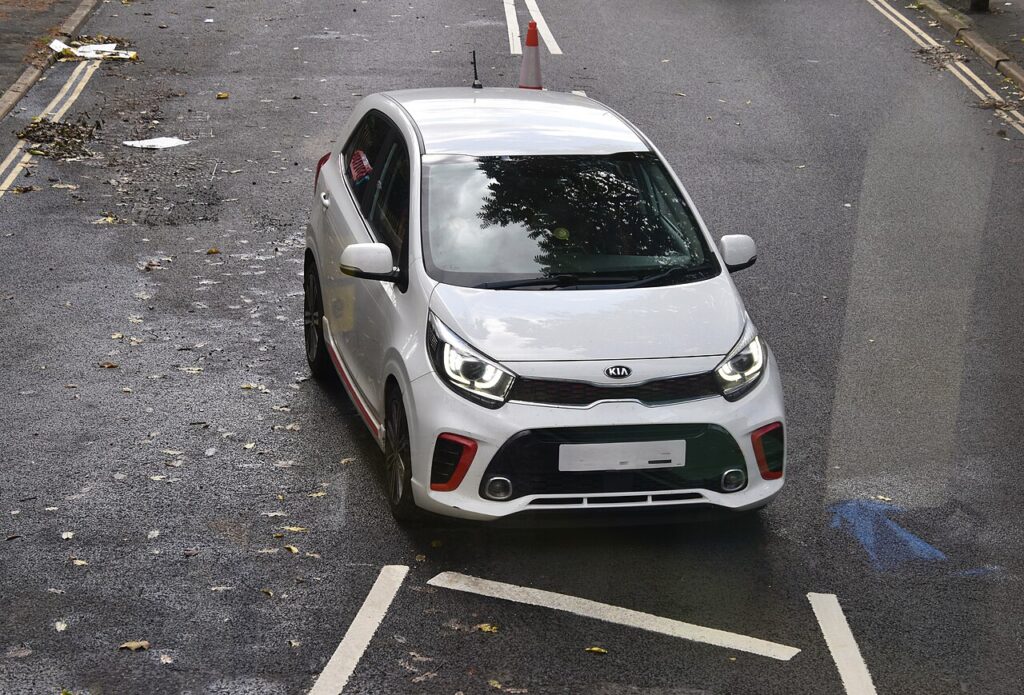
These instructions apply to the Kia Picanto Mk3 (JA) 2017-Present.
For other models, please choose your vehicle here.
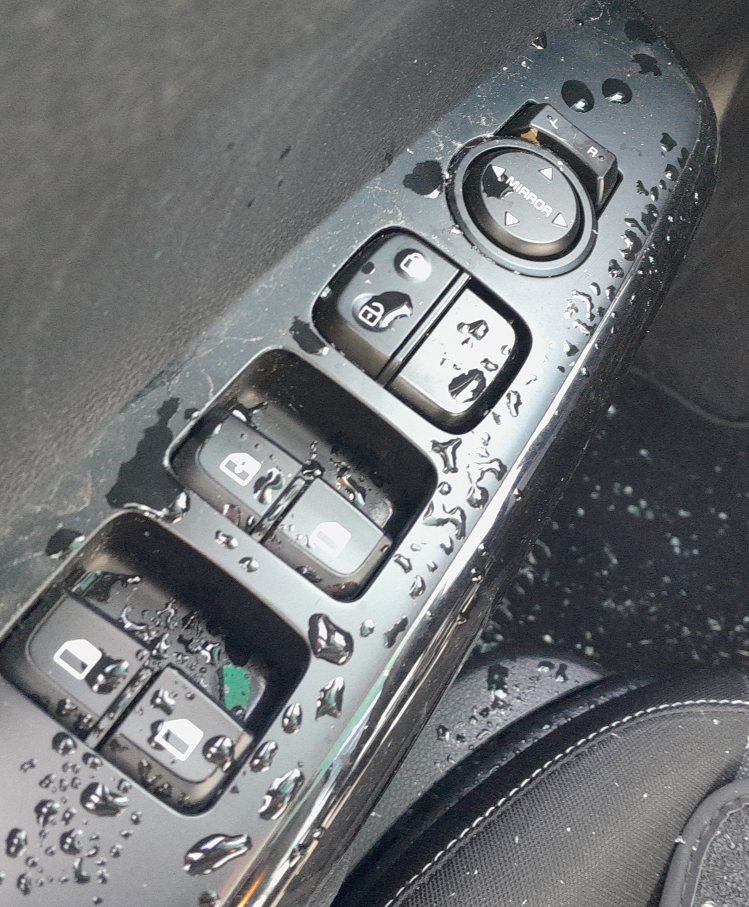
The third-generation Kia Picanto (JA chassis, 2017–present) has one-touch up and down on the driver’s window across all trims and on the front passenger window on ‘2’ and higher trims. After a battery disconnection, a window-related fuse change, or any door module work, the one-touch feature stops and windows operate only while you hold the switch. The fix is a quick per-window procedure with no tools.
Before you start
The Picanto JA shares its window architecture with the contemporary Kia Rio (YB facelift) and the Hyundai i10 — the procedure described here applies almost identically across those models. The window control module lives inside the door switch pack on each front door; the BCM handles communications but not calibration.
- Battery state of charge. The procedure depends on consistent motor speed at the seal. A weak battery (below 11.5 V under inrush) causes the controller to misread the position. Charge the battery overnight first if it has been sitting.
- Ignition ON, engine OFF. Don’t run the procedure with the engine cranking or running — alternator noise occasionally interferes with the calibration.
- All doors closed. The BCM blocks the calibration handshake if it sees a door-ajar input mid-procedure.
- Pull-and-hold action is precise. A short press won’t trigger calibration mode — the controller specifically looks for a sustained hold of 1 second past the upper end-stop.
Tools required
None.
Initialization procedure — driver’s side
- Switch ignition ON (push START once without your foot on the brake on push-button-start trims, or key to position II on mechanical-key cars).
- Pull and hold the driver’s window switch up until the window is fully closed.
- Keep holding the switch for about 1 second after the glass reaches the top seal. This is the calibration trigger — the controller records the position as the upper end-stop.
- Release the switch.
- Test one-touch up and down with brief presses. Both directions should now work in auto mode.
Initialization procedure — front passenger window
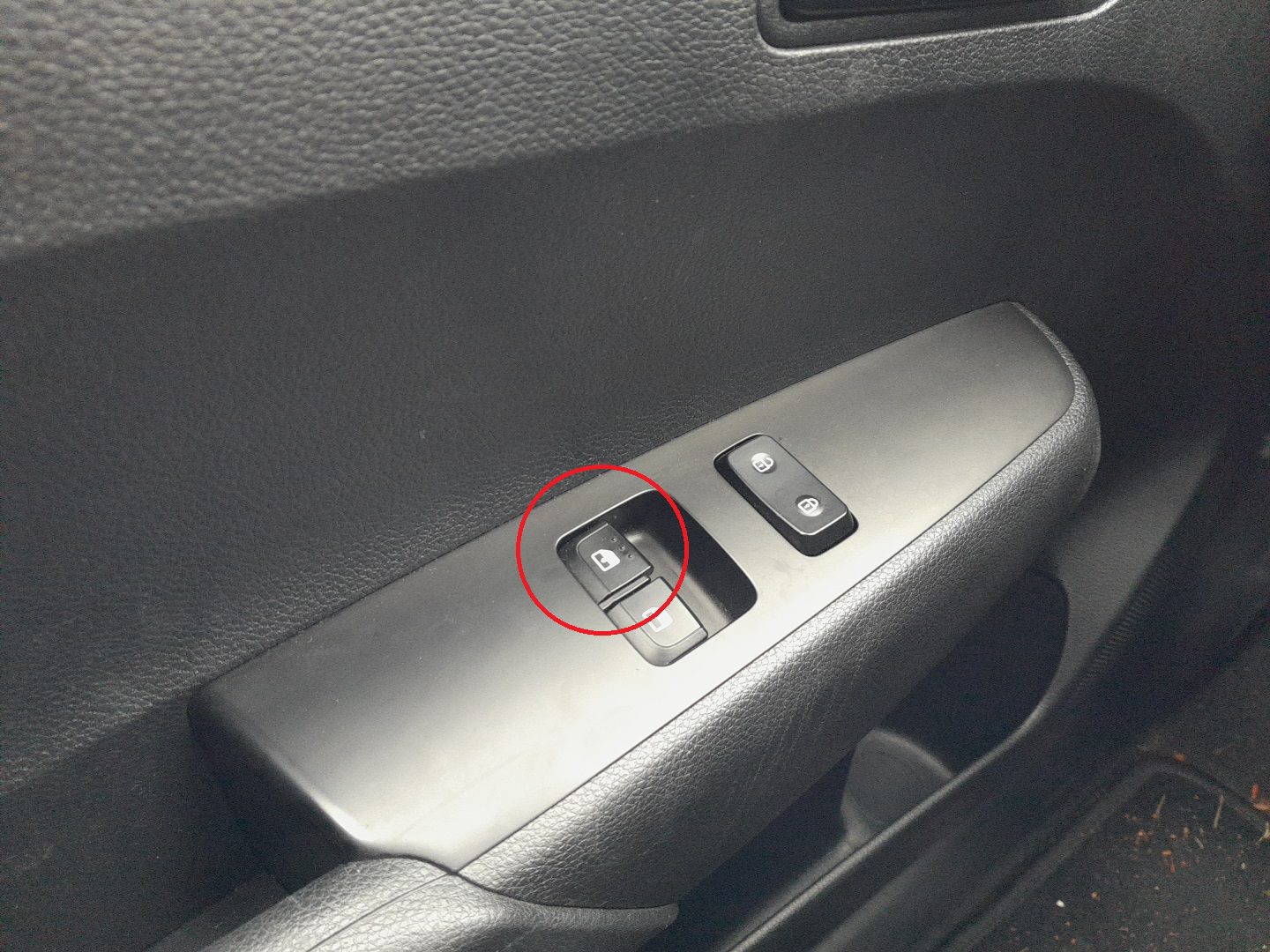
On ‘2’ and higher trims, the front passenger window also has one-touch. Run the procedure from the passenger door’s own switch — the driver’s master panel cannot calibrate the passenger window.
- From the passenger seat (with the door closed), pull the passenger window switch up until the glass is fully closed.
- Hold for 1 second past the seal.
- Release. Test one-touch with brief presses.
How to verify it has worked
- A short press of the switch sends the window all the way to its end-stop in either direction.
- Anti-pinch test: place a soft cloth on the top of the glass during a close — the window should reverse by 5–10 cm on contact.
- If your trim has the global-close function via the remote (hold lock button for 3 seconds), both front windows should close on command.
When It Won’t Cooperate
One-touch doesn’t return after the procedure. Most common cause on a Picanto: dry window felt at the top of the channel creating phantom resistance. Spray silicone lubricant into the felt, cycle the window five times to spread it, then re-run the procedure but extend the 1-second hold to 3 seconds.
The window closes briefly and reverses every time. Anti-pinch is triggering on phantom obstruction. Check that the window felt is clean and unbroken, and that the rubber seal at the top of the door isn’t kinked or displaced.
Procedure works on the driver but not the passenger window. Each door has its own switch pack that owns the calibration. Run the procedure from the passenger door’s own switch — the driver’s master can move the passenger window but cannot calibrate it.
One-touch worked yesterday but doesn’t today. Temperature effect: cold weather stiffens the seals and raises motor current at the top, which the controller interprets as an obstruction. The system disables one-touch for that ignition cycle to protect the motor. Cycling the window twice manually warms the seals and one-touch usually returns.
The window stops at random heights during normal operation, not just during the calibration procedure. Either the regulator scissor mechanism is binding (common Picanto issue on cars 5+ years old; visible by removing the door card) or the door switch pack itself is on its way out (replace as a unit).
Frequently asked questions
Does the procedure work on the 1.0 MPI vs the 1.0 T-GDI variants?
Yes — engine variant has no bearing on the window hardware. The same applies to the 1.25 MPI Picanto X-Line trim.
How is the Picanto JA different from the Picanto TA (2011–2017)?
The TA used a slightly older window control module that required a 2-second hold rather than 1 second for calibration. The procedure structure is identical otherwise. If your car was first registered before mid-2017, use the TA-specific procedure.
Will the windows be damaged if I drive without initialization?
No. They still operate while you hold the switch. You lose one-touch and anti-pinch sensitivity — both are convenience and safety features, not mechanical-protection features. The window mechanism itself is fine.
How long does the procedure take in total?
About 20 seconds per window. On a fully-disconnected car with both front windows needing calibration, expect under a minute including the test presses.
Can I disable anti-pinch on the Picanto?
Not from the cabin — it’s fixed in firmware. The only legitimate way to override is to hold the switch continuously while the window is closing; the motor will still stop on hard mechanical resistance but won’t reverse as aggressively. This is how you free a stuck or frozen window.
For B-prefix codes related to windows, see autodtcs.com.
Independent guide — not affiliated with Kia. Always follow your official service manual and safety precautions. Read our full disclaimer.