These instructions apply to the Jeep Cherokee Mk3 (KJ) 2001-2007.
For other models, please choose your vehicle here.
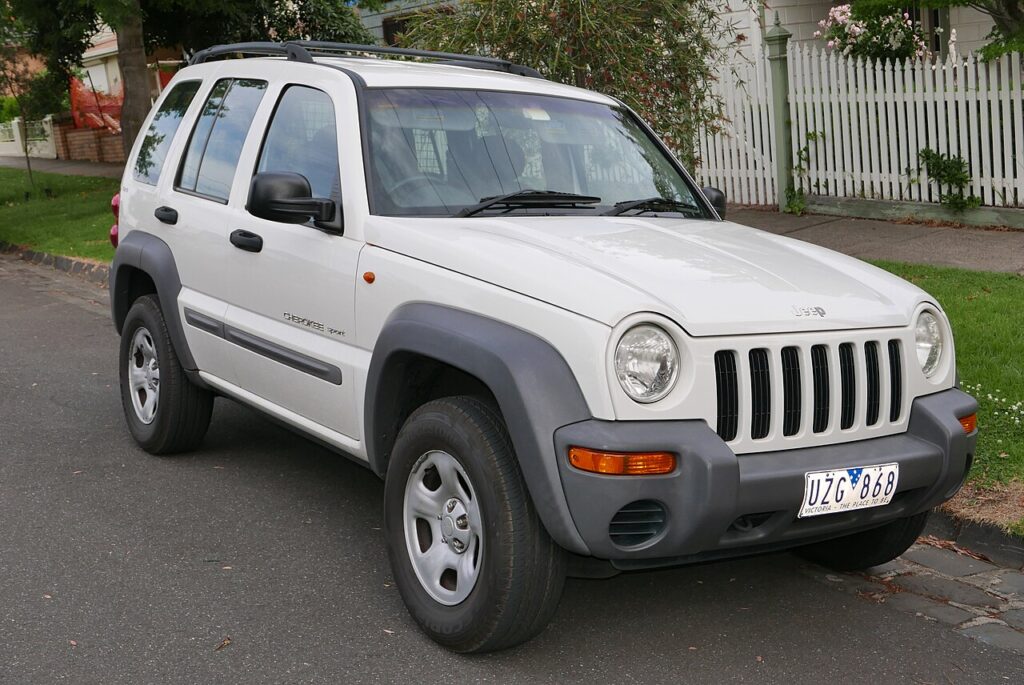
After a service on your Jeep Cherokee (2001–2007) — the KJ, sold as the Liberty in North America — you can clear the service-interval reminder yourself from the dashboard menu. No diagnostic tool needed (this applies to the models with the service-interval display, typically the CRD diesel). The reminder is a distance-based countdown, not a fault warning: it simply tells you the next scheduled service is due so it can be reset and start counting down again.
What the Service Reminder Means
On the KJ Cherokee variants fitted with the service-interval display, the trip computer keeps a running count of the distance remaining until the next scheduled service. When that figure reaches zero it prompts you — often with a spanner symbol or a ‘service’ message — that maintenance is due. This is a fixed-interval system: it counts down kilometres, not the actual condition of the oil, so it has no way of knowing that a service has been carried out. That is why the count has to be reset by hand once the work is complete, otherwise it stays at zero and keeps reminding you.
Not every KJ has this feature. It is most common on the 2.8 CRD diesel with the service-interval display; petrol variants without that display simply have no menu to reset. If your instrument cluster never shows a countdown to service, there is nothing to clear.
Before You Begin
Only reset after the service is done so the interval stays accurate. You’ll use the trip-computer buttons on the instrument cluster. Run through this first:
- Complete the actual service before resetting. Resetting a fresh countdown before the work is done leaves you without a usable reminder.
- Park safely with the handbrake on and the vehicle stationary on level ground.
- Ignition on, engine off. You need the cluster and its menu powered up, but the engine should not be running.
- No tools needed. The whole reset is done with the cluster buttons.
Resetting the Service Indicator
- Turn the ignition on (engine off).
- Press the ‘MENU’ button and scroll until ‘interval until service 0 km’ (the service display) appears.
- Press and hold the reset button — a signal sounds and the original mileage / next service type is displayed.
- Press the ‘C/T’ button to confirm, then turn the ignition off — the system is reset.
If the Reminder Won’t Clear
The most common reason a reset fails on the KJ is pressing and holding while the display is on the wrong readout. Work through these points:
- Make sure you’re on the service-interval display before pressing reset — holding the button on the trip or odometer readout will not clear the service count.
- Hold reset until the signal sounds and the new interval shows; releasing before the beep cancels it.
- Confirm with ‘C/T’ and only then switch the ignition off, so the new value is stored.
- If it still shows, cycle the ignition off and on and repeat the full sequence from the menu.
- A separate warning light? A fault stores a code — look it up on autodtcs.com.
After the Reset
Once confirmed, the display returns to the full service interval — the original distance to the next service — and the spanner prompt clears. From then on the counter runs down again as you drive. The reset only affects the service-interval display; it does not touch any genuine warning lamp such as a check-engine or glow-plug light, which relate to faults and are handled separately.
How Often You’ll Need This
Reset the service indicator each time the scheduled service behind it is carried out. The exact distance and time between services depends on the engine, the year and how the car is used, so follow the interval given in your vehicle handbook rather than assuming a set figure. As a habit, treat the reset as the final step of the service: do the maintenance, confirm the new interval, done.
Frequently Asked Questions
How do I reset the service light on a Jeep Cherokee (2001–2007)?
Ignition on, MENU button to the service-interval display, hold reset until it beeps, press C/T, then switch off.
Do I need a diagnostic tool?
No — the menu reset is owner-doable on cars with the service-interval display. A scan tool is only needed if a genuine fault code is stored.
Is this the Liberty?
Yes — the KJ was sold as the Cherokee in many markets and the Liberty in North America.
My Cherokee has no service menu — why?
Not all variants have the service-interval display; if yours doesn’t, there’s no owner reset to perform. It is most common on the CRD diesel.
The reminder came straight back — what went wrong?
The reset most likely wasn’t confirmed. Return to the service-interval display, hold reset until it beeps, and press C/T before switching off.
Does resetting affect my odometer or trip figures?
No. Clearing the service count only zeroes the service-interval readout. Your total odometer reading is unaffected, and trip figures are reset separately.
If another warning light appeared with the service message, our sister site autodtcs.com can help you decode it.
Independent guide — not affiliated with Jeep. Always follow your official service manual and safety precautions. Read our full disclaimer.