These instructions apply to the Jeep Cherokee Mk3 (KJ) 2001-2007.
For other models, please choose your vehicle here.
Disconnecting the 12 V battery on your Jeep Cherokee (2001–2007) — the KJ, sold as the Liberty in North America — is a quick and safe job for any owner with a basic spanner. The usual reasons are fitting a new battery, isolating the electrics before the car is laid up for winter, recovering from a flat after a jump-start, or making the vehicle safe before working near the airbags and pretensioners. Provided you remove and refit the terminals in the correct order, the KJ powers back up without drama and relearns the handful of settings it drops during a short drive. There is nothing here that needs a workshop or special equipment.
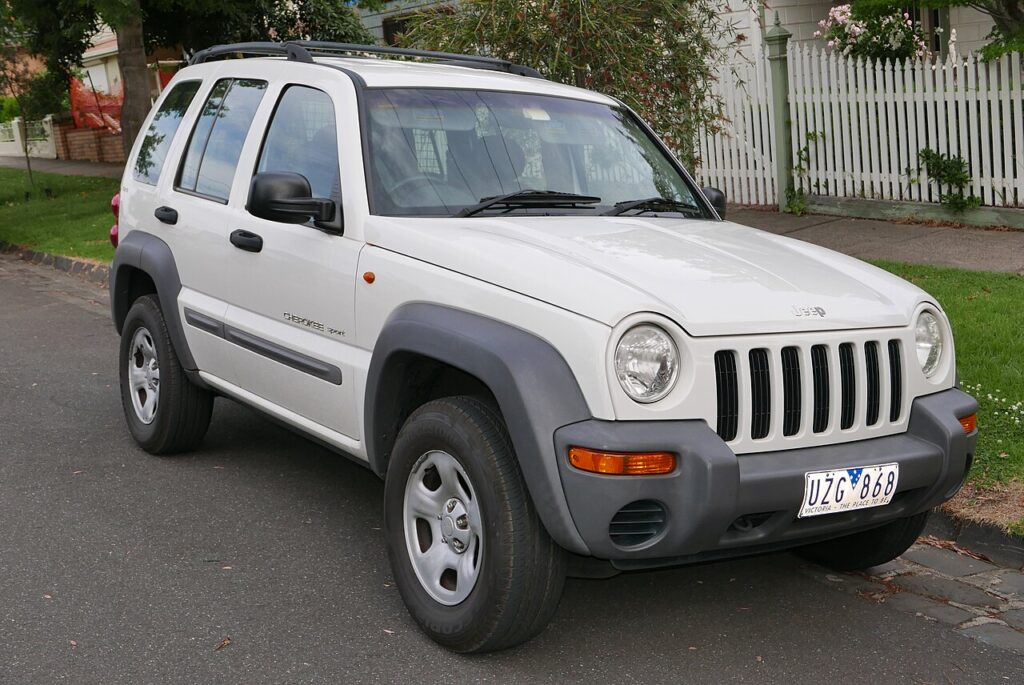
Where the 12 V Battery Is
On the KJ Cherokee/Liberty the 12 V battery lives in the engine compartment, typically under a cover that lifts or unclips away. With the cover off you will find the two terminals on top: the negative (−) post carries the black lead and the earth strap to the body, and the positive (+) post carries the red lead and usually wears a red plastic flip-up cap. Identify the two positively before you reach for a spanner — getting that right at the start makes the whole job foolproof.
First, a Few Checks
- Turn the ignition fully off, remove the key from the car and close the doors so nothing keeps drawing power.
- Switch off the headlights, the heater fan and anything else that was on.
- Note your radio security code before you disconnect if the unit uses one, so you can re-enter it later.
- Give it a couple of minutes after switching off for the electronic modules to power down.
- Put on gloves and eye protection, and have the right spanner (usually a 10 mm) ready to hand.
Disconnecting the Battery
- Double-check the ignition is off and every electrical load is switched off.
- Slacken the clamp on the negative (−) terminal first, lift the connector off the post and move it aside so it cannot fall back onto the battery.
- Now undo and remove the positive (+) terminal, keeping the bare lead well clear of any metal.
- If you will be working near the airbags or seat-belt pretensioners, wait a couple of minutes after disconnecting before you start.
Reconnecting the Battery
- Refit the positive (+) terminal first and tighten the clamp snug.
- Refit the negative (−) terminal last and tighten it the same way.
- Make sure neither clamp can be twisted on its post by hand — a loose earth connection causes most of the odd faults people see after a battery change.
What You’ll Need to Reset Afterwards
The Cherokee only forgets a few things, and most come back with normal use:
- Clock and audio presets — set these again, plus the radio security code if your unit prompts for it.
- Power windows — if one-touch operation is lost, re-initialise each window by holding the switch fully up until it stops, then fully down until it stops, pausing at each limit.
- Warning lights — a couple of dash lights can clear on their own after the car has been driven a short way.
If a Warning Light Stays On or the Car Feels Off
- Recheck both terminal clamps are properly tight — a slightly loose connection is the most common cause.
- Drive the car a short distance so the systems can relearn and any temporary lights can clear.
- Re-do the window initialisation if one-touch is still not working.
- Rule out a genuinely flat or worn-out battery before you suspect a deeper fault.
- Read any stored code and check its meaning on autodtcs.com.
Frequently Asked Questions
Where is the battery on a Jeep Cherokee (2001–2007)?
It is in the engine compartment, usually under a cover that lifts or unclips out of the way. Once the cover is off you will see the negative (−) and positive (+) terminals on top.
Which terminal do I disconnect first?
Remove the negative (−) terminal first, then the positive. Reconnect in the opposite order: positive on first, negative on last.
What do I need to reset afterwards?
Chiefly the clock and radio presets, and the one-touch windows if they stop working. A few warning lights also clear by themselves after a short drive.
Does a new battery need coding on the KJ Cherokee?
No. A like-for-like battery of the correct capacity fits straight in on this generation with no coding — just reconnect in order and re-enter your presets.
Will disconnecting the battery clear fault codes or reset the service light?
It may clear some temporary codes, but it will not fix an ongoing fault — the light returns if the problem is still there. It does not reset the scheduled service reminder either.
Can I jump-start it instead of disconnecting the battery?
Yes. If the battery is merely flat, a jump-start gets you going without removing anything. You only need to disconnect when replacing the battery or working safely on the electrics or airbags.
If a warning light stays on after reconnecting, look up the code on autodtcs.com.
Independent guide — not affiliated with Jeep. Always follow your official service manual and safety precautions. Read our full disclaimer.