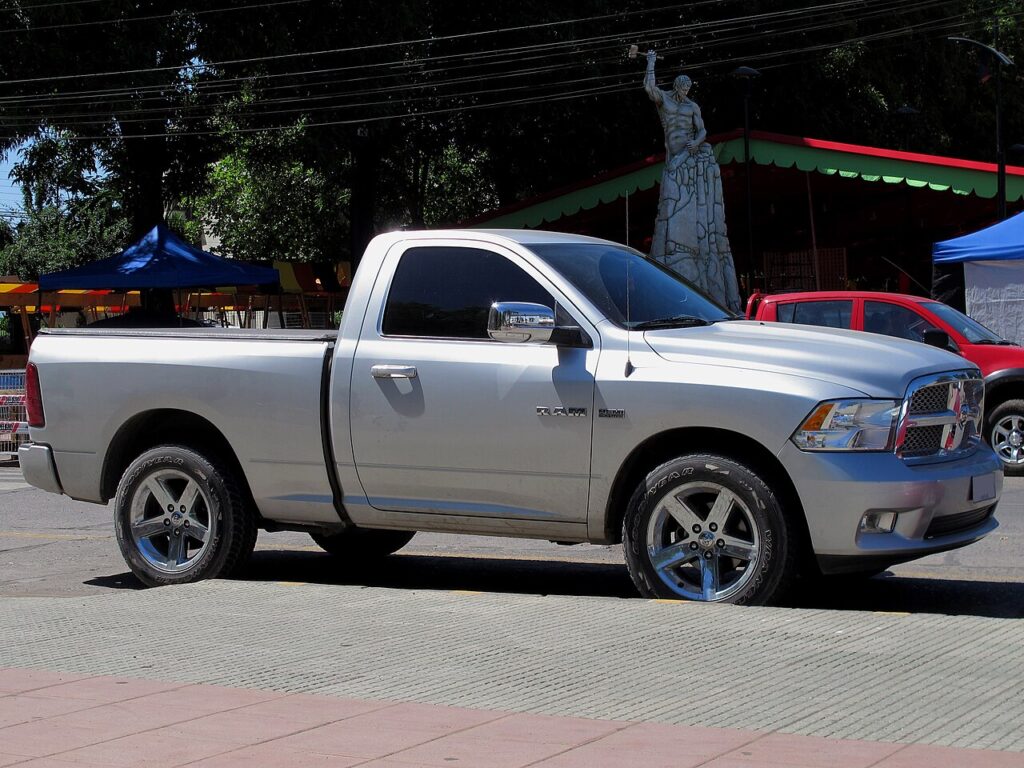
These instructions apply to the RAM 1500 Mk4 (DS) 2011-2019.
For other models, please choose your vehicle here.
After an oil change on your RAM 1500 (DS, 2011–2019), the oil-change service indicator needs resetting so the countdown starts again. You can do it yourself with the brake-and-accelerator method — no tool needed. The message you see on the instrument cluster (typically an “Oil Change Required” or “Change Oil” prompt, sometimes shown with a spanner symbol) is a maintenance reminder, not a fault. It simply means the truck’s tracked interval has elapsed, and clearing it tells the system to begin counting toward the next change.
What the Oil-Change Light Means
On the DS-generation RAM 1500, the oil-change reminder is a distance- and usage-based counter rather than a simple mileage odometer trip. The truck monitors how far and, on many versions, how the engine has been used, then displays the change-oil prompt when the tracked interval runs out. Because it is a reminder tied to the last recorded service, it will keep reappearing at each key-on until it is reset — even if fresh oil is already in the engine.
The key point for owners: seeing this message does not mean something is broken. It is not the same as an oil-pressure warning or a check-engine light. If a red oil-pressure symbol or a check-engine lamp is lit instead of the service message, stop and investigate that first — those are genuine faults, not maintenance reminders.
First, a Few Checks
- The indicator refers only to the oil change — reset it after the oil has actually been changed.
- Park on level ground, apply the parking brake, and put the transmission in Park.
- You need the ignition on but the engine not running. On push-button trucks, press start without your foot on the brake so the electronics wake up but the engine stays off.
- No tools, scanner, or dealer visit are required — the whole reset is done from the driver’s seat.
Resetting the Service Indicator
- Turn the ignition on but do not start the engine.
- Press and release the brake pedal twice.
- Within 10 seconds, press and release the accelerator pedal twice.
- Turn the ignition off — the system is reset. Repeat if needed.
Press each pedal firmly to the floor and let it come fully back up before the next press — slow, deliberate presses register more reliably than quick taps. If your truck has an EVIC (the driver-information display in the cluster), you can confirm success there afterward; the change-oil message should no longer appear at the next key-on.
If the Reset Doesn’t Take
- Don’t start the engine — ignition on only.
- Keep to the 10-second window between the brake and accelerator presses.
- Make sure the ignition is in the full run position (all warning lights on, engine off), not just accessory.
- Cycle the ignition fully off, wait a few seconds, then repeat the pedal sequence from the start.
- A service light that won’t clear can store a code — look it up on autodtcs.com.
Once the Reset Is Done
Once the reset registers, the change-oil message disappears and does not return at the next start. The counter begins tracking the next interval from zero. Nothing else on the truck is affected — the reset only clears the maintenance reminder and does not touch trip meters, radio presets, or any stored settings.
Reset Frequency
Reset the indicator every time the oil and filter are changed, right after the work is done. The correct service interval for your engine, driving style, and oil specification is listed in the owner’s handbook — follow that schedule rather than a fixed number, since towing, heavy loads, and short trips can shorten it. Resetting without actually changing the oil only hides the reminder and lets the real interval drift.
Frequently Asked Questions
How do I reset the oil change light on a RAM 1500?
Ignition on (engine off), press the brake twice, then within 10 seconds press the accelerator twice.
Do I need a tool?
No — it’s the pedal sequence from the driver’s seat.
Why won’t it reset?
Usually the engine was started, or the pedal timing wasn’t followed — repeat the procedure.
Should I reset before or after the oil change?
After — the indicator counts down to the next oil change.
Does the pedal method work on a push-button-start RAM 1500?
Yes. Wake the electronics into the run position without pressing the brake (so the engine stays off), then do the two brake presses followed by the two accelerator presses.
Will resetting the light clear a check-engine warning too?
No. The pedal reset only clears the maintenance reminder. A check-engine lamp is a separate fault that stores a diagnostic code — that needs to be read and addressed on its own.
If a service-related warning stays on, decode the code on autodtcs.com.
Independent guide — not affiliated with RAM. Always follow your official service manual and safety precautions. Read our full disclaimer.