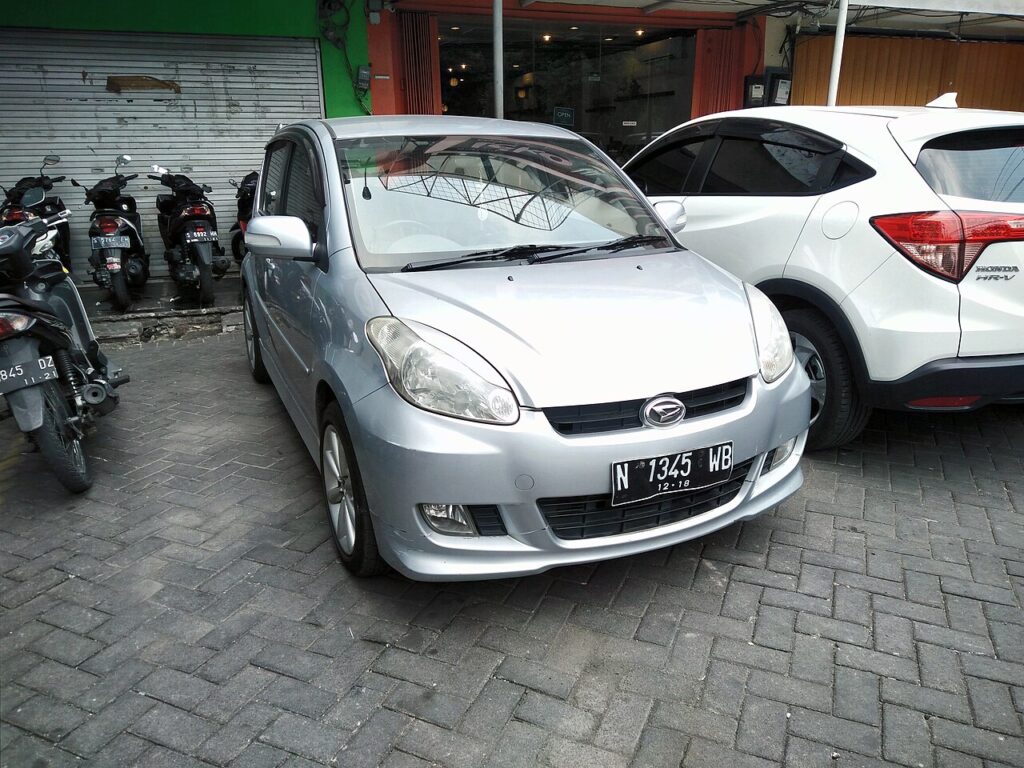
These instructions apply to the Daihatsu Sirion Mk2 (M3) 2005-2011.
For other models, please choose your vehicle here.
After an oil change on your Daihatsu Sirion (M3, 2005–2011), the service indicator needs resetting so the countdown starts again. You can do it yourself with the dashboard buttons — no tool needed. The service reminder in the cluster is a scheduled-maintenance prompt, not a fault warning: it appears once the tracked interval has elapsed and stays on at each key-on until the counter is cleared, even after fresh oil is in the engine.
What the Service Light Means
On the M3-generation Sirion, the service indicator is a distance-based reminder: the car counts down to the next service and displays the reminder when that distance is reached. Clearing it re-arms the counter so it starts again toward the next interval. Because it is tied to the last recorded reset, it will keep showing at every start until you clear it — changing the oil alone does not switch it off.
Being a maintenance prompt, it is separate from the car’s real warning lamps. A red oil-pressure symbol, a check-engine light, or any other coloured warning is a fault rather than a reminder, and resetting the service counter will not clear those — deal with them on their own.
Before You Start
- Reset only after the oil has actually been changed — the reminder protects the engine.
- Park on level ground and apply the handbrake before you begin.
- The sequence starts with the ignition off, so make sure the car is switched off before you reach for the buttons.
- No scanner or tools are needed — just the trip/display buttons on the dashboard and the ignition key.
Resetting the Service Indicator
- With the ignition off, press and hold the dashboard buttons (the trip/display buttons).
- While holding, turn the ignition on.
- The dashboard warning light illuminates and the display shows the remaining distance to the next service.
- Release the buttons — the service interval is reset.
The order matters: the buttons must already be held before you switch the ignition on, and kept held until the display shows the new service distance. If you press them after the ignition is already on, the reset will not arm.
If the Reset Doesn’t Take
- Hold the buttons before turning the ignition on, and keep holding.
- Repeat the sequence if the reminder doesn’t clear.
- Make sure you are holding the correct trip/display buttons and pressing them fully.
- Switch the ignition off, wait a few seconds, then start the sequence again from the beginning.
- A service light that won’t clear can store a code — look it up on autodtcs.com.
What to Expect After Resetting
When the reset registers, the display shows the full distance to the next service and the reminder no longer appears at start-up. The counter now tracks the new interval from the beginning. The reset only clears the service reminder — it does not affect trip meters, the clock, or any other stored settings.
How Often to Reset It
Reset the indicator after every service or oil change, once the work is finished. Use the service interval listed in your owner’s handbook for your engine and driving conditions rather than a fixed figure, since frequent short trips and dusty or heavy-duty use can call for more frequent servicing. Clearing the reminder without actually servicing the car only hides it and lets the real interval slip.
Frequently Asked Questions
How do I reset the service light on a Daihatsu Sirion?
Hold the dashboard buttons, then turn the ignition on until the display shows the new service distance.
Do I need a tool?
No — it’s done with the dashboard buttons.
Why won’t it reset?
Usually the buttons weren’t held before switching on — repeat the sequence.
Should I reset before or after the oil change?
After — the indicator counts down to the next service.
Which buttons do I hold on the Sirion?
The trip/display buttons on the instrument cluster — the same ones you use to switch the odometer and trip readings. Hold them before turning the ignition on and keep holding until the new service distance appears.
Will the reset clear a check-engine light too?
No. The button reset only clears the service reminder. A check-engine or other warning lamp is a separate fault with its own stored code and needs to be diagnosed on its own.
If a service-related warning stays on, decode the code on autodtcs.com.
Independent guide — not affiliated with Daihatsu. Always follow your official service manual and safety precautions. Read our full disclaimer.