These instructions apply to the Saab 9-3 (9440) 2002-2012.
For other models, please choose your vehicle here.
After an oil-and-filter change on your Saab 9-3 (9440, 2002–2012), the ‘Time for Service’ indicator needs resetting from the dashboard. This is a maintenance reminder, not a fault: the car keeps a service counter based on distance and time, and when it runs down it displays ‘Time for Service’ to tell you a service is due. The method depends on whether your car has the multifunction steering wheel (MFSW). Below is the full procedure for both, plus what the reminder means and how to make the reset stick.
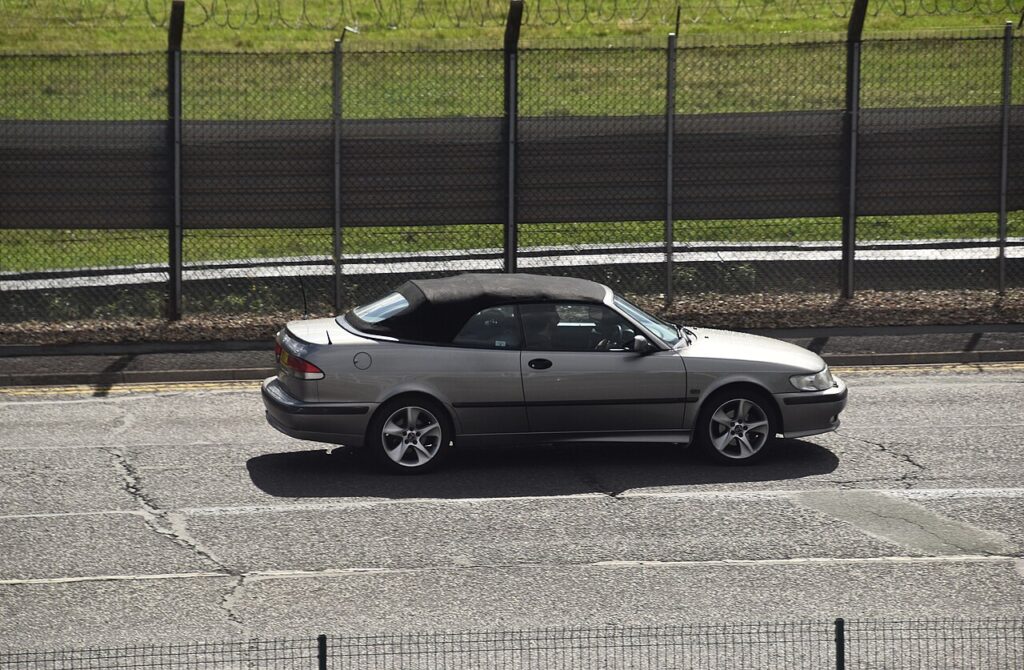
What ‘Time for Service’ Means on the 9-3
The 9-3’s ‘Time for Service’ message is produced by a counter that tracks the distance driven and the time elapsed since the last reset. When either reaches its scheduled limit, the Saab Information Display (SID) shows the reminder at start-up. It is not tied to oil pressure, engine temperature or any mechanical fault — those have their own separate warning lights. The message simply flags that a service is due by the schedule.
Since the counter measures only distance and time, it cannot detect that fresh oil has been fitted; you confirm that by resetting it. The reset restarts the countdown from a full interval. For the exact service distance and time that apply to your 9-3, follow the schedule in your owner’s handbook rather than assuming a number, as intervals vary by engine, year and market.
Before You Start
- Do the oil and filter change first — resetting only clears the reminder.
- Park on level ground with the parking brake applied; you’ll work with the ignition on and the engine off.
- No tools are needed — the reset is done entirely through the SID or steering-wheel menu.
- Identify which controls you have: the multifunction steering wheel (MFSW) buttons, or the SID buttons on the centre console. The menu steps are the same either way.
With Multifunction Steering Wheel
- Turn the ignition on.
- Press the menu button until ‘SETTINGS’ appears, and select it.
- Press and hold the select button until a confirmation tone sounds.
- Scroll to ‘Time for Service’, hold the select button until it beeps.
- Scroll to ‘YES’ and confirm — the system is reset. Turn the ignition off.
Without Multifunction Steering Wheel
On cars without the MFSW, use the SID (Saab Information Display) buttons in the same way: enter SETTINGS, select ‘Time for Service’, confirm ‘YES’, holding each button until the confirmation tone.
If the Reset Doesn’t Take
The 9-3 reset hinges on holding each button until the car acknowledges it, so a too-brief press is the usual reason it fails. Check these before repeating:
- Hold each button until you hear the confirmation tone — a quick tap won’t register the selection.
- Confirm ‘YES’ at the final step; if you leave the menu before confirming, the counter is never cleared.
- Keep the ignition on and the engine off throughout, and don’t let the display time out mid-sequence — if it does, start again from SETTINGS.
- A service light that won’t clear can store a code — look it up on autodtcs.com.
What to Expect After Resetting
Once you confirm ‘YES’, the ‘Time for Service’ message clears and the counter restarts from a full interval. Switch the ignition off and back on to confirm the reminder does not reappear at the next start-up. From then on, the SID should show its normal display until the next service falls due.
How Often to Reset It
Reset the indicator once after each scheduled oil-and-filter service, and only then. The distance and time between services are set by Saab’s maintenance schedule and depend on the engine and how the car is driven, so check your owner’s handbook for the interval that applies to your 9-3 rather than assuming a figure. Clearing the reminder at any other time just removes a useful prompt.
Frequently Asked Questions
How do I reset the service light on a Saab 9-3?
Ignition on, open SETTINGS, select ‘Time for Service’, then confirm YES — holding each button until it beeps.
Do I need a tool?
No — it’s done from the SID/steering-wheel menu.
What if I don’t have the steering-wheel buttons?
Use the SID buttons on the dash — the menu sequence is the same.
Should I reset before or after the oil change?
After — the indicator counts down to the next service.
Why do I have to hold the buttons instead of tapping them?
The 9-3 only accepts each selection when the button is held until the confirmation tone. A short tap is ignored, which is why a rushed sequence often fails to clear the message.
Does clearing the message mean the car has been serviced?
No — it only zeroes the counter. Carry out the oil and filter change first; the reset is not proof that any work was done.
If a service-related warning stays on, decode the code on autodtcs.com.
Independent guide — not affiliated with Saab. Always follow your official service manual and safety precautions. Read our full disclaimer.