These instructions apply to the Mercedes GLA Mk2 (H247) 2020-Present.
For other models, please choose your vehicle here.
If the MBUX screen on your Mercedes GLA (H247, 2020–Present) has frozen, gone black, or stopped responding to touch and the voice assistant, you can force a soft reset yourself in under a minute — no tools, no garage, and without losing a single setting.
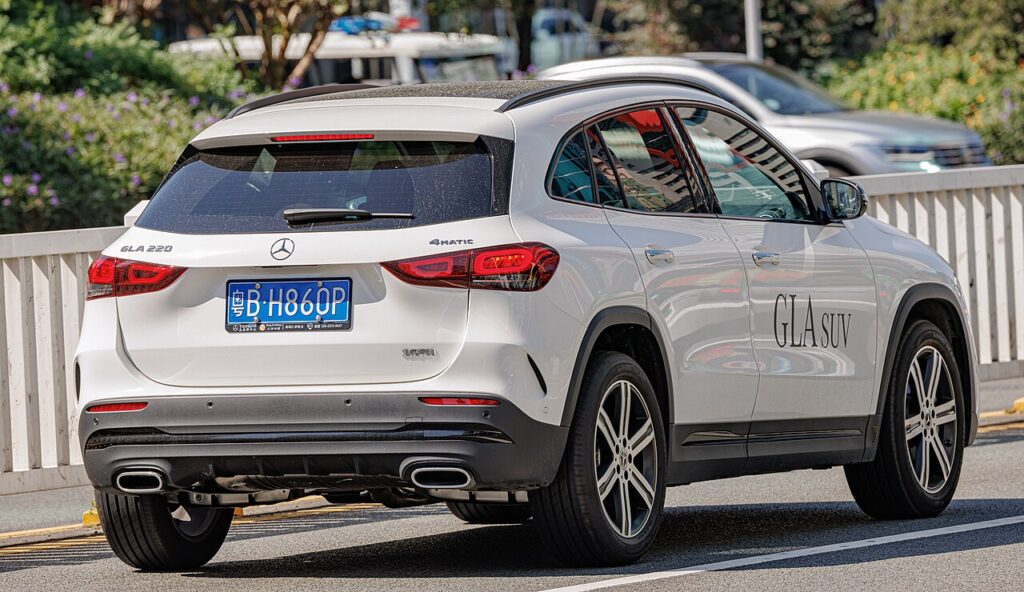
Which system the H247 uses
The second-generation GLA sits on the same compact-car platform as the W177 A-Class and C118 CLA, so it runs MBUX throughout — the dual-screen dash and the “Hey Mercedes” assistant. There is no rotary controller; you operate everything through the touchscreen, the touchpad, and the steering-wheel touch-controls. When the central glass locks up, the steering-wheel reset is your route back in.
Soft reset (reboot) the MBUX screen
Do this parked, with the ignition on so the system stays powered.
- On the steering wheel, find the phone/answer button (left touch-control pad) and the voice-control button (the speech-bubble key).
- Press and hold both together for about 15–20 seconds. Keep holding past any beep.
- The central display goes completely dark, then the Mercedes-Benz logo reappears as MBUX reboots.
- Release and wait 30–60 seconds for the home screen to reload. Touch, voice, and the controls should respond again.
If your trim uses the Favourites “star” and Telephone touch-controls, holding those two together for the same 15–20 seconds triggers the identical reboot.
Will this erase anything? No
The two-button MBUX reset is completely safe. It does not wipe radio presets, navigation favourites, paired phones, driver profiles, or your “Hey Mercedes” settings — the system simply reloads its software. Do it as often as you need.
If the screen stays frozen
- Hold longer. If 20 seconds did nothing, repeat and hold both buttons for a full 30 seconds before releasing.
- Cycle the ignition fully. Switch off, open the door, lock the car, and walk away for about five minutes so the electronics sleep; then unlock and restart.
- Check for a software update. H247 MBUX updates over the air via Mercedes me; staying current resolves most freeze and CarPlay glitches. A dealer can confirm the latest build.
- Unpair a problem phone. A flaky Bluetooth or wireless CarPlay/Android Auto link can hang MBUX on boot — delete the device and pair fresh.
Factory reset (erases data — rarely needed)
A factory reset is separate from the soft reset and only worth doing if you are selling the car or clearing a deep, persistent glitch. In MBUX it lives under System Settings → Reset (the “Reset” function). It erases presets, paired phones, profiles, and navigation history, so only do it deliberately.
Frequently Asked Questions
Which two buttons reset the GLA MBUX screen?
The phone/answer button and the voice-control button on the steering wheel, held together for 15–20 seconds. On some trims it’s the Favourites “star” and Telephone touch-controls — either pair does the same reboot.
Will I lose my settings or saved stations?
No. The soft reset keeps presets, navigation favourites, paired phones, and driver profiles. Only a deliberate System Settings → Reset clears them.
The touchscreen is dead — how do I reboot without it?
Use the steering wheel. The touch-controls and hard keys on the wheel stay live even when the central glass is frozen, so the two-button hold gets you back in.
Is it safe to drive with the screen frozen?
Yes. MBUX is independent of the engine and driving systems — you only lose audio, navigation, and voice control. Reset it when you are safely parked.
Is the GLA reset the same as the A-Class and CLA?
Yes. The H247 GLA, W177 A-Class, and C118 CLA all share MBUX, so the two-steering-wheel-button reset is identical across the three.
If a warning light or fault message stays on the dash after the reboot, it may have stored a diagnostic trouble code — you can look it up on autodtcs.com.
Independent guide — not affiliated with Mercedes. Always follow your official service manual and safety precautions. Read our full disclaimer.