These instructions apply to the Subaru Impreza Mk5 (GK) 2017-Present.
For other models, please choose your vehicle here.
The Subaru Impreza (Mk5/GK·GT, 2017–Present) was the first car on the Subaru Global Platform and shares its Starlink head unit with the closely related XV/Crosstrek. Base cars get a 6.5-inch screen; Sport and Limited trims carry the 8-inch unit. It runs audio, navigation, the reversing camera, climate shortcuts and Apple CarPlay / Android Auto, so a lock-up is more than a radio nuisance. It reboots from one knob with no loss of data.
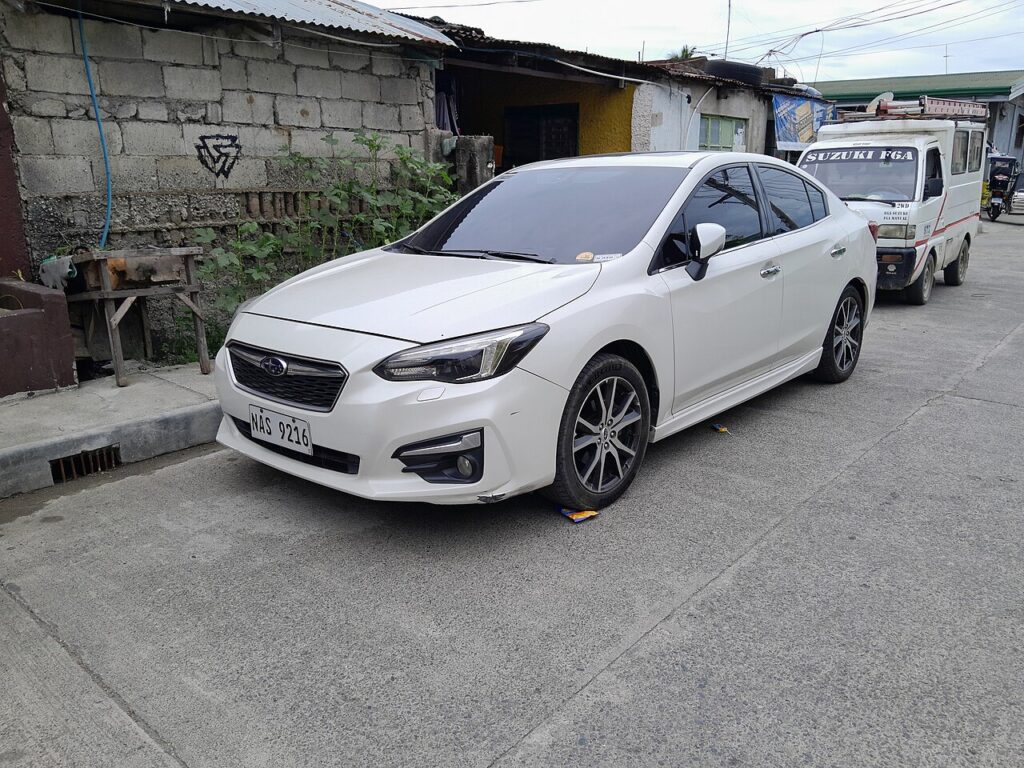
How the Mk5 Impreza Starlink reboots
The power/volume knob to the left of the display is also the reset switch. Holding it power-cycles the head unit’s software while the car keeps it powered, clearing a black screen, a frozen touch layer, a stuck CarPlay session or dropped audio.
Soft reset: hold the power/volume knob
- Keep the ignition ON, or leave the engine running, so the head unit stays powered.
- Press and hold the left-hand power/volume knob.
- Hold for at least 10 seconds — some units want up to 15 — until the screen goes dark.
- The Subaru / Starlink logo reappears as the unit restarts.
- Release and wait around 30 seconds for the home screen, audio and camera to return.
Safe — nothing is erased
This is a restart, not a wipe. Radio presets, paired Bluetooth phones, saved navigation destinations and your Starlink login all survive. CarPlay and Android Auto reconnect on their own once you plug the cable back in. Use it as often as the screen acts up.
If the screen stays frozen
- Unplug the phone. Because the Mk5 Impreza shares its head unit with the Crosstrek, it inherits the same CarPlay / Android Auto dropout behaviour. Pull the USB cable, let the native screen recover, then reconnect with a good data cable.
- Cycle the ignition fully off. Switch off, open the door, let it sleep, then restart for a cleaner reset.
- Lock it for 10 minutes. Subaru dealers recommend turning the car off, locking the doors and leaving it about 10 minutes so the unit deep-sleeps.
- Get the software update. Subaru released repeated Starlink updates for 2017–2019 cars, with a fresh round of dealer TSBs in July 2019 after earlier updates didn’t fully cure the freezing. The update fixes the bug; resets only clear it temporarily.
Factory reset (erases your data)
Only if reboots stop working, or before you sell the car: open Settings → General, choose Factory Data Reset, confirm the warning and press the green reset button. This wipes presets, paired devices, saved destinations and your Starlink account, then restarts at factory defaults. Do it parked and have your login ready.
Frequently Asked Questions
Which knob resets the Impreza screen? The power/volume knob on the lower-left of the display. Hold it 10–15 seconds until the Subaru logo reappears.
Will rebooting lose my presets or paired phone? No. The knob-hold keeps everything. Only the Factory Data Reset in Settings erases presets and paired devices.
My Impreza freezes like a Crosstrek does — why? They use the same Starlink head unit on the same platform, so they share the same freeze and CarPlay-dropout quirks and the same fixes.
The knob does nothing. Switch off, lock the doors and wait 10 minutes, then restart. A screen that stays dead afterwards is a head-unit fault for the dealer.
Should I just keep resetting it? If it freezes repeatedly, stop band-aiding it — book the latest Starlink software update at your dealer, which is what those 2019 TSBs were for.
If a dashboard warning light appeared at the same time as the freeze, decode the trouble code at autodtcs.com before assuming the faults are linked.
Independent guide — not affiliated with Subaru. Always follow your official service manual and safety precautions. Read our full disclaimer.