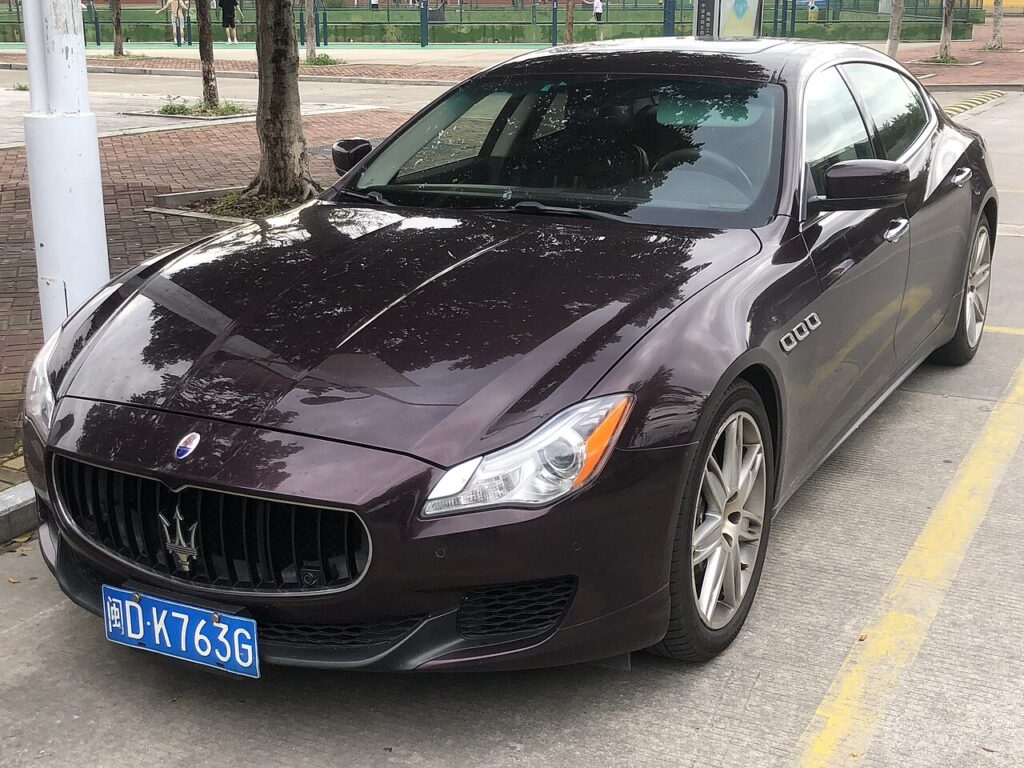
These instructions apply to the Maserati Quattroporte Mk6 (M156) 2013-2024.
For other models, please choose your vehicle here.
If the centre touchscreen on your Maserati Quattroporte (M156, 2013–2024) has frozen — the navigation stuck, the Maserati Touch Control ignoring your taps, or the display hung on the logo — you can reboot it from the driver’s seat in under a minute. The sixth-generation Quattroporte’s MTC and later MTC+ systems sit on the FCA Uconnect platform, so the reset combinations match those used across the wider Fiat-Chrysler range. The original MTC unit in early cars has a documented tendency to freeze, which is exactly what the reboot is for.
What system you are dealing with
Earlier Quattroporte cars use the 8.4-inch Maserati Touch Control (MTC), which is a re-skinned FCA Uconnect 8.4 head unit. From the mid-life update the car carries MTC+, a quicker Uconnect-based unit with revised graphics and a crisper screen. Both respond to the same Uconnect reset combinations. A frozen picture is nearly always a software hang in the head unit, so a reboot clears it without any tools or a dealer visit.
Soft reset: reboot the touchscreen
Try this first — it loses no data.
- Turn the ignition to Run (engine running is ideal, to keep voltage stable) and leave the car in Park.
- Press and hold the volume knob and the tuner/menu knob together.
- Hold both for 10–20 seconds.
- The screen flashes the Maserati logo and then goes dark.
- Wait for the logo to return — the system has rebooted and reloads your settings on its own.
If your Quattroporte has a single volume control instead of two knobs, press and hold the volume knob alone for more than 20 seconds until the display blacks out and restarts.
Is this safe? Will I lose anything?
Yes, it is safe and erases nothing. Your paired phones, navigation favourites, presets, and audio and comfort settings all survive a reboot — the reset restarts only the infotainment software and leaves stored data alone. It does not affect the engine, transmission, or any safety system, and you can do it parked with the engine running.
If it stays frozen
- Use the engineering-menu route: with the car in Run, press and hold the red (temperature up) and blue (temperature down) climate buttons together for about 8 seconds until a service/engineering menu appears, then select Reset Radio or the equivalent reset entry.
- Switch the ignition fully off, open the driver’s door, and let the car sleep for 10–15 minutes so the head unit fully powers down, then restart.
- Check the 12 V battery — on a heavy car like the Quattroporte a weak battery drops voltage at start-up and is a common cause of repeated MTC freezes and boot loops.
- If the image is frozen but audio continues, suspect the display rather than the processor.
Factory reset (erases data)
If the unit is corrupted rather than just hung, a full power-down clears its volatile memory: disconnect the 12 V battery (on the Quattroporte it is in the boot), wait 10–15 minutes, then reconnect to force a cold rebuild of the Uconnect software. Expect the clock and some presets to reset afterwards, and the windows may need a one-touch re-initialisation. A menu-driven restore that wipes paired phones and personal data — returning the head unit to factory state — is done from the Settings menu where the option is present, or by a Maserati dealer with the FCA diagnostic system if the menu cannot be reached.
Frequently Asked Questions
Why does my Quattroporte screen keep freezing? The early 8.4-inch MTC is prone to software hangs, and a tired 12 V battery makes it worse by dipping voltage at start-up. Test the battery first and keep the unit’s software current at service.
Will resetting disconnect my paired phone? No. The volume-and-tuner reboot keeps all pairings and presets. Only a full factory restore removes them.
What is the difference between MTC and MTC+? MTC is the original 8.4-inch Uconnect-based unit; MTC+ is the later, faster version with revised graphics. Both share the same Uconnect reset combinations.
Can I reset the screen while driving? No. Always stop, put the car in Park with the ignition in Run, then reset. Never attempt it on the move.
It reboots but freezes again immediately — what next? Persistent freezing usually means low battery voltage or a head unit that needs a software update or repair. Have the battery load-tested, then consult a dealer if it continues.
If a warning light came on at the same time as the freeze, identify the fault code first on autodtcs.com to see whether the two are connected before booking any work.
Independent guide — not affiliated with Maserati. Always follow your official service manual and safety precautions. Read our full disclaimer.