These instructions apply to the Alpine A110 (2018-2024).
For other models, please choose your vehicle here.
The Alpine A110 (2017–present) keeps its cabin deliberately minimal, and the infotainment reflects that: a slim, portrait-oriented touchscreen running Renault’s R-Link 2 system on early cars, replaced by an updated Alpine-branded interface on the 2022 facelift. Whichever you have, it is a small screen doing a focused job, and like any Renault-group unit it can occasionally freeze — the display sticks, taps go unanswered, and audio may keep playing in the background. Before you assume a fault, the A110 has a built-in reboot you can trigger without tools or a workshop.
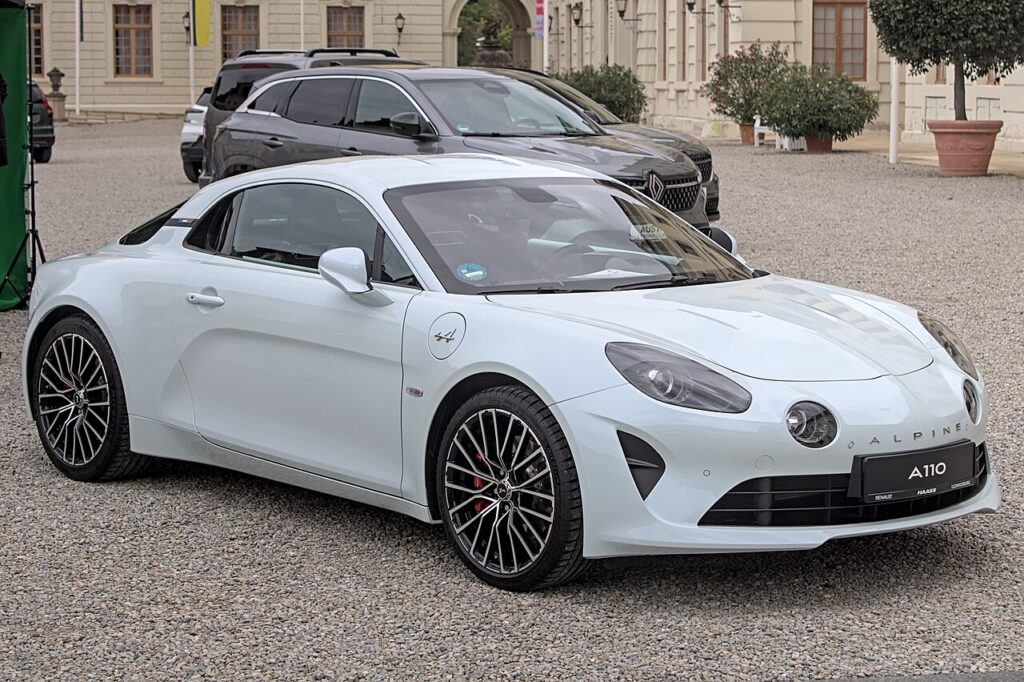
Which system your A110 has
Cars from the 2017 launch through to the 2021 model year use Renault R-Link 2, the same platform fitted across the Renault range, presented here on a portrait screen with a row of physical shortcut keys beside it. The 2022 facelift introduced a revised, faster Alpine-specific system, but it shares the same Renault-group foundations and reboots the same way via a long press of the home key. There is no separate hardware “reset” pinhole to find — the reboot is a button hold.
Soft reset: reboot the screen
This is the standard R-Link 2 restart and clears most frozen-screen episodes. It changes nothing in the car beyond restarting the unit’s software.
- Keep the ignition on so the screen stays powered (engine running, or the dash live in accessory mode).
- Find the home button — the house-symbol key in the row beside the touchscreen.
- Press and hold the home button for about 5 to 10 seconds (some cars need closer to 15 seconds before the unit responds).
- The screen goes dark and then shows the start-up logo as the system reboots. Let it finish loading, which takes up to a minute.
If a single hold doesn’t take, an alternative that works on some R-Link 2 cars is to press the home button in and out rapidly several times over about five seconds, which can also force a full restart.
Is it safe? Will I lose anything?
Yes, the home-button reboot is safe and non-destructive. It only restarts the infotainment software, the same as power-cycling a phone. Your paired Bluetooth phones, radio presets, navigation favourites, and profile settings are all retained. R-Link 2 is a standalone comfort and connectivity unit, so rebooting it has no effect on the engine, the gearbox, the brakes, or any safety system. It is always the right first step.
If it stays frozen
If holding the home button doesn’t recover the screen, work through these:
- Full key cycle: shut the car down completely, lock it, leave it for 10–15 minutes, then restart so the unit fully powers off rather than sitting in standby.
- Let it sleep longer: R-Link 2 sometimes needs the car locked and untouched long enough for the screen module to drop power entirely; a longer wait can succeed where a short one fails.
- Disconnect the 12V battery: as a firm last resort, disconnect the negative battery terminal for about 15–20 minutes, then reconnect. Note the A110’s battery sits in the front luggage compartment, and you may need to re-enter the time afterwards.
- Have the software checked: an Alpine/Renault dealer can update R-Link 2 firmware, which addresses many of the chronic freeze and slow-boot complaints on these units.
Factory reset (erases your data)
Reserve a factory reset for when the system boots but keeps misbehaving, or before you sell the car. On R-Link 2, open Settings → System and choose the reset / restore-factory-settings option (wording varies with software version). This wipes paired phones, saved destinations, favourites, and all personalisation, returning the system to as-delivered. Use it only after a normal reboot has failed, and be ready to re-pair your phone and rebuild your settings.
Frequently Asked Questions
Does the Alpine A110 use R-Link 2? Yes — cars from 2017 to 2021 run Renault R-Link 2 on a portrait touchscreen. The 2022 facelift moved to an updated Alpine-specific system built on the same Renault-group platform, and it reboots the same way.
How long do I hold the home button? Around 5 to 10 seconds for most cars; hold for up to 15 if it doesn’t respond at first. The screen will go dark and reboot to the start-up logo.
Will rebooting delete my navigation favourites? No. A home-button reboot restarts only the software; favourites, presets, and paired phones are all kept. Only a factory reset erases them.
Where is the A110 battery if I need to disconnect it? In the front luggage compartment (the “frunk”). Disconnecting the negative terminal for 15–20 minutes is the firmest reset, but try the button-hold reboot first.
Why is such a small screen so prone to freezing? R-Link 2 is a known weak point across the Renault range for occasional crashes and slow boots. The A110’s compact screen runs the same software, so it inherits the same behaviour — a dealer firmware update is the most durable fix.
If an instrument-cluster warning lit up at the same time as the screen froze, you can look up what the stored fault code means at autodtcs.com before deciding whether it warrants a workshop visit.
Independent guide — not affiliated with Alpine. Always follow your official service manual and safety precautions. Read our full disclaimer.