These instructions apply to the Jeep Grand Cherokee Mk4 (WK2) 2011-2022.
For other models, please choose your vehicle here.
If the remote on your Jeep Grand Cherokee (WK2, 2011–2022) no longer locks the doors and the cluster shows “Key Fob Not Detected,” the coin cell inside the fob is almost certainly flat. The WK2’s Keyless Enter-N-Go system has a backup built in: the fob’s passive chip is read by the vehicle, so a dead fob will still unlock and start the car. Here is the full procedure, plus how to fit a new battery.
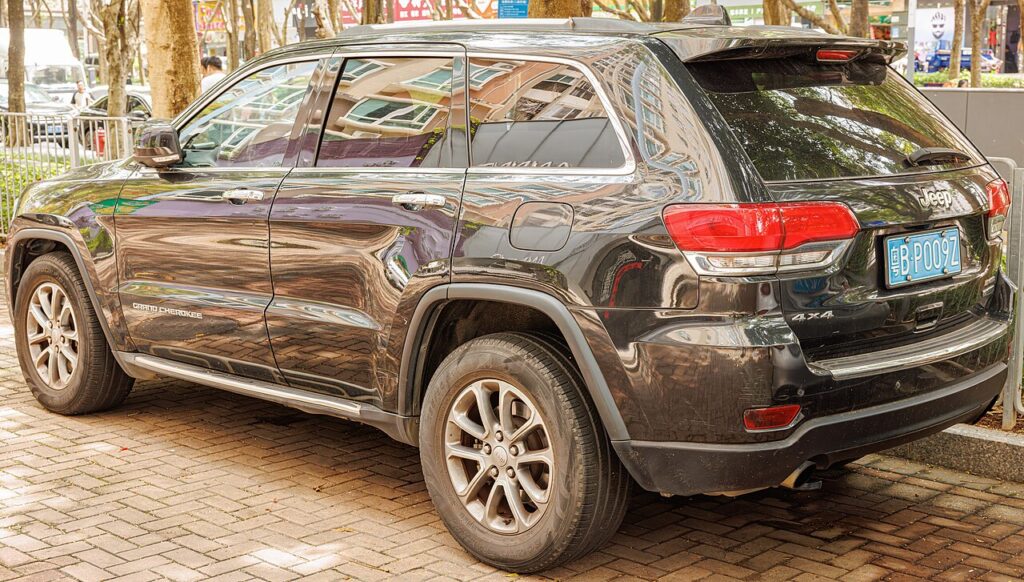
Start the Grand Cherokee with a dead fob battery
An antenna behind the start button reads the fob’s RFID chip from very close range — no fob power needed:
- Sit in the driver’s seat with the door shut and press the brake pedal firmly.
- Turn the fob so its nose end — the side opposite the emergency key blade — faces the dash.
- Hold the nose flat against the ENGINE START/STOP button.
- Push the button through the fob. The Grand Cherokee senses the chip and cranks.
- Once it starts, the fob can go in the centre console for the rest of the trip.
Ignore the old forum trick of popping the start button out of the dash to wedge the key behind it — that’s unnecessary. The close-proximity read is the factory method.
Unlock the doors with the emergency key
A flat fob can’t lock or unlock by radio, so use the hidden blade:
- Slide the release catch on the fob and pull the emergency key blade out.
- On the driver’s door handle, prise off the small cap covering the lock cylinder.
- Insert the blade and turn to unlock the door.
- Return the blade to the fob so you don’t misplace it.
Important: the alarm will sound
On the WK2, opening a front door with the emergency key blade activates the security alarm if it’s armed — and the blade itself does not disarm it. Don’t worry: as soon as you sit in and complete the dead-fob start sequence above, the system recognises a valid key and silences the alarm. Move quickly from unlocking to starting and the horn will only chirp briefly.
Replace the key fob battery
The WK2 fob takes a single CR2032 3-volt coin cell:
- Slide out the emergency blade first; the slot it leaves is your pry point.
- Split the two fob halves with a coin or a small flat screwdriver.
- Lift out the old CR2032 and fit the new one positive (+) the same way up.
- Click the halves back together, refit the blade, and test from a few steps away.
Frequently Asked Questions
Why does the alarm go off when I use the emergency key? The WK2’s security system treats a mechanical-key door opening as a potential break-in. Completing the dead-fob start with a valid fob shuts it off — that’s by design.
Do I keep holding the fob after the engine starts? No. The read happens once at start; then you can set the fob down.
The whole dash is dead — is that the fob? No, that’s the car’s 12V battery. Jump start the Grand Cherokee first; the start button will then respond.
Which battery does the WK2 fob use? A CR2032 lithium coin cell. Keep a spare in the glovebox.
Why did the fob die so quickly? Parking it near the vehicle keeps it constantly awake. Store it away from the car overnight to extend the cell’s life.
If a warning light stayed on after the dead-fob episode, decode it on our sister site autodtcs.com.
Independent guide — not affiliated with Jeep. Always follow your official service manual and safety precautions. Read our full disclaimer.