These instructions apply to the Aiways U5 (2020-2024).
For other models, please choose your vehicle here.
If the tyre-pressure warning has come on in your Aiways U5 (2020–2024) — the electric SUV — after you’ve adjusted the pressures or changed a wheel, the system relearns by driving. There is no button to press and no menu confirmation to hunt for: you set the pressures correctly and let the car re-teach itself on the move. The amber symbol is a maintenance prompt rather than a fault, telling you the current pressures no longer match what it last stored. Here’s how.
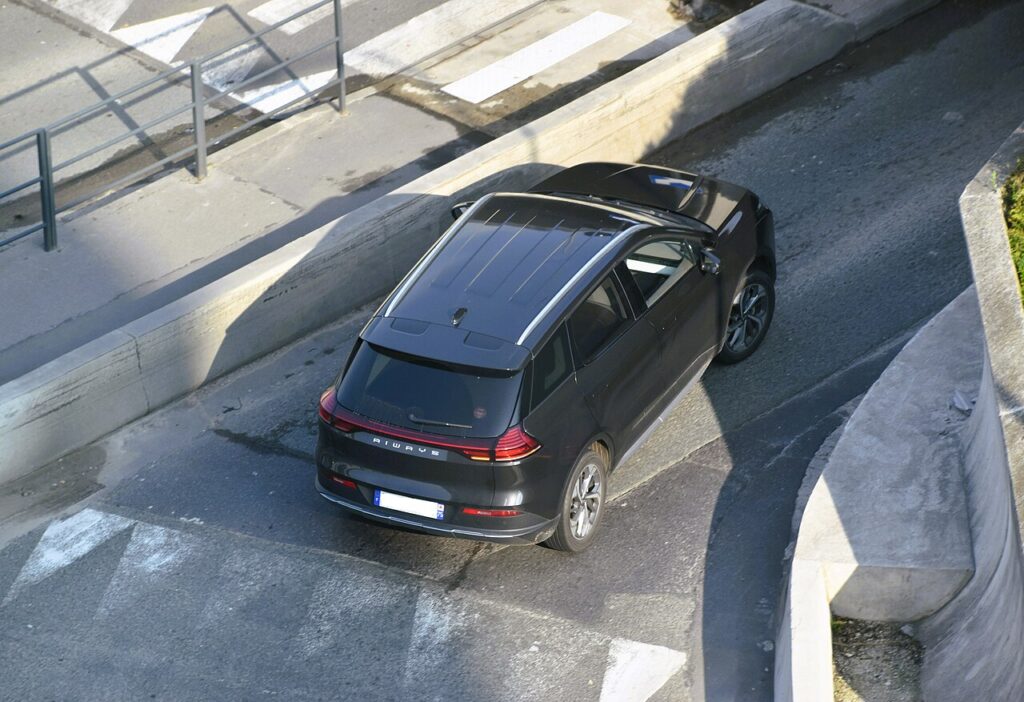
How the System Works on This Model
Because the reset is a drive-to-relearn with no store button, the U5 behaves like an indirect monitor: it watches how fast each wheel turns and flags a corner that spins slightly faster because it is soft. On an EV the ride is quiet and the instant torque makes a low tyre easy to miss, so the warning is worth acting on promptly. Once the pressures are correct and the system has re-referenced them at road speed, it settles down again.
Getting Ready
- Set the pressures when the tyres are cold — before driving, or after the car has stood a couple of hours.
- Use the figure on the driver’s door-pillar label for your wheel size and load.
- Do all four corners; correct even a slightly low tyre before the learn drive.
- Park level and make sure the car is ready to drive.
- Pick a route where you can hold a steady speed above walking pace for a few minutes.
When It Relearns
- After checking or adjusting the tyre pressures.
- After changing one or more wheels or tyres.
Completing the Procedure
- Park level and set all four tyres to the correct cold pressures.
- Drive the vehicle for about 5 minutes at over 25 km/h (15 mph).
- The new pressures are stored and the warning clears.
If the Warning Stays On
- Recheck every tyre — one below spec keeps the warning on, and an indirect system only needs a small difference to trigger.
- Complete the learn drive — short stop-start trips may not give the system enough steady running.
- Look for a slow puncture if one corner keeps dropping over a day or two; a nail or leaking valve is more likely than a system fault.
- Re-run after fitting the spare or swapping wheels so the car references what is actually fitted.
- Cold morning? Pressure falls as temperature drops, so top up to spec and drive again to relearn.
- Still showing with correct pressures? A sensor may have a flat battery — look up the code on autodtcs.com.
What Happens Next
Once the learn drive is complete the amber symbol should go out and stay off for the rest of the journey. From then on the pressures you set are the baseline the car watches, so the light only returns if a tyre genuinely loses air again. If it reappears the same day with pressures you know are correct, treat it as a real leak or a sensor issue to look into rather than a glitch.
Frequently Asked Questions
How do I reset the tyre pressure light on an Aiways U5?
Set all four pressures correctly while the tyres are cold, then drive about five minutes at over 25 km/h. The system re-references the new values on the move and the warning clears — there is no button or menu step to complete.
Is there a reset button?
No — the system relearns automatically as you drive, so there is nothing to press. Simply correct the pressures and complete a short learn drive. If the light will not clear afterwards, the cause is usually a tyre still below spec or a sensor problem rather than a missing reset step.
Do I need a tool?
Not for a normal relearn; the car handles it by driving. A tool is only needed when new pressure sensors are fitted and have to be paired to the vehicle, which is a workshop job rather than something you do at the roadside.
How long is the learn drive?
About five minutes at over 25 km/h is the guide. A steady run at that speed or above works better than a series of short stops, so a stretch of open road or a dual carriageway relearns it fastest. Recheck the pressures first so the values it stores are correct.

Why does it trigger in cold weather?
Cold air is denser, so pressure drops as temperatures fall overnight. A tyre set correctly in a warm garage can read low on a frosty morning and wake the warning. Top the tyres back up to the label figure while cold and complete the learn drive again.
It lit after a wheel swap — is that normal?
Yes — changing wheels or fitting the spare alters what the system has referenced, so it needs to relearn. Set each tyre to the correct cold pressure first, then drive to store the new baseline. If it will not settle, recheck that every corner is at spec.
If the warning came on with other alerts, decode the code on autodtcs.com.
Independent guide — not affiliated with Aiways. Always follow your official service manual and safety precautions. Read our full disclaimer.