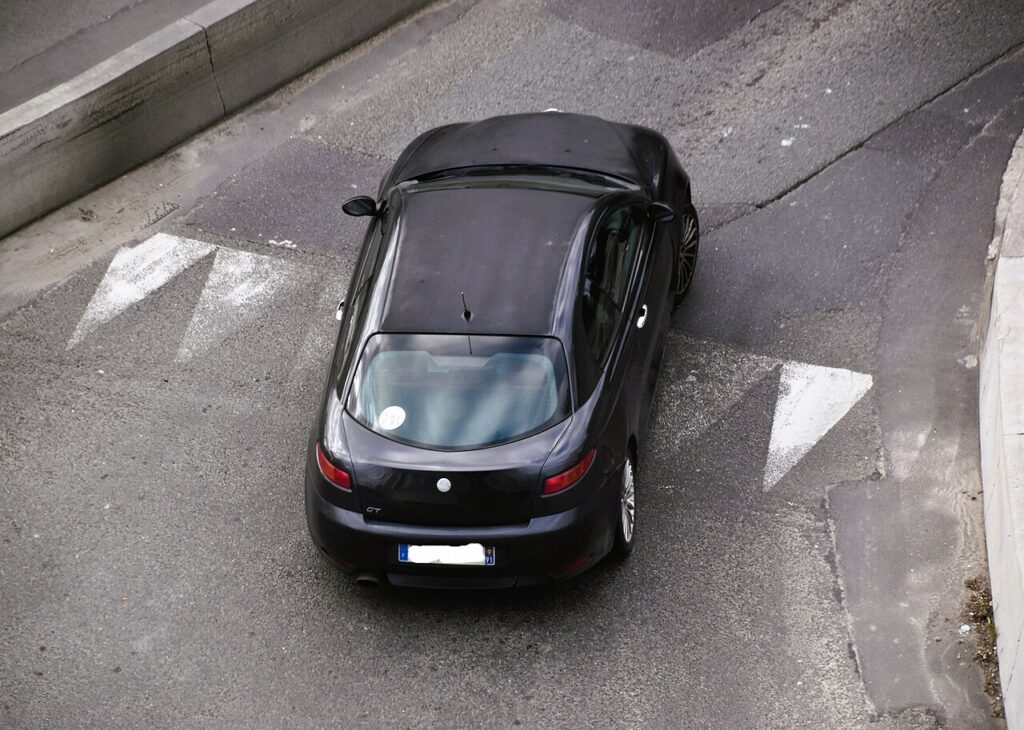
These instructions apply to the Alfa Romeo GT Mk1 (937) 2004-2011.
For other models, please choose your vehicle here.
If a window on your Alfa Romeo GT (2004–2011) has lost its one-touch up/down — usually after a flat or disconnected battery, or a fuse change — you can re-initialise it yourself in under a minute. No tools. It’s a normal after-effect of losing power, not a fault, so nothing needs replacing.
Why It Happens
The window control module learns its fully-up and fully-down stops. Cut the power and that memory is lost, so one-touch and anti-pinch stop working until you re-teach the limits.
How It Works on This Model
The GT’s front windows run through a control module that tracks the glass position across its full travel. That stored range is what lets a single flick of the switch drive the window all the way up or down and stop it cleanly, and it’s what the anti-pinch feature reads to sense an obstruction and reverse on the way up. When the 12 V feed is broken — a disconnected or flat battery, or a pulled window fuse — the module loses both stored stops and reverts to manual hold-to-move until the limits are taught again.
Before You Start
- Do this with the door closed so the glass reaches its true closed position.
- Switch the ignition on for full voltage during the learn.
- Keep fingers and objects clear of the glass — anti-pinch may be off until relearned.
- Teach each window from its own switch.
- If the battery or fuse was just refitted, let voltage settle for a moment first.
Re-initialising a Window
Do this with the door closed and the ignition on:
- Pull the switch up and hold it until the window is fully closed; keep holding for 2–3 seconds after it stops.
- Press the switch down and hold until the window is fully open; keep holding for 2–3 seconds after it stops.
- Pull up again to fully close and hold briefly — one-touch and anti-pinch are now relearned.
- Repeat for the other window if needed.
If It Still Won’t One-Touch
- Hold the switch the full 2–3 seconds past each limit — letting go early aborts the learn.
- Do it with the door shut so the glass reaches its true closed position.
- Free a sticky channel — drag from perished runners can stop the glass short on a car of this age.
- Use a charged battery — a weak 12 V can sag under load and interrupt the learn.
- Check the window fuse if the glass won’t move at all in either direction.
- A faulty regulator or switch can block the learn — any stored fault can be looked up on autodtcs.com.
What to Expect After
With the stops relearned, a single flick of the switch runs the glass fully up or down on its own and stops cleanly, and the anti-pinch reversal is active again. The setting is stored, so it stays working through everyday use — you’ll only repeat this the next time the battery is disconnected, goes flat, or a window fuse is changed.
Frequently Asked Questions
Why did my GT’s window stop going up with one touch?
The window module lost its learned limits, usually after a battery disconnection or fuse change. Without the stored stops it can’t judge where the glass should stop, so it drops to safe hold-to-move only. Re-teaching the fully-up and fully-down limits brings back one-touch and the anti-pinch protection together.
How do I reset the windows?
Hold the switch fully up (and a few seconds more), then fully down, then up again. The pause at each hard stop is what registers the limit, so don’t rush it. Release and test a single flick up and down; if it still moves only while held, run the whole sequence once more.
Do I need any tools?
No — it’s done entirely with the window switch, with the ignition on and the door shut. There’s no menu and no scan tool involved. The job takes under a minute per window and can be repeated as often as needed without any harm to the motor.
It still won’t work — now what?
Repeat carefully holding the limits; if it still fails, a regulator or switch fault may be stored — check autodtcs.com. First rule out the simple causes: a door left ajar, a sticky channel, a weak battery, or a blown window fuse if the glass won’t move at all.
Do I have to re-teach both windows?
Only the ones that lost one-touch. A power loss usually affects both powered windows, so if both dropped to manual, teach each from its own switch. Any window that still runs on a single flick has kept its memory and needs nothing done.
Is it safe to keep repeating the sequence?
Yes. The relearn just drives the glass to its stops and holds, which the motor does in normal use anyway, so repeating it does no harm. Keep hands clear of the glass while learning, as anti-pinch may not act until the limits are set. If it still won’t take, check the runners, fuse and battery.
If the windows dropped out after a battery change, see our GT battery disconnect/reconnect guide.
Independent guide — not affiliated with Alfa Romeo. Always follow your official service manual and safety precautions. Read our full disclaimer.