These instructions apply to the Alfa Romeo Tonale Mk1 (965) 2022-Present.
For other models, please choose your vehicle here.
Disconnecting the 12 V battery on your Alfa Romeo Tonale (2022–present) — for a new battery, winter storage, or work near the airbags — is straightforward, but there’s one thing to know first: the Tonale is a 48 V mild hybrid, so it has two batteries. You only ever touch the 12 V one.
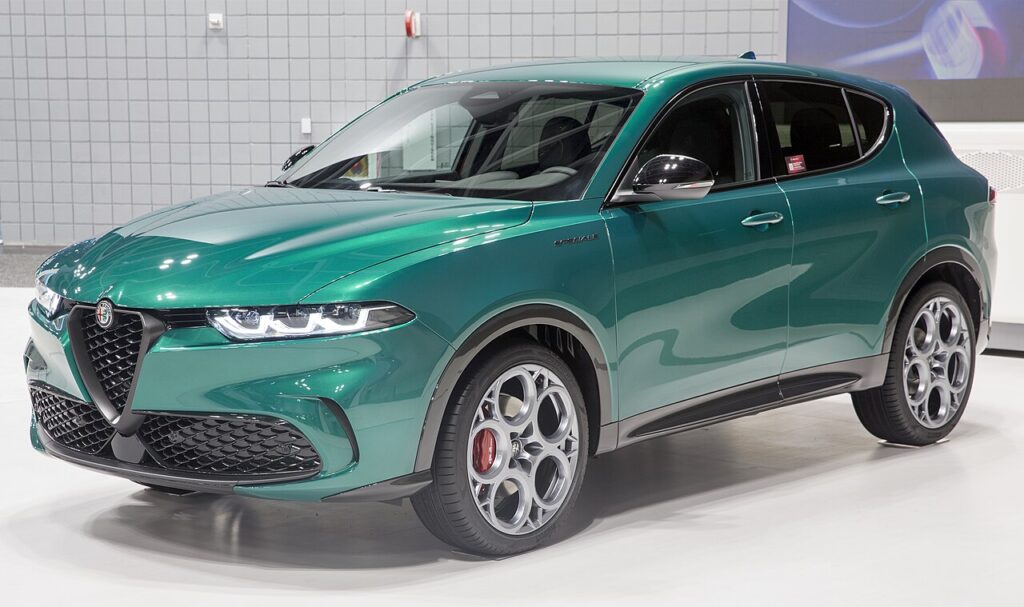
Two Batteries — Touch Only the 12 V
- 12 V battery — in the engine compartment. This is the one you disconnect and replace, exactly like an ordinary car battery.
- 48 V battery — under the centre console. This is the mild-hybrid pack — leave it alone. It is not an owner-serviceable item.
The PHEV (Plug-in) Tonale also has a separate high-voltage traction battery — again, never touch its orange cabling. For all the jobs below you work only on the 12 V battery in the engine bay.
Disconnecting Safely
- Note your radio code and presets, then switch everything off.
- Disconnect the negative (−) terminal first, then the positive.
- Working near airbags or seat-belt pretensioners? Wait a few minutes after disconnecting before such work.
Reconnecting and Re-initialising
Reconnect positive first, then negative. The Tonale then relearns:
- Power windows — one-touch may need re-initialising (hold the switch fully up/down at the limit).
- Electric boot lid and sunroof (if fitted) relearn their travel.
- Start/stop and steering-angle settle after a short drive; re-enter clock and presets.
If Something Isn’t Right Afterwards
- Warning lights often clear after a short drive once the relearns complete.
- A persistent light stores a code — look it up on autodtcs.com.
- Fit the correct 12 V battery type — the mild-hybrid system is fussy about battery spec.
Frequently Asked Questions
Where is the battery on an Alfa Romeo Tonale?
The 12 V battery is in the engine compartment; the 48 V mild-hybrid battery is under the centre console and is not owner-serviceable.
Can I disconnect the 12 V safely on the mild hybrid?
Yes — the 12 V is separate from the 48 V and (on the PHEV) the high-voltage system; never touch those.
Which terminal first?
Negative (−) off first, reconnect it last.
Do I need to recode anything?
Windows/roof/boot may need a one-touch relearn, and you’ll re-enter the clock and presets.
If a warning light stays on after reconnecting, look up the code on autodtcs.com.
Independent guide — not affiliated with Alfa Romeo. Always follow your official service manual and safety precautions. Read our full disclaimer.