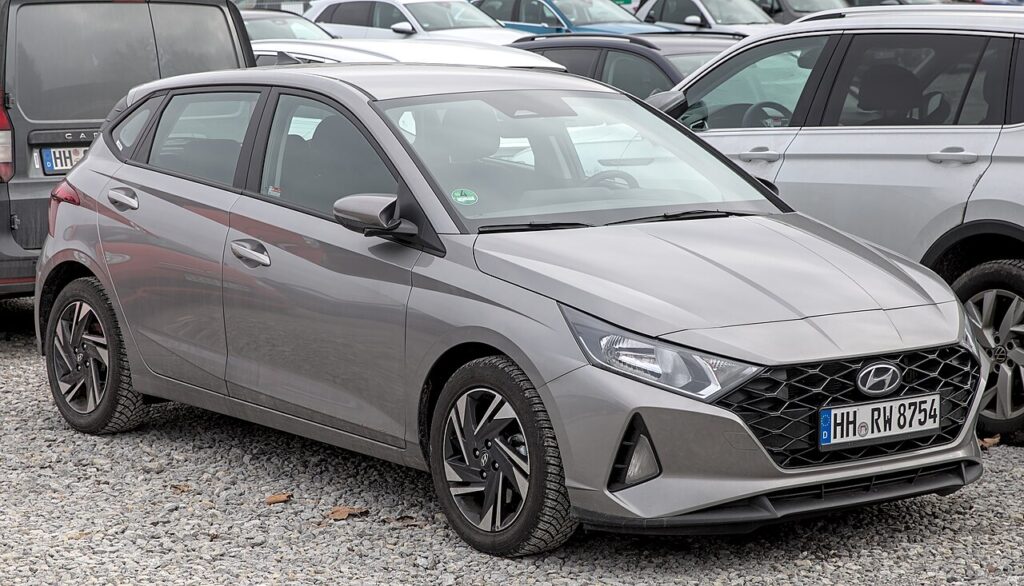
These instructions apply to the Hyundai i20 Mk3 (BC3) 2020-Present.
For other models, please choose your vehicle here.
If the key for your Hyundai i20 Mk3 (BC3, 2020–present) only works when you’re right next to the car, or the dash shows a key-battery warning, the coin cell in the fob has almost certainly gone flat. The third-generation i20 came with two different keys depending on trim: a folding “flip” remote (the blade swings out at the press of a button) on most versions, and a smart proximity key (keyless entry and push-button start, with a slide-out emergency blade) on higher trims. Both take the same battery, but they open differently, so it’s worth knowing which one you have. Here is the exact cell, the method for each key, and why a genuinely new key still means a dealer or locksmith.
How to Tell the Fob Battery Is Dying
- Range collapses. You have to stand right at the car, or hold the key to the door, for it to lock or unlock — the classic first symptom.
- Keyless entry gets fussy (smart key). On proximity-key cars the handle-touch unlock stops recognising the fob in your pocket, so you start pressing the button instead.
- A dash warning. The i20’s cluster shows a low key-battery message (a key symbol with a low-battery note) when the fob is weak — the clearest early cue on smart-key cars.
- Cold-weather dropouts. A tired cell that copes in mild weather can fail on a cold morning; intermittent response when it’s freezing means the battery is nearly done.
A coin cell in an i20 key typically lasts two to four years — a little less on the smart key, since the keyless system wakes the fob whenever it’s near the car. If yours is that age and misbehaving, fit a fresh cell before suspecting the car.
The Battery You Need
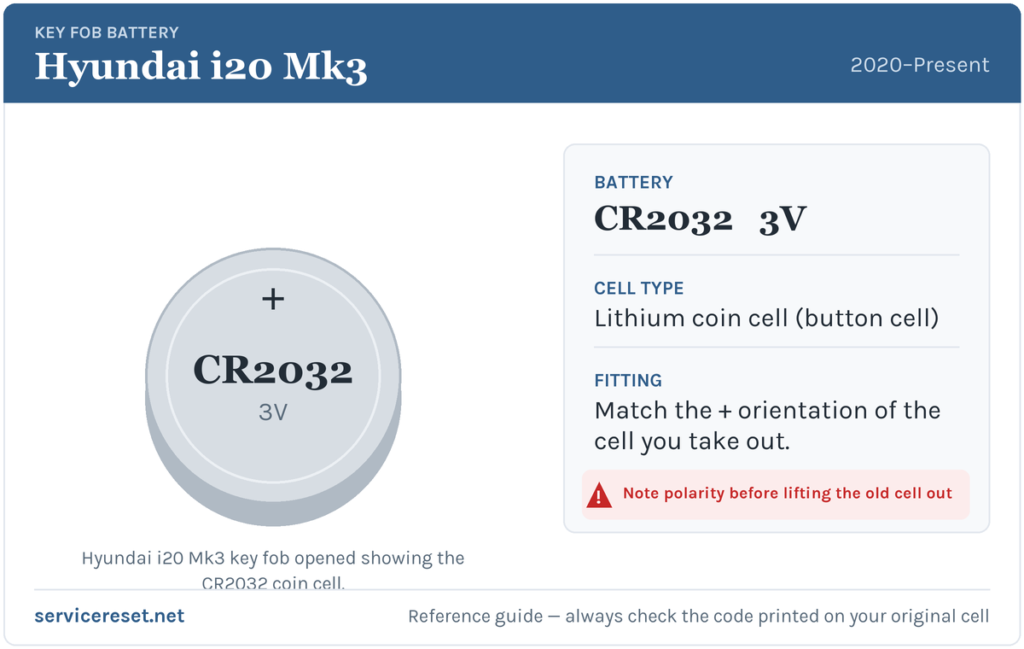
Both the folding flip remote and the smart proximity key use a single CR2032 3-volt lithium coin cell — the common, widely available size sold in any supermarket or hardware shop. Buy a good branded cell (Panasonic, Sony/Murata, Energizer or Duracell); the short high-current pulse the transmitter draws makes cheap cells sag, which shows up as poor range even when the battery is fresh.
Method 1 — Folding “Flip” Remote
- Fold the blade away so the fob is easier to hold, or leave it out to use as a lever — whichever gives you a better grip.
- Find the seam and any screw. Most i20 flip remotes clip together; some have a tiny cross-head screw on the back. If there’s a screw, undo it with a fine Phillips driver first.
- Split the case at the seam. Insert a flat plastic tool (or a small screwdriver wrapped in tape) into the notch on the side seam and gently twist to pop the two halves apart.
- Note the orientation, then remove the old cell. Look at which face is visible before you lift it out, then ease the CR2032 from under its clip.
- Fit the fresh CR2032 and close up. Seat the new cell the same way round, following the +/− markings in the holder, press the halves back together until they click, and refit any screw — snug, not overtight.
Method 2 — Smart (Proximity) Key
- Slide out the emergency blade. Push the small release catch and pull the metal auxiliary key straight out — this frees the case and gives you the gap to open it.
- Open at the blade slot. On many i20 smart keys the back cover simply pulls off by hand once the blade is out; if not, insert a flat plastic tool into the slot the blade left and gently twist to split the halves.
- Note the orientation, then remove the old cell. Check which face shows before lifting the CR2032 out from under its clip.
- Fit the fresh CR2032 and reassemble. Seat the new cell the same way round, following the +/− markings, click the halves back together, and slide the blade home until it latches.
⚠️ Get the polarity right. A coin cell fitted upside down won’t power the fob and can slowly discharge if left in place. Match the orientation of the cell you removed and follow the + symbol moulded into the holder — never fit it by guesswork.
Confirm It Worked
Stand back a few metres and lock, then unlock, the car with the buttons — full range should be back at once. On a smart-key i20, also test the keyless side: with the fob in your pocket, touch the door handle to lock/unlock and press start to confirm the car reads it. The low key-battery message clears once the car next reads a healthy fob, sometimes after a short drive rather than instantly.
If a Fresh Cell Doesn’t Fix It
- Re-check polarity and seating. An upside-down cell, or one not pressed fully under its clip, is the commonest DIY slip — open it back up and confirm.
- Clean the contacts. A dry cloth or cotton bud on the terminals clears grease or light corrosion that causes dropouts.
- Backup start (smart key). If the car won’t detect the fob, hold it against the start button and press — the i20 can read the transponder at close range even with a flat cell, which confirms the battery was the problem.
- Whole car slow to wake? A weak car 12 V battery can mimic key faults; have the vehicle battery checked before condemning the fob.
New Key or Spare — Why It’s a Dealer Job
Changing the coin cell keeps the fob’s coding intact, so no reprogramming is needed — the key works the moment the case clicks shut. A genuinely new key is different: Hyundai keys are paired to the car’s immobiliser electronically, blank fobs are ordered against the VIN, and the emergency blade or flip blade has to be cut to the car’s key code. That pairing needs Hyundai diagnostic access, so adding a spare or replacing a lost key is a job for a Hyundai dealer or an auto-locksmith. The cheap insurance is to keep your spare key’s battery fresh too, so you’re never down to one working key.
Frequently Asked Questions
What battery does a Hyundai i20 Mk3 key take?
A single CR2032 3-volt lithium coin cell — the same size for both the folding flip remote and the smart proximity key.
How do I know which key I have?
If the blade springs out at the press of a button and you have to press a button to lock/unlock, it’s the flip remote. If the car unlocks when you touch the handle and starts with a button, it’s the smart proximity key with a slide-out emergency blade.
Which way up does the battery go?
Match the cell you removed and follow the +/− markings in the holder. Note the orientation before you lift the old one out so you can’t get it wrong.
Do I need to reprogram the key after a battery change?
No. The coding isn’t affected by swapping the cell, so the key works straight away. Only a brand-new key needs pairing to the car.
How long should an i20 key battery last?
Usually two to four years, a little less on the smart key because it wakes whenever it’s near the car. Leaving the key by the front door overnight shortens the cell’s life.
Can I still drive if the fob is completely dead?
Yes. Use the blade in the key to unlock the driver’s door; on a smart-key car, hold the fob against the start button and press — the car reads the transponder up close, so a flat cell won’t strand you.
If the i20’s remote failed suddenly rather than fading — particularly just after the 12 V battery was disconnected — suspect a pairing or electrical fault over the cell, and any stored trouble code will help you narrow it down. You can look up what a dashboard fault code means on autodtcs.com.
Independent guide — not affiliated with Hyundai. Always follow your official service manual and safety precautions. Read our full disclaimer.