These instructions apply to the Land Rover Range Rover Velar Mk1 (L560) 2017-Present.
For other models, please choose your vehicle here.
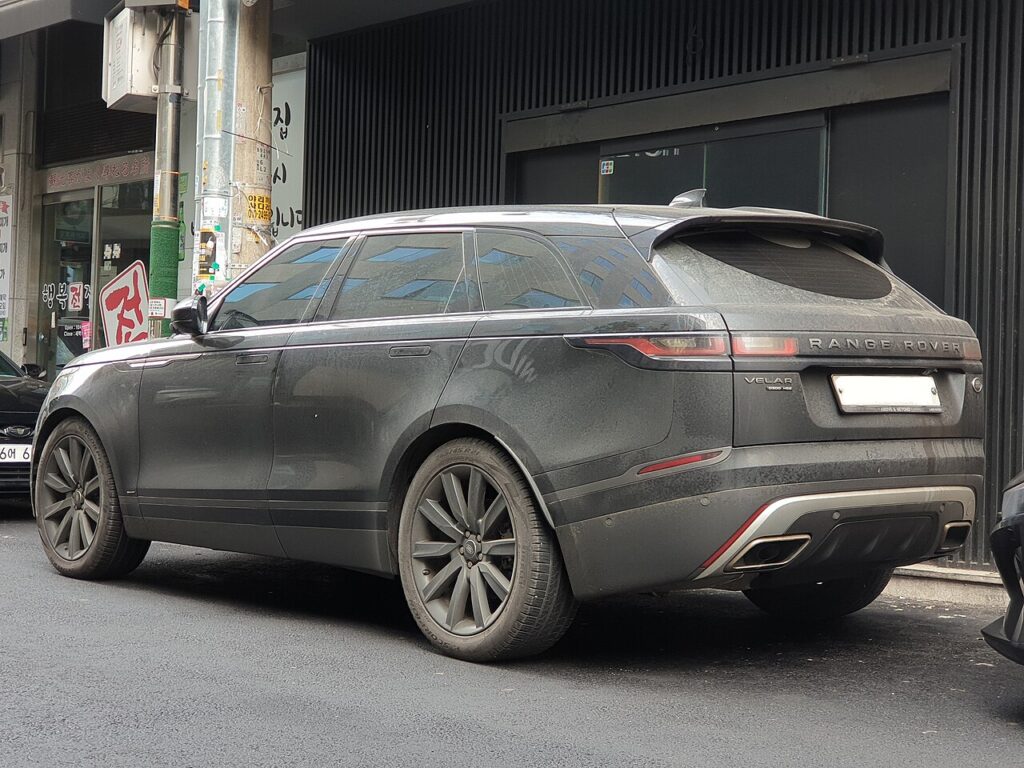
The Range Rover Velar (2017–present) is a fully keyless car, so you rarely take its smart key out of your pocket — which is exactly why a fading fob catches so many owners off guard. When the Velar suddenly wants the key held right against the door handle, or the touchscreen and cluster flash a low-key-battery warning, the coin cell inside the fob has run down. It is a genuinely simple swap once you know where the hidden emergency blade release is. Here is the precise cell the Velar uses, how to prise the case open without marking it, and why a replacement key can only come from a dealer.
How to Tell the Fob Battery Is Dying
- Range collapses. Instead of the Velar sensing the key as you walk up, you have to press the fob almost onto the door handle to lock or unlock. This is the first thing owners notice.
- A low-key-battery message. The Velar warns you through the instrument cluster when the fob voltage is low — treat that as a prompt to change the cell within a few days, not something to ignore.
- Keyless start plays up. The engine may refuse to fire on the first press, or you have to hold the fob near the start button or column for the car to recognise it.
- Worse when it’s cold. A tired cell loses more voltage in low temperatures, so an intermittent fob often fails completely on the first cold morning.
Expect roughly two to four years from a CR2032 in a Velar. Because the fob answers the car constantly, leaving it hanging by the front door right next to the parked car drains it quicker.
The Battery You Need
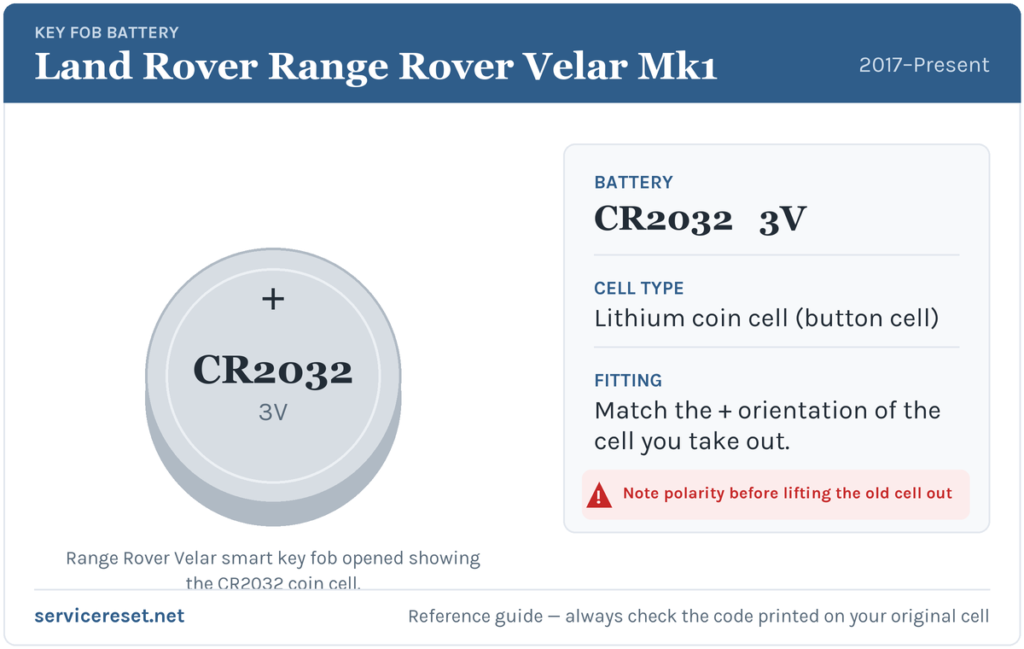
The Velar smart key uses a single CR2032 — a 3-volt lithium coin cell measuring 20 mm across and 3.2 mm thick. It is a shelf-standard battery you can buy almost anywhere. Choose a quality branded cell and steer clear of the thinner CR2025, which looks similar but sits proud of the contacts and can give weak range. Hold the new cell by its rim only; fingerprints on the flat faces leave a residue that can corrode the terminals.
Method — Keyless Smart Fob
- Free the emergency blade. Press the small button on the side of the fob and slide the metal emergency key blade out of its slot.
- Open the case. With the blade removed, push the tip of that blade — or a thin plastic pry tool — into the gap it leaves and gently lever the two halves of the fob apart. They part with modest pressure; there are no screws.
- Lift out the old cell. Look at which way it faces first. In the Velar fob the CR2032 sits positive (+) side up, so the printed “CR2032” marking faces you as you look into the open case.
- Fit the new battery and reassemble. Slide the fresh cell in under its clip the same way up, press the halves together until the seam clicks shut, and push the emergency blade back in until it locks.
⚠️ Get the polarity right. A CR2032 fitted upside down can short across the holder and quietly drain itself, so a supposedly new battery ends up flat and the key stays dead. Match the orientation of the cell you removed — positive up on this fob.
Make Sure It Took
Walk a few metres away and lock, then unlock, the Velar; keyless range should be back to normal at once. Get in and press start — recognition should be instant. The low-key-battery warning clears once the car reads a healthy fob, which can take one full drive cycle rather than clearing the moment you snap the case shut.
If a Fresh Cell Doesn’t Fix It
- Confirm the cell is the right way up and fully home. An upside-down or half-seated coin cell is behind most “the new one didn’t help” cases.
- Clean the contacts. Give the terminals and the battery faces a wipe with a dry cloth to clear grease or light corrosion.
- Use the backup start. If the fob is genuinely dead, hold it against the marked spot near the steering column and press start with the brake down — that shows the immobiliser is fine and the issue is only the fob.
- Check the car’s 12 V battery. A run-down vehicle battery can make the keyless system sluggish and imitate a fob fault; if the Velar is slow to wake generally, look at that too.
New Key or Spare — Why It’s a Dealer Job
A battery swap leaves the fob’s coding intact, so there is nothing to reprogram afterwards — the key simply works. Cutting and coding a new key is a different task entirely: the Velar’s keyless-vehicle module has to be reached with manufacturer-grade diagnostic equipment, and blank fobs are ordered against the car’s VIN and security profile. That puts a spare or a lost-key replacement firmly in dealer or specialist-locksmith territory. Keeping the second fob’s cell fresh is the cheapest insurance against ever being stuck with a single working key.
Frequently Asked Questions
What battery does a Range Rover Velar key fob use?
A single CR2032 3-volt lithium coin cell — the same battery Land Rover uses across its current smart keys. There is only one button-fob type for the Velar, so there is nothing to second-guess.
Which way up does the cell go in a Velar fob?
Positive (+) face up, with the “CR2032” text visible as you look into the open case. Note the old cell’s orientation before you remove it and copy it exactly.
Do I have to reprogram the key after a battery change?
No. Replacing the coin cell doesn’t affect pairing, so the fob reconnects to the car on its own the next time it’s used. Programming is only needed for a genuinely new key.
How long does a Velar fob battery last?
Typically two to four years. Leaving the fob right next to the car keeps it waking to answer the vehicle and runs the cell down sooner.
The new battery didn’t fix my Velar key — what next?
Re-check that the cell is the right way up and clipped firmly in place, then clean the contacts. If it still won’t respond, get in with the emergency blade and start the car by holding the fob to the column — if that works, the fob’s transmitter has likely failed and needs replacing.
Can I drive the Velar if the fob battery is flat?
Yes. Slide out the concealed emergency blade to unlock the door, then hold the fob against the marked point by the steering column and press the start button with your foot on the brake. A dead coin cell won’t leave you stranded.
If the remote quit abruptly — for instance right after the 12 V battery was disconnected, rather than fading gradually — the trouble may lie in the car’s electronics rather than the fob, and any stored fault code will help pin it down. You can decode what a logged code means over at autodtcs.com.
Independent guide — not affiliated with Land Rover. Always follow your official service manual and safety precautions. Read our full disclaimer.