These instructions apply to the Lexus IS Mk3 (XE30) 2013-2020.
For other models, please choose your vehicle here.
Disconnecting the 12 V battery on your Lexus IS (2013–2020) — for a new battery, winter storage, or work near the airbags — is straightforward once you know where the battery is. On the IS 300h hybrid it’s in the boot, not under the bonnet; on the petrol IS it’s in the engine bay.
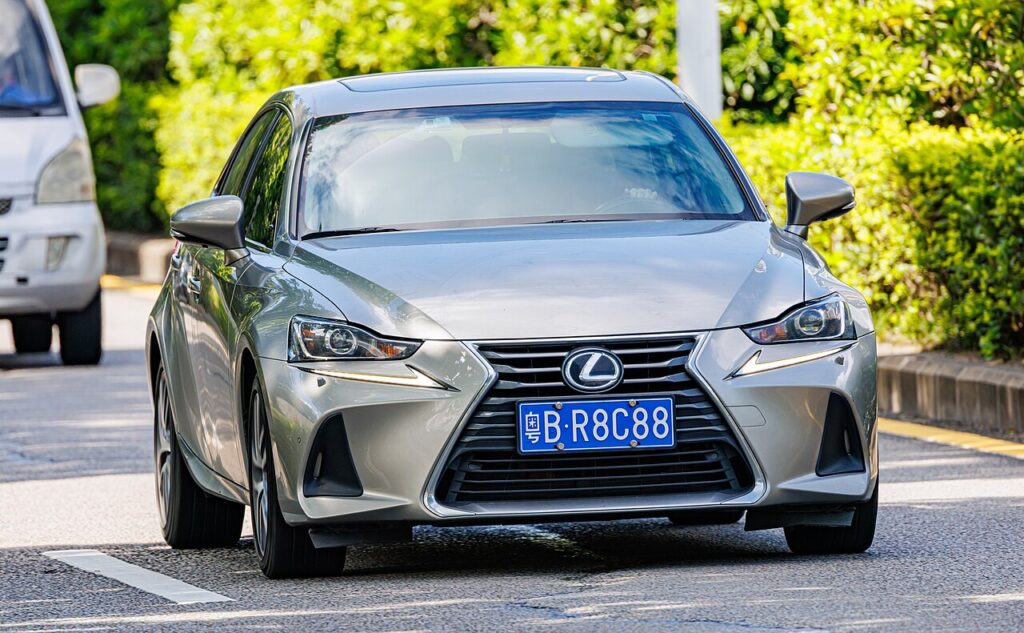
You disconnect the 12 V battery on the IS for a handful of reasons: renewing a tired battery, working on the electrics or bodywork, laying the car up for the winter, or clearing a persistent electrical niggle. The job itself is simple — the only wrinkle is that the hybrid and the petrol cars keep the battery in different places, so the first step is always to find it. On the IS 300h the traction battery for the electric motor is high-voltage and sealed for life; the small 12 V battery you are working on is a separate, ordinary lead-acid unit. Provided you disconnect and reconnect in the right order, the IS relearns what it needs on the drive home.
Where the 12 V Battery Is
- IS 300h (hybrid): the 12 V battery is in the luggage compartment (boot), usually on the right side under a trim panel. Lift the boot floor and side liner to reach it. The two posts under the bonnet are for jump-starting only. Never touch the orange high-voltage cabling.
- IS 200t / 300 (petrol): the battery is in the engine bay, in the conventional position under the bonnet.
Wherever it sits, identify the terminals before you touch anything: the negative (−) is the black clamp, and the positive (+) is the red clamp under a plastic cover.
Getting Ready
- Make sure the car is fully off. On the 300h check the dash is dark with no READY light; on the petrol IS switch the ignition right off.
- Take the smart key well clear of the car so the electronics don’t wake back up.
- Turn off the lights, climate and audio, and shut the doors you aren’t using.
- Note your radio or navigation security code if the car uses one, and record seat and mirror positions.
- Have a 10 mm spanner, gloves and eye protection ready, and after switching off, wait about a minute for the modules to power down.
Disconnecting Safely
- Switch off and, after turning the ignition off, wait 1 minute before disconnecting.
- Slacken and lift off the negative (−) terminal first, then tuck the clamp aside so it cannot spring back onto the post.
- Now slacken and remove the positive (+) terminal.
- If you are working near airbags or seat-belt pretensioners, wait 90 seconds after disconnecting before starting that work.
Reconnecting and Re-initialising
- Fit and tighten the positive (+) terminal first.
- Fit and tighten the negative (−) terminal last, and check both clamps are snug — a loose clamp causes most after-disconnect faults.
- Refit any trim, get in, and start the car normally.
What You’ll Need to Reset Afterwards
The IS only loses short-term memory, and most of it returns as you drive:
- Clock, audio presets and settings — re-enter these, plus the security code if prompted.
- Power windows — if one-touch and anti-pinch stop working, pull each switch up and hold at the top to relearn.
- Start/stop system re-initialises after reconnection and settles once the battery is fully charged.
- Steering angle and stability systems relearn as you drive straight and turn fully each way.
- Some warning lights self-clear once these relearns complete over a short drive.
If a Warning Light Stays On or the Car Feels Off
- Re-check both terminal clamps are tight and clean — the usual culprit.
- Take a short, gentle drive with straight stretches and full-lock turns to complete the relearns.
- Redo the window one-touch relearn if the express function still misbehaves.
- If a light won’t clear, rule out a genuinely flat or worn battery — the 300h uses a specific small AGM-type aux battery, so fit like-for-like.
- Read any stored code to see what is actually being flagged.
Frequently Asked Questions
Where is the battery on a Lexus IS 300h?
In the boot (luggage compartment), usually on the right side under a trim panel — lift the boot floor and liner to reach it. The under-bonnet posts are only for jump-starting on the hybrid.
And on the petrol IS?
In the engine bay, in the conventional position under the bonnet, so the whole job is done up front on the 200t and 300.
Which terminal first?
Negative (−) off first, then positive. Reconnect in reverse: positive (+) on first, negative last. That order stops the spanner shorting a live terminal against the body.
Does a new battery need coding on the IS?
A like-for-like replacement of the correct type does not need dealer coding on this car. Fit the same size and specification and connect it in the right order.
Will disconnecting clear fault codes or reset the service light?
It may clear some temporary codes, but a fault that’s still present will log straight back. The service reminder is a separate reset, not something a battery disconnect reliably clears.
Can I jump-start it instead?
For a simple flat, yes — use the under-bonnet jump posts on the 300h or the engine-bay terminals on the petrol car. But a battery renewal or airbag work still needs a proper disconnect.
If a warning light stays on after reconnecting, look up the stored code on autodtcs.com.
Independent guide — not affiliated with Lexus. Always follow your official service manual and safety precautions. Read our full disclaimer.