These instructions apply to the Lexus NX Mk2 (Z2) 2022-Present.
For other models, please choose your vehicle here.
If the tyre-pressure warning has appeared in your Lexus NX (2022–present) after you’ve adjusted the pressures or changed a wheel, it usually isn’t a fault — the monitor is simply still comparing against the old reference. To clear it you re-store the current pressures as the new baseline, which on the NX is done with the dashboard menu and a reset button. Here’s how, plus what to do if the light won’t go out.
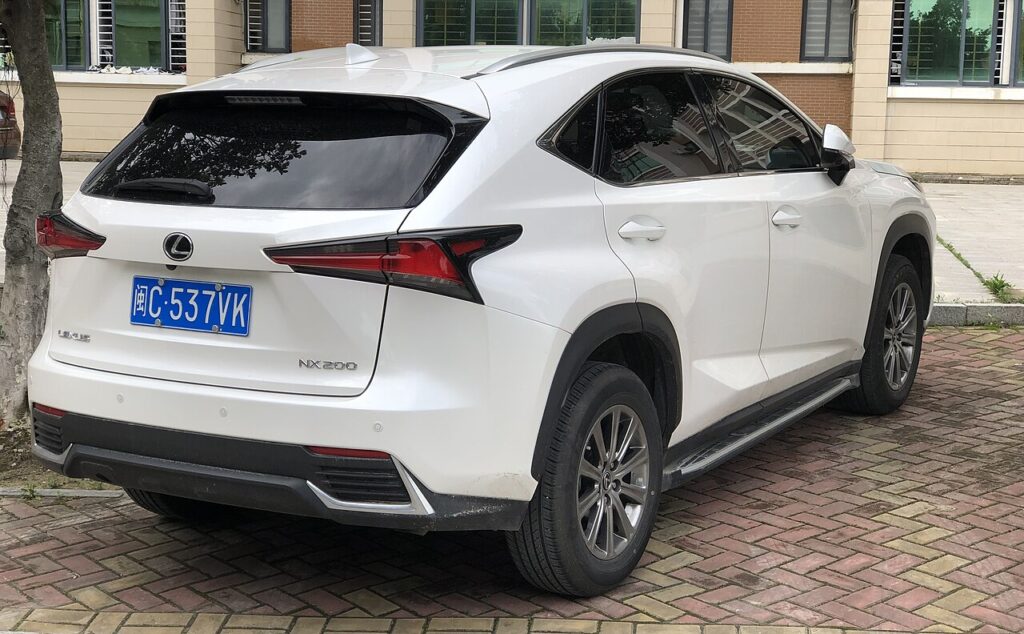
How the NX Monitors Pressure
The current NX uses a direct system, with a sensor inside each wheel that transmits the actual pressure to the car. That’s why the display can show a live reading per corner and why the reset button exists at all — it tells the module to take the sensors’ present readings as the new ‘correct’ reference. Until you do that after a pressure change or wheel swap, the system keeps measuring against the old target and leaves the warning lit.
Before You Begin
Get the pressures right first — the reset locks in whatever is in the tyres at that moment.
- Set all four tyres cold, before driving, so the readings aren’t warmed up and high.
- Use the figures on the placard in the driver’s door shut; front and rear values may differ.
- Park level and switch the ignition on so the display and menu are live.
- Locate the TPMS reset button in advance — it may be near the steering column or in the menu.
- If a full-size spare is monitored, set that too.
When to Reset
- After checking or adjusting the tyre pressures.
- After changing wheels or tyres, or fitting winter wheels.
Resetting the System
- Park level and set all four tyres to the correct cold pressures (placard in the driver’s door shut).
- Switch the ignition on.
- In the multi-information display or settings menu, select ‘Tyre pressure’ / TPMS.
- Press and hold the TPMS reset button until the TPMS warning light flashes, then release.
- The system stores the current pressures as the new reference; it confirms after a short drive.
If the Warning Stays On
- Recheck every tyre — one below spec keeps the warning on and blocks the reset.
- Hold the reset button until the light flashes — releasing early cancels it and nothing is stored.
- Drive a little further — the confirmation comes after a short run, not the instant you release the button.
- Cold overnight — a chilly morning can drop a set tyre below the threshold; top up cold and reset.
- Just swapped wheels — you must re-store after any change so the fitted sensors become the reference.
- Still showing with correct pressures? A sensor fault may be involved — look up the code on autodtcs.com.
After the Reset
With pressures set, the button held to the flash, and a short drive done, the warning light goes out and stays off. The tyre-pressure page should then read normally for every corner against the fresh reference. If the light comes back later, take it as a genuine prompt to check the tyres rather than a glitch — a real drop or a slow leak is the most common reason.
Frequently Asked Questions
How do I reset the tyre pressure light on a Lexus NX (2022 on)?
Set the pressures, switch on, select Tyre pressure in the display, then hold the reset button until the light flashes. Let it release, then drive a short distance so the system can confirm the stored reference and turn the warning off.
Where is the TPMS reset button?
Usually near the steering wheel or on the dash; the menu may also offer a ‘set’ option — your handbook shows the exact location. If you can’t find a physical button, work through the tyre-pressure page in the display, as some builds place the reset action there instead.
Why won’t the warning clear?
Usually a tyre still below spec, or the reset button wasn’t held until the light flashed. Recheck all four against the door placard, run the reset again holding until the flash, and give it a short drive; that clears the great majority of cases.
Do I need a tool?
No for a normal reset; a tool is only needed when a sensor is replaced. The dashboard reset re-stores the baseline using the sensors already fitted — it’s only registering brand-new sensors that calls for tyre-shop equipment.

Does one low tyre stop the reset?
Yes — the system won’t store a baseline that includes a corner below spec, so the reset appears to do nothing. Bring every tyre up to the placard figure first, then the reset will take and the light will clear on the confirming drive.
Do I reset after fitting winter wheels?
Yes. Any wheel change means the car is now reading different sensors or different pressures, so re-store the baseline once the winter set is on and inflated correctly. Repeat the same reset when you go back to the summer wheels.
If the warning came on with other lights, decode the code on autodtcs.com.
Independent guide — not affiliated with Lexus. Always follow your official service manual and safety precautions. Read our full disclaimer.