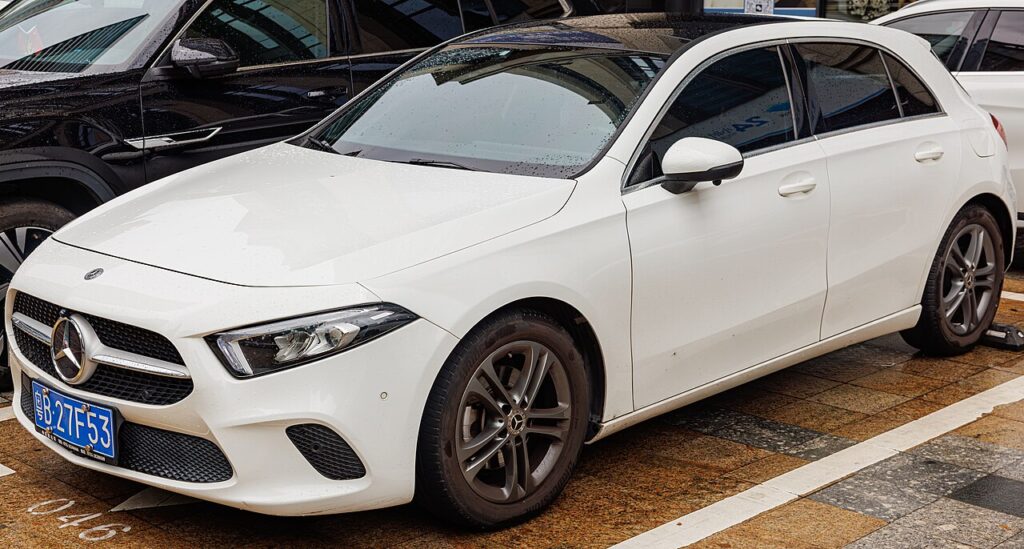
These instructions apply to the Mercedes A-Class Mk4 (W177) 2018-Present.
For other models, please choose your vehicle here.
Your Mercedes A-Class Mk4 (W177, 2018–present) has an ECO start/stop system that switches the engine off at a standstill to save fuel. If you’d rather keep it running in traffic, it’s one button to turn off. Here’s how, and why it sometimes won’t cut the engine.
How ECO Start/Stop Works
Brake to a stop (automatic) or stop, select neutral and release the clutch (manual), and the engine shuts off; lift the brake or dip the clutch and it restarts. It only operates once the engine is warm and the battery is healthy.
How to Switch It Off
- With the engine running, press the ECO start/stop button — marked “ECO” with the auto-stop symbol, on the centre console or dash.
- The ECO indicator shows it’s off, and the engine idles normally at a stop.
You can also disable it in the MBUX menu under the vehicle/ECO settings on some models.
How to Switch It Back On
Press the button again, or simply restart the car — ECO start/stop defaults back on every time you switch the ignition off and on. There’s no factory setting to keep it off.
Why It Sometimes Won’t Activate
- The engine isn’t warm yet, or the climate system is demanding heating/cooling/demist.
- The battery charge is low — common after short trips or a battery change before the new battery was registered; auto-stop is blocked to protect it.
- You’re on a slope, the steering is turned, or you haven’t fully stopped.
If it stopped working after a battery change, the new AGM battery may need registering — see our A-Class W177 battery guide.
Frequently Asked Questions
Does the A-Class remember my ECO start/stop setting?
No — it resets to on at every start. There’s no factory option to keep it off.
Is it bad to keep using it?
No — the A-Class’s reinforced starter and AGM battery are built for it, and it skips stops when the battery is low.
Why won’t the engine auto-stop?
Usually a cold engine, a low battery, or the climate system demanding the engine.
The ECO light won’t come on — is that a fault?
Often the battery is low or the engine isn’t warm yet; if it persists after a charge, have it checked.
If a warning light appeared alongside the fault, look up the code on autodtcs.com. To clear a service reminder, see our A-Class W177 service reset guide.
Independent guide — not affiliated with Mercedes. Always follow your official service manual and safety precautions. Read our full disclaimer.