These instructions apply to the Subaru BRZ Mk1 (ZC6) 2012-2019.
For other models, please choose your vehicle here.
Disconnecting the 12 V battery on your Subaru BRZ (2012–2019) — the ZC6 — is a quick driveway job when you’re fitting a new battery, laying the car up for winter, or working near the airbags and seat-belt pretensioners. The BRZ is a light, driver-focused coupe, but it still runs a good deal of electronics: the infotainment head unit, the engine and transmission control modules and, on later cars, the driver-assist systems all hold learned data that will drop when you cut the power. That’s expected. Remove the terminals in the right order, put them back the same way, and the car relearns cleanly — usually within a short drive.
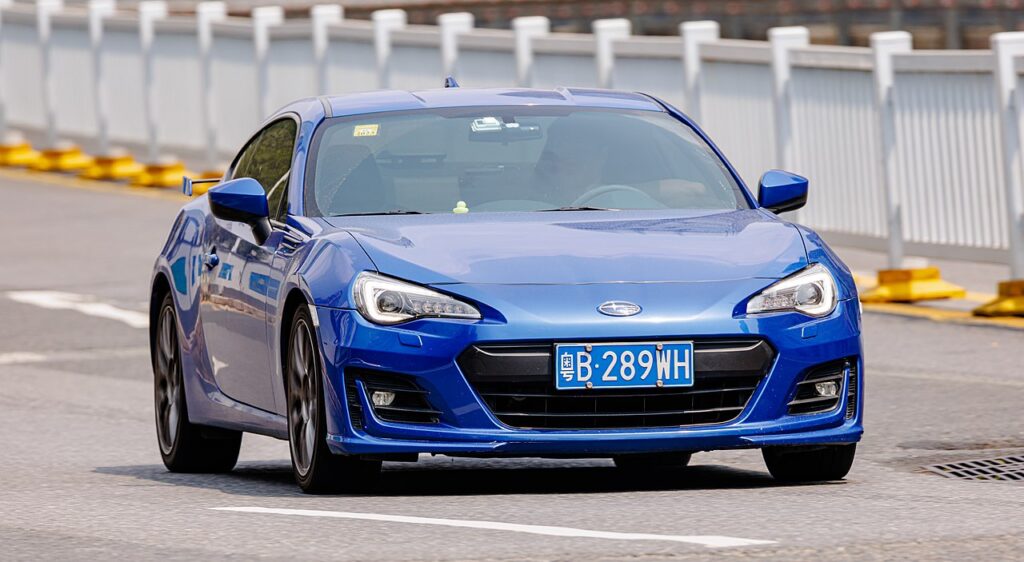
Where the 12 V Battery Is
The 12 V battery lives in the engine compartment, typically toward a front corner and often under a cover or trim. The BRZ was fitted with a small, light battery as standard to keep weight down, so it’s more compact than you might expect — make a note of the exact size and type before you take it out. Identify the terminals first: the negative (−) post carries the earth strap to the body and usually wears a black cap; the positive (+) post is capped red and feeds the main harness.
Before You Begin
- Turn the ignition fully off, take the key clear of the car, and shut the doors so the electrics settle.
- Switch off the lights, stereo, climate fan and any heated seats so nothing is drawing current.
- Jot down your radio presets and personal settings so re-entering them later is quick.
- Leave the car a couple of minutes with everything off so the control modules power down before you pull a terminal.
- Have the right spanner, gloves and eye protection to hand — never let a spanner bridge the two posts.
Disconnecting
- Check the ignition is off and everything electrical is switched off.
- Loosen the clamp on the negative (−) terminal first, lift the lead clear and tuck it aside so it can’t flop back onto the post.
- Now loosen and remove the positive (+) terminal.
- If you’re working near the airbags or pretensioners, wait a couple of minutes after disconnecting before you begin, so stored charge in the restraint circuit has dissipated.
Reconnecting
- Fit the positive (+) terminal first and nip the clamp up.
- Fit the negative (−) terminal last and tighten it.
- Confirm both clamps are firm — a loose earth is the number-one cause of gremlins afterwards — then refit any cover.
What You’ll Need to Reset Afterwards
Once the power is back, a few learned items need to return:
- Clock and radio — re-enter the time and your station presets.
- Power windows — if one-touch stops working, hold the switch fully up until the glass tops out and hold briefly, then fully down and hold, to relearn the limits.
- Steering-angle and stability control — these settle after a short drive with some gentle steering; a VDC light usually self-clears once they do.
- Engine idle — the flat-four may idle a touch differently for the first few miles while the ECU relearns its trims, then smooths out.
If a Warning Light Stays On or the Car Feels Off
- Recheck that both clamps are clean and tight, particularly the negative earth.
- Drive a few gentle miles so the steering, stability and idle relearns can finish.
- Repeat the window one-touch relearn if it didn’t take first time.
- Rule out a genuinely flat or aged battery — the BRZ’s small battery is easily weakened by a long lay-up, and a weak one throws odd faults.
- Read any stored code and look it up on autodtcs.com.
Frequently Asked Questions
Where is the battery on a Subaru BRZ?
In the engine compartment, typically toward a front corner and often under a cover. It’s a small, light battery as standard, so note the exact size before removing it.
Which terminal do I disconnect first?
The negative (−) terminal comes off first and goes back on last; the positive (+) goes on first when reconnecting. This order stops a spanner shorting to the bodywork.
What needs resetting after I reconnect?
The clock and radio presets, the one-touch window function, and a short settling period for the steering-angle, stability control and idle. Most of it clears itself within a few miles.
Does a new battery need coding on the BRZ?
A like-for-like replacement of the correct small size and type generally needs no coding. The important thing is to match the original specification rather than fit a larger generic battery.
Will disconnecting the battery clear fault codes or the service light?
It may clear some temporary codes, but it isn’t a genuine service reset and won’t cure a real fault — the code returns if the cause remains. Diagnose the underlying issue instead.
Can I jump-start it instead of disconnecting?
Yes — if you only need to recover a flat, jump-starting keeps your settings intact. Disconnect only when renewing the battery or working near the airbags and electrics.
If a warning light stays on after reconnecting, read the stored code and look it up on autodtcs.com.
Independent guide — not affiliated with Subaru. Always follow your official service manual and safety precautions. Read our full disclaimer.