These instructions apply to the Kia Picanto (JA) 2017 - Present. For other models, please choose your vehicle here.
After disconnecting or replacing the battery on the Kia Picanto JA (2017–present), the automatic function of the electric windows may stop working. To restore one-touch up and down operation, you need to re-initialize the power windows using the switches.
Initialization Procedure
- Switch the ignition ON (do not start the engine).
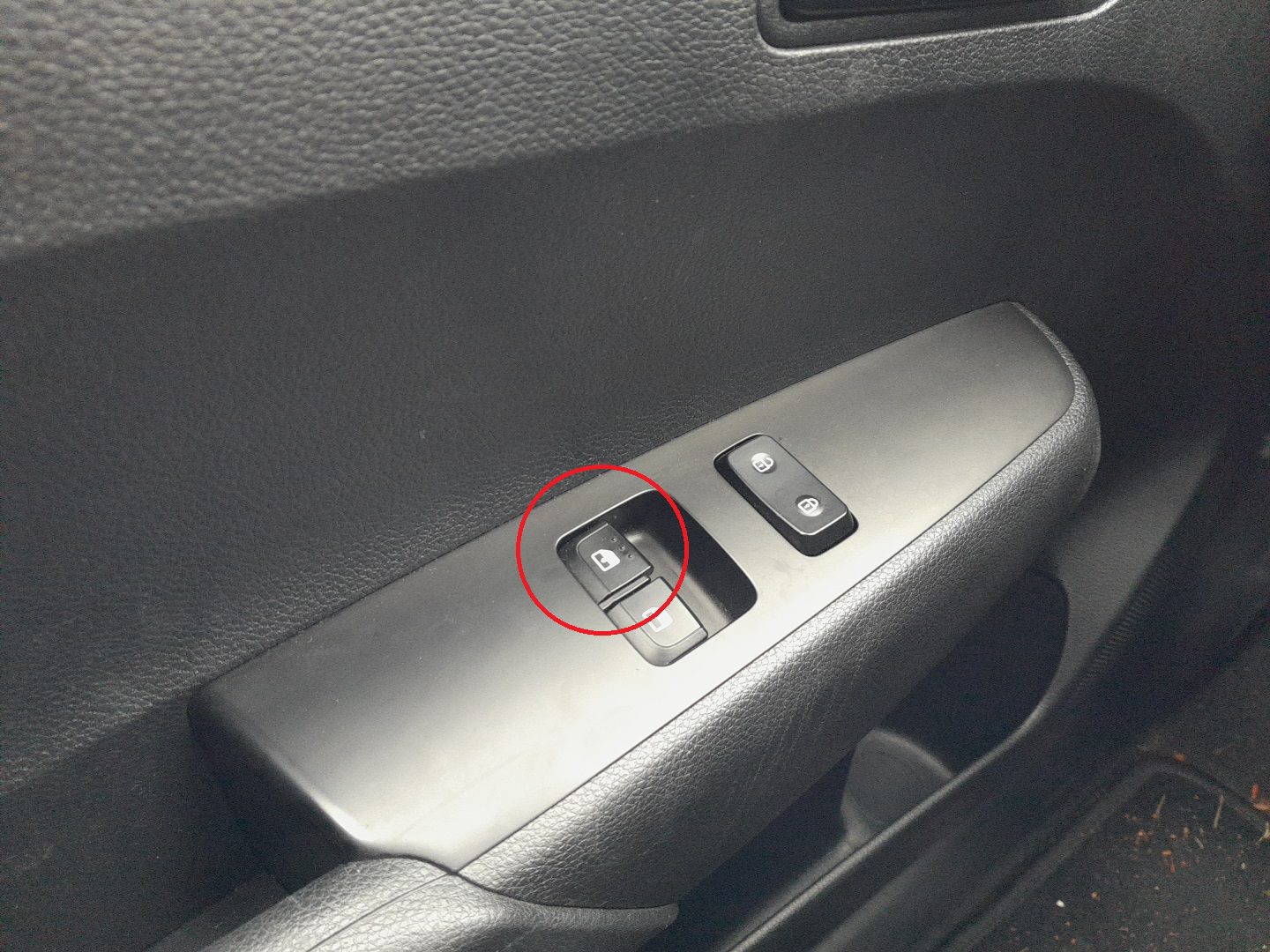
- Pull and hold the driver’s window switch up until the window is fully closed.
- Keep holding the switch for about 1 second after the window closes.
- Release the switch.
- Repeat the same procedure for the front passenger’s window.
- The initialization is now complete — test the windows to confirm one-touch operation has been restored.
Troubleshooting & Tips
- If one-touch function does not return, repeat the procedure carefully and hold the switch slightly longer after closing.
- Perform this reset for each window with one-touch functionality if multiple windows are affected.
- Ensure the battery is fully charged — low voltage can interfere with initialization.
- Regularly clean window tracks to reduce resistance and prevent re-initialization issues.
Disclaimer: The information on this page is provided for general guidance only. Always follow your official service manual and safety precautions when working on your vehicle. We are not responsible for errors, omissions, or any damage resulting from the use of this information.
This website is an independent resource and is not affiliated with, endorsed by, or sponsored by Kia. All trademarks and brand names belong to their respective owners.