These instructions apply to the Hyundai i30 Mk1 (FD) 2007-2012.
For other models, please choose your vehicle here.
Disconnecting the 12 V battery on a Hyundai i30 Mk1 (FD, 2007–2012) is a straightforward home job — whether you are fitting a new battery, doing electrical work, or storing the car. Done in the right order the i30 relearns its settings and the warning lights clear by themselves; the only things you put back are the clock, the radio and the one-touch driver’s window. Here is where the battery sits, how to take it off and refit it safely, and exactly what to expect once power is restored.
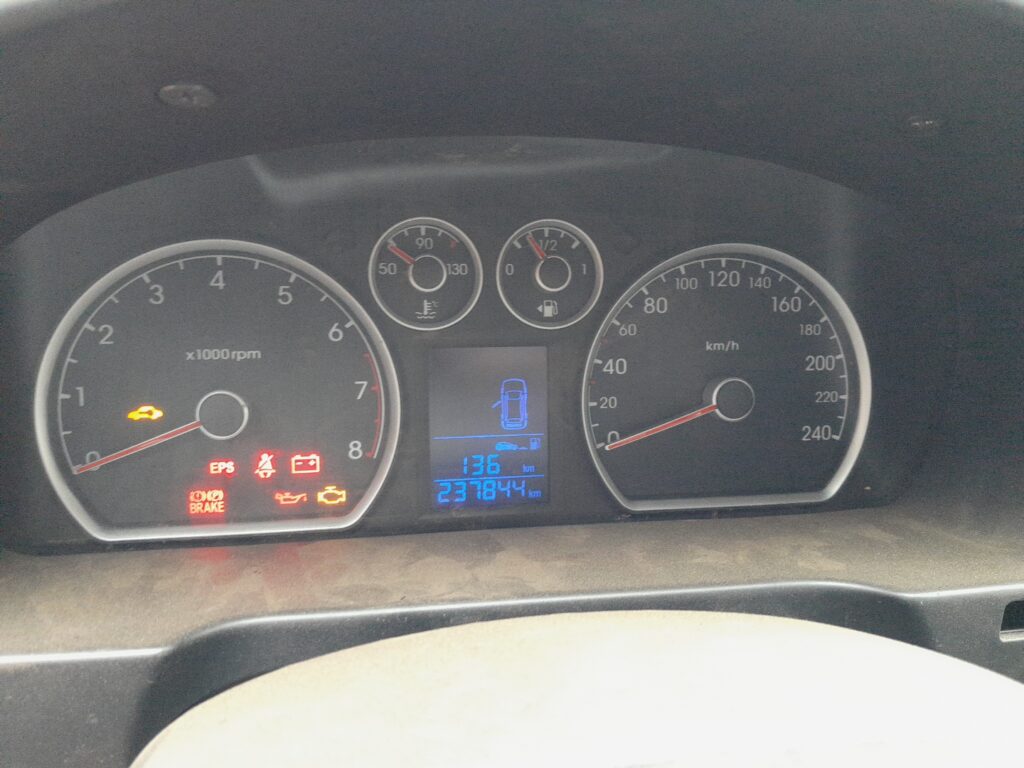
Where the Battery Is
The 12 V battery lives in the engine compartment, clamped down near the front of the bay. The i30 FD uses a compact maintenance-free battery of about 45 Ah (around 410 A cold-cranking), so a like-for-like replacement of the same size and terminal layout is all you need. The negative (−) terminal is black and earths to the body; the positive (+) is red and sits under a flip-up cover.
First, a Few Checks
- Park on level ground, switch the ignition fully OFF and remove the key.
- Switch off the lights, radio and any accessories.
- Have your radio code to hand if the car uses one, and note the clock time.
- Wait a minute or two after switching off so the electronics power down.
- A 10 mm spanner usually fits the terminal clamps; wear gloves and eye protection.
Disconnecting the Battery
- With everything off, slacken the clamp on the negative (−) terminal first and lift it clear of the post.
- Move the earth lead aside so it cannot spring back onto the terminal.
- If you are removing the positive too, lift its cover, slacken the positive (+) clamp and lift it off.
- To take the battery out, undo the hold-down clamp and lift it out keeping it upright.
Reconnecting the Battery
- Sit the battery in its tray and secure the hold-down clamp.
- Fit the positive (+) terminal first and tighten it, then refit its cover.
- Fit the negative (−) terminal last and tighten it. Both clamps firm, not loose.
What You’ll Need to Reset Afterwards
Cutting the power wipes a few things — all normal, just set them again:
- Clock and radio. Re-enter the time and stations; key in the radio code if it is code-protected.
- One-touch driver’s window. The AUTO DOWN one-touch often stops working until you relearn the top position — raise the window fully and hold the switch up for a second after it closes.
- Trip readout. The trip in the cluster returns to zero; the total odometer is unaffected.
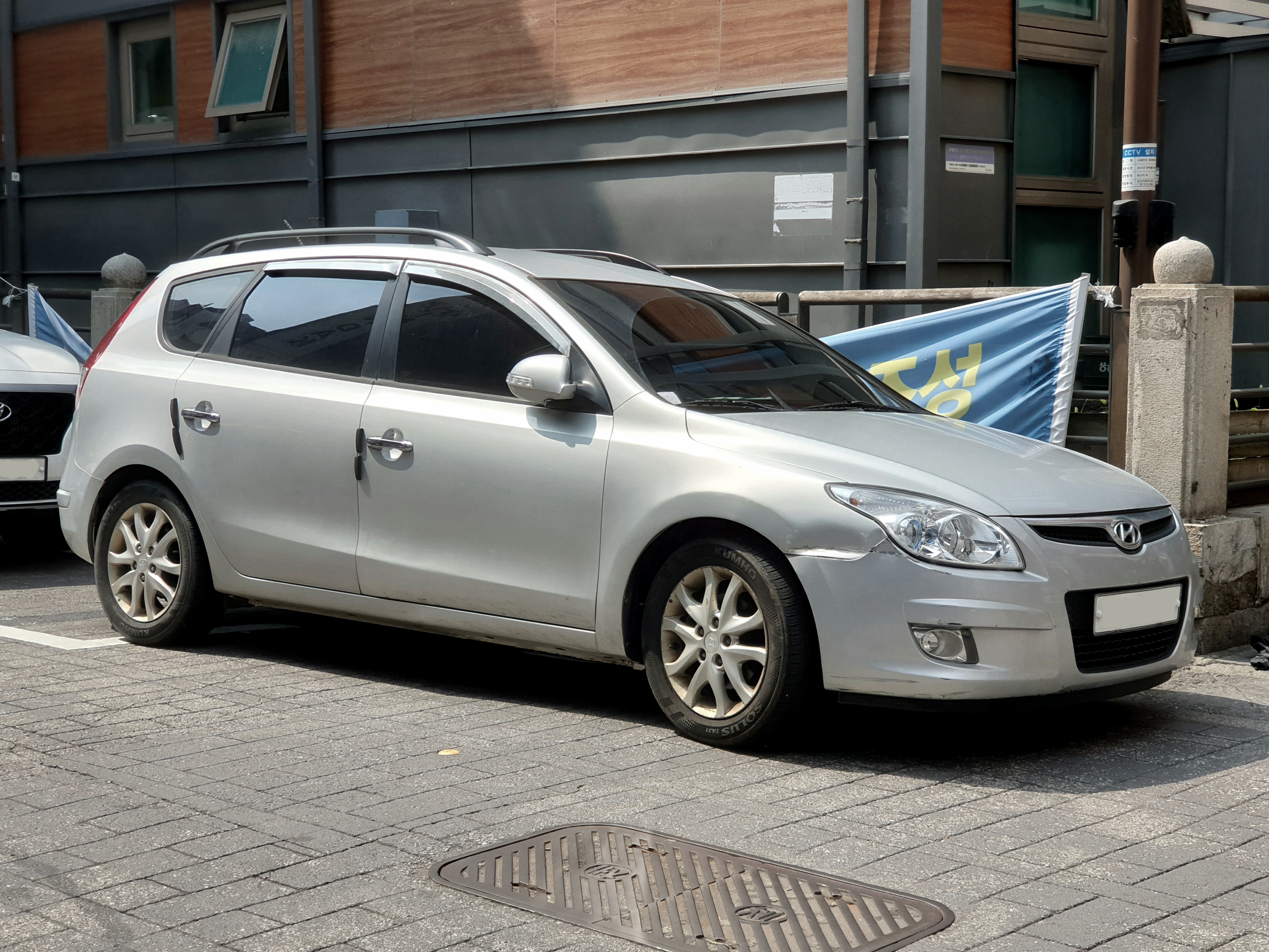
If a Warning Light Stays On or the Car Feels Off
- Check both clamps are tight — a loose earth is the usual cause of odd electrical behaviour.
- Let the car idle for a minute, then take a short drive; the warning lights and systems settle on their own.
- A slightly uneven idle for the first mile is normal while the engine management relearns; it clears with driving.
- If a light was already on before you disconnected, pulling the battery will not fix it — have the code read.
Frequently Asked Questions
Where is the battery on a Hyundai i30 FD?
In the engine compartment, clamped near the front. It is a maintenance-free 12 V battery of roughly 45 Ah / 410 A — match the same size and rating when you replace it.
Which terminal do I disconnect first?
Always the negative (−, black) first, and refit it last. Positive comes off last and goes on first. This avoids shorting against the bodywork.
Do I need to code a new battery?
No. The i30 FD has no battery-management registration, so a like-for-like battery just fits and works — you only reset the clock, radio and one-touch window.
Why has the one-touch window stopped working after I reconnected the battery?
The window controller lost its memory of the closed position. Raise the window fully and hold the switch up for a second after it stops to relearn it, and the AUTO DOWN one-touch returns.
Will disconnecting the battery clear a fault code or warning light?
It may clear a temporary code, but a live fault logs again once you drive. Pulling the battery is not a repair; if a light keeps returning, get the code read.
How long can I leave the battery disconnected?
As long as you like — it simply means resetting the clock, radio and window when you reconnect. For long storage, disconnecting the negative lead helps stop the battery slowly draining.
If a warning light is on and you want to know what it means before touching anything, look the code up on autodtcs.com.
Independent guide — not affiliated with Hyundai. Always follow your official service manual and safety precautions. Read our full disclaimer.