These instructions apply to the Mazda 2 Hybrid (MXPH11) 2022-Present.
For other models, please choose your vehicle here.
When a service falls due, the Mazda 2 Hybrid (MXPH11, 2022–present) shows a spanner “maintenance required” reminder in the instrument cluster. Because this car is a rebadged Toyota Yaris Hybrid, there is no stalk-and-ignition trick — the reset lives in the multifunction display between the dials and is done with the steering-wheel buttons. It takes under a minute with no tools.
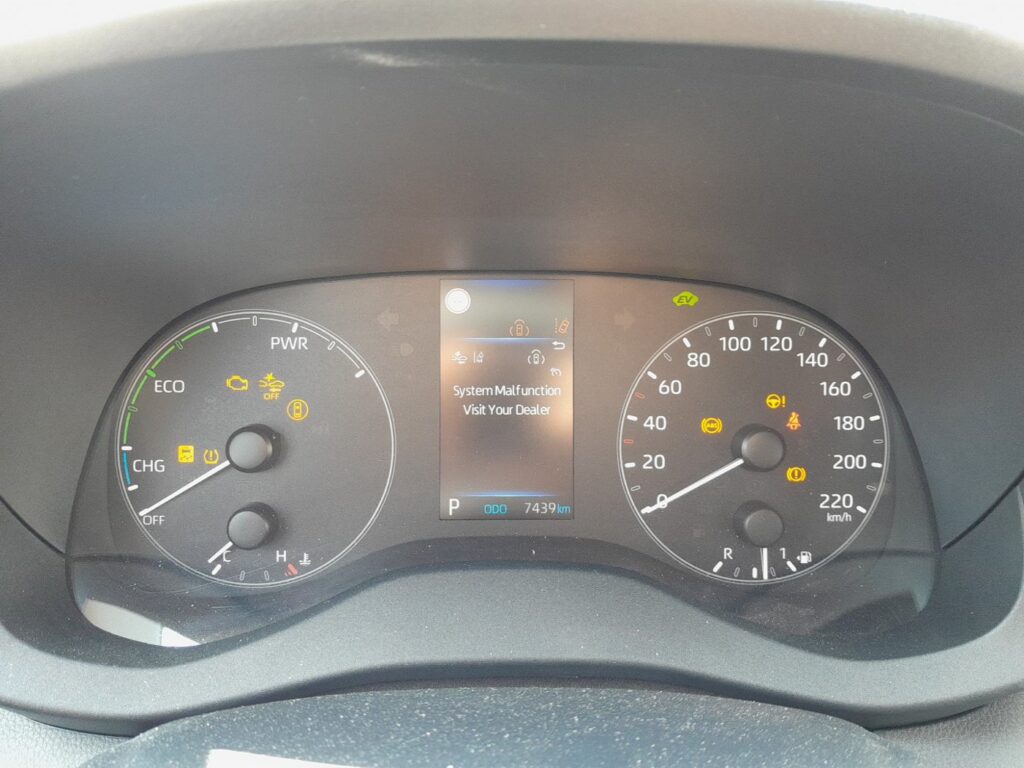
Before You Start
You only need the car switched to ignition-on; the hybrid system does not need to be “READY”. With your foot off the brake, press the START switch once or twice until the dials light up but the engine and hybrid system stay off.
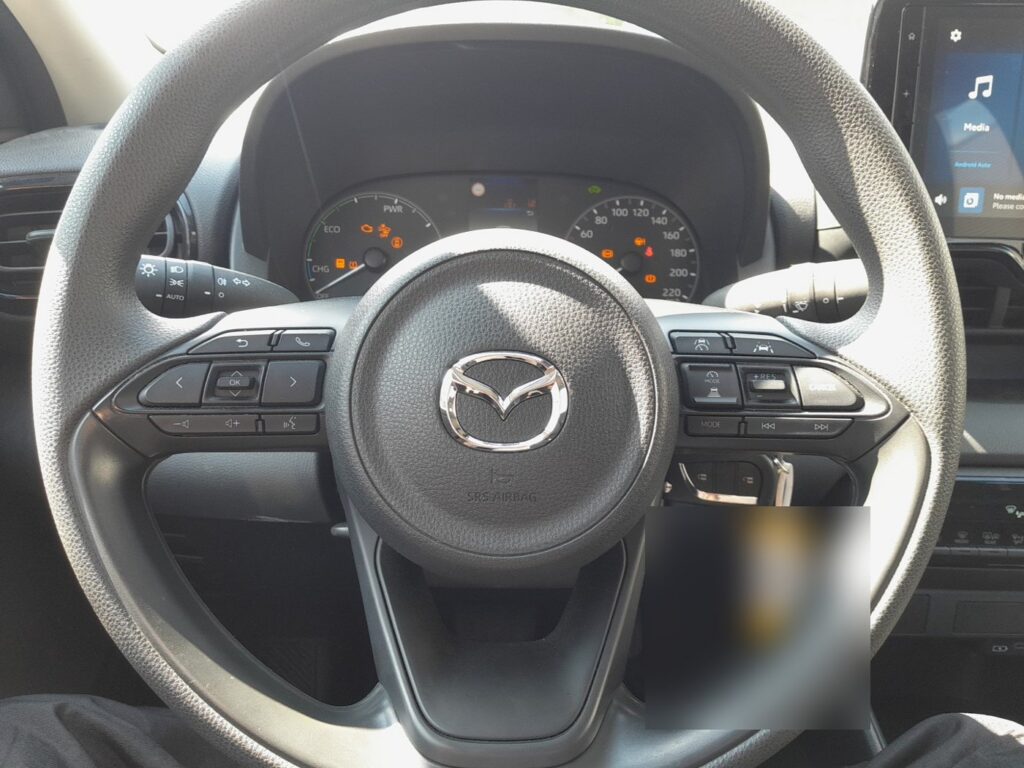
How to Reset the Maintenance Reminder
- Switch the ignition on (dials illuminated, hybrid system not READY).
- Using the steering-wheel arrows, open the multifunction display in the centre of the cluster.
- Select ‘Settings’ and press OK.
- Select ‘Vehicle Settings’.
- Select ‘Scheduled Maintenance’.
- Follow the on-screen prompts to confirm the service and clear the reminder.
- Switch off. The spanner reminder should be gone next time you power up.
If the Reminder Won’t Clear
- Nothing happens in the menu: make sure you are in ignition-on, not full READY mode — some menus lock once the hybrid system is running.
- The spanner returns immediately: that is a maintenance reminder, not a fault. If a warning light (check-engine, hybrid-system) is also on, it will not clear here — read the stored code first on autodtcs.com.
Frequently Asked Questions
Is there a trip-meter reset like older cars?
No. The 2 Hybrid uses the on-screen menu (Settings → Vehicle Settings → Scheduled Maintenance). There is no hold-the-trip-button-and-turn-the-key method on this model.
Is this the same procedure as a Toyota Yaris Hybrid?
Yes — the 2 Hybrid is built by Toyota on the Yaris Hybrid platform, so the display menus and the reset path are identical, even though the badge and trim are Mazda.
The wrench light is orange and steady — is something broken?
A steady spanner is a routine service reminder. A flashing wrench, or a separate warning light, points to a fault rather than a due service.
Independent guide — not affiliated with Mazda. Always follow your official service manual and safety precautions. Read our full disclaimer.