These instructions apply to the Toyota Hilux Mk8 (AN120/AN130) 2016-2024.
For other models, please choose your vehicle here.
If your Hilux shows “Key battery low” or the remote range drops, the key battery is flat. It is a cheap coin cell you can change in a couple of minutes. The Hilux uses a CR2032 in the smart key and a CR1620 in the older plain wireless remote.
Replacing the key battery
- Work out which key you have: a smart key (keyless entry and push-button start) takes a CR2032; a wireless remote used with a bladed key takes a CR1620.
- Smart key: slide out the mechanical emergency key, then split the case at the seam with a small flathead screwdriver wrapped in tape to avoid scratches.
- Lift out the old cell, noting which way up it sits (the + side usually faces the back cover).
- Fit the new battery the same way round, handling it by the edges so skin oils do not shorten its life.
- Click the case back together and test lock, unlock and — on smart keys — push-button start.
If the key still will not work
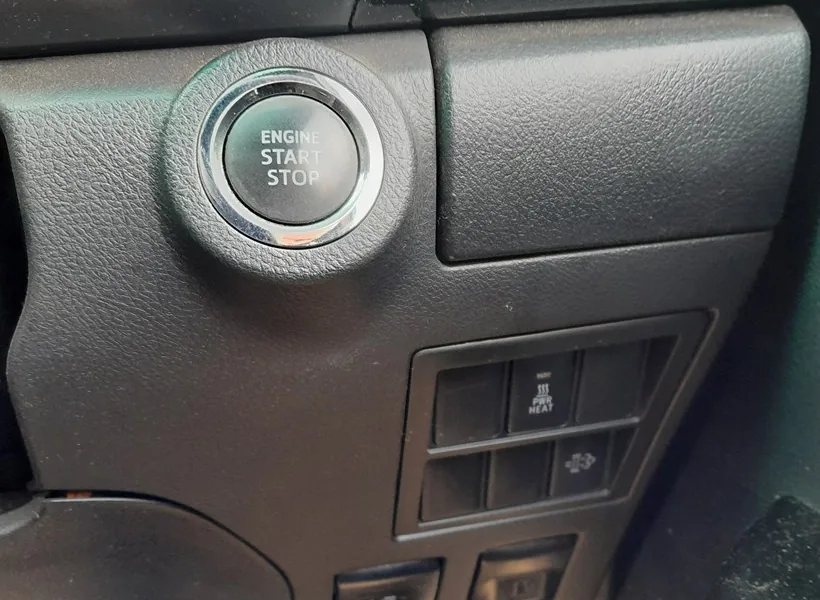
You can always start the Hilux with a dead key battery: hold the key so its Toyota badge touches the ENGINE START/STOP button to detect the transponder, then press the button with your foot on the brake.
Check too that the smart entry system has not been switched off in the settings, and that battery-saving mode is not active — either can make a healthy key seem dead.
FAQ
Do I need to reprogram the key after a battery change? No — the transponder keeps its coding; only the remote’s power is restored.
How long should a key battery last? Typically 1–2 years. A key left near a phone, laptop or another key transmits more often and drains faster.
For a related keyless-entry or immobiliser fault code, look it up on autodtcs.com.
Independent guide — not affiliated with Toyota. Always follow your official service manual and safety precautions. Read our full disclaimer.