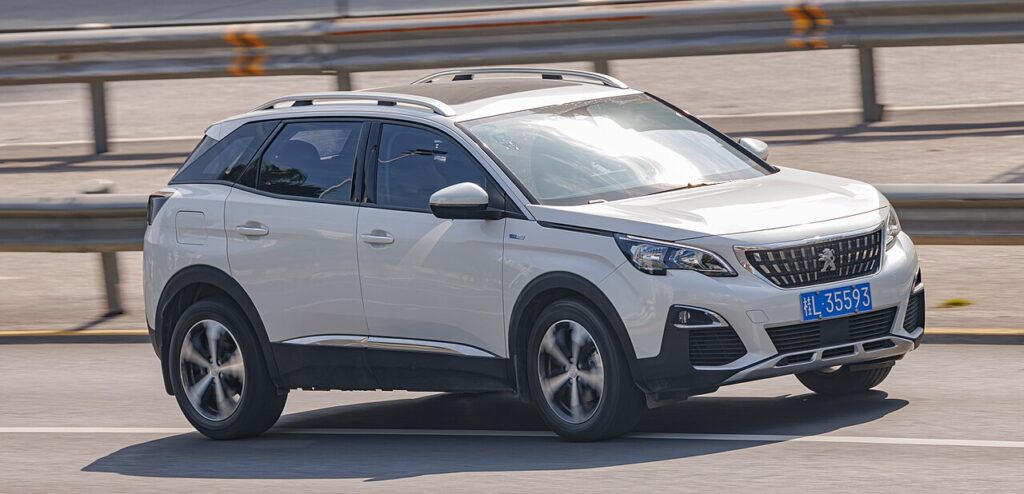
These instructions apply to the Peugeot 3008 Mk2 (P84) 2016-Present.
For other models, please choose your vehicle here.
Disconnecting the 12 V battery on your Peugeot 3008 Mk2 (P84, 2016–present) — to change it, or to safely work on the electrics — is a straightforward owner job, but Peugeot asks you to let the car “go to sleep” first. The battery sits in the engine compartment. This guide covers safe disconnection, reconnection, and what to re-teach afterwards.
Where the Battery Is
The 12 V battery is in the engine bay, under a plastic cover. (This applies to petrol and diesel 3008s; the plug-in HYBRID4 has additional high-voltage hardware — for those, only the 12 V is owner-serviceable and you must never touch the orange HV cables.)
Disconnecting the Battery
- Close the windows first (you’ll see why under “re-set” below).
- Turn the engine off and remove the key (or, with keyless, make sure it’s out of range).
- Wait 4 minutes so the car’s electronics power down fully.
- Open the bonnet, lift the cover, loosen the negative (−, black) terminal first and lift the lead clear.
- If removing the battery, loosen the positive (+, red) terminal next, then the hold-down clamp.
Airbag/pretensioner safety: if you’ll be working near airbags or seat-belt pretensioners, wait 5 minutes after disconnecting before going further.
Reconnecting
- Refit the battery and hold-down if removed.
- Connect positive (+) first, then negative (−) last; tighten firmly.
- Wait about 2 minutes, then start the engine.
- Refit the cover.
What to Re-set Afterwards
- Date and time — reset in the touchscreen.
- Power windows — the one-touch function must be re-initialised. See our 3008 window initialise guide.
- Radio/clock and driver settings — check they’ve held.
A standard replacement battery doesn’t strictly need dealer coding on the 3008, but if you fit a different type/capacity, the smart-charging system benefits from having the new battery registered — a job for a PSA-capable scan tool (e.g. a specialist or independent garage).
Frequently Asked Questions
Which terminal first on the 3008?
Disconnect negative (−) first and reconnect it last, to avoid shorting against the body.
Why wait 4 minutes before disconnecting?
Peugeot wants the modules to finish writing and go to sleep, so nothing is corrupted when power is cut.
Will I lose my radio code?
No — the 3008’s infotainment isn’t code-locked. You’ll just reset the clock and re-teach the windows.
Why don’t my windows auto-close after this?
Cutting power clears the windows’ learned positions. Run the quick re-initialise routine to restore one-touch.
For any warning light that stays on, look up the code on autodtcs.com. To clear the service reminder, see our 3008 service indicator reset guide.
Independent guide — not affiliated with Peugeot. Always follow your official service manual and safety precautions. Read our full disclaimer.