These instructions apply to the Peugeot 3008 Mk2 (P84) 2016-Present.
For other models, please choose your vehicle here.
Your Peugeot 3008 Mk2 (P84, 2016–present) has a Stop & Start system that switches the engine off when you come to a halt and restarts it as you pull away. It saves fuel, but many drivers prefer it off in slow traffic. This guide shows how to switch it off, why it sometimes won’t engage, and what to expect.
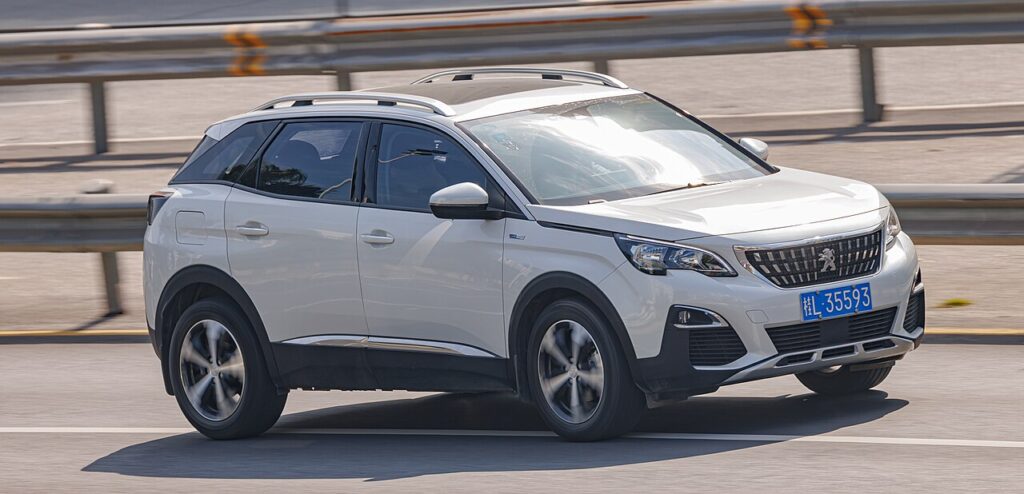
How Stop & Start Works on the 3008
When you brake to a stop (automatic/EAT8) or stop, select neutral and release the clutch (manual), the engine shuts off. Lifting the brake or pressing the clutch restarts it. It only operates once the engine is warm and the battery is healthy.
How to Switch It Off
- With the engine running, press the dedicated “A”-in-a-circular-arrow button (on the dash or near the gear selector, if your 3008 has one). A dash light confirms it’s off.
- If there’s no physical button, open the touchscreen, select ‘Driving functions’, then ‘Stop & Start’ to switch it off — the Stop & Start warning light should illuminate.
How to Switch It Back On
Press the button again (or re-enable it in the menu), or simply restart the car — Stop & Start defaults back on every time you switch off and restart.
Why It Sometimes Won’t Activate
- The engine isn’t yet up to temperature.
- The battery charge is low — common after a battery change or lots of short trips; the system blocks auto-stop to protect the battery.
- Cabin heating or demisting needs the engine running.
- The steering is turned, the car is on a slope, or you’re reversing.
If it stopped working entirely after a battery change, the battery may need a full charge cycle or registering — see our 3008 battery guide.
Frequently Asked Questions
Does the 3008 remember my Stop & Start setting?
No — it resets to on at every start. There’s no factory option to keep it permanently off.
Is it bad to keep using Stop & Start?
No. The 3008’s reinforced starter and AGM/EFB battery are built for frequent restarts, and it skips stops when the battery is low to protect itself.
Why won’t the engine auto-stop?
Most often a cold engine, a low battery, or the climate system demanding the engine — all normal blocking conditions.
The Stop & Start warning light is on — is that a fault?
If you switched it off, the light just shows it’s disabled. If you didn’t, it usually points to battery condition — have it checked if it persists.
If a warning light appeared alongside the fault, look up the code on autodtcs.com. To clear a service reminder, see our 3008 service indicator reset guide.
Independent guide — not affiliated with Peugeot. Always follow your official service manual and safety precautions. Read our full disclaimer.