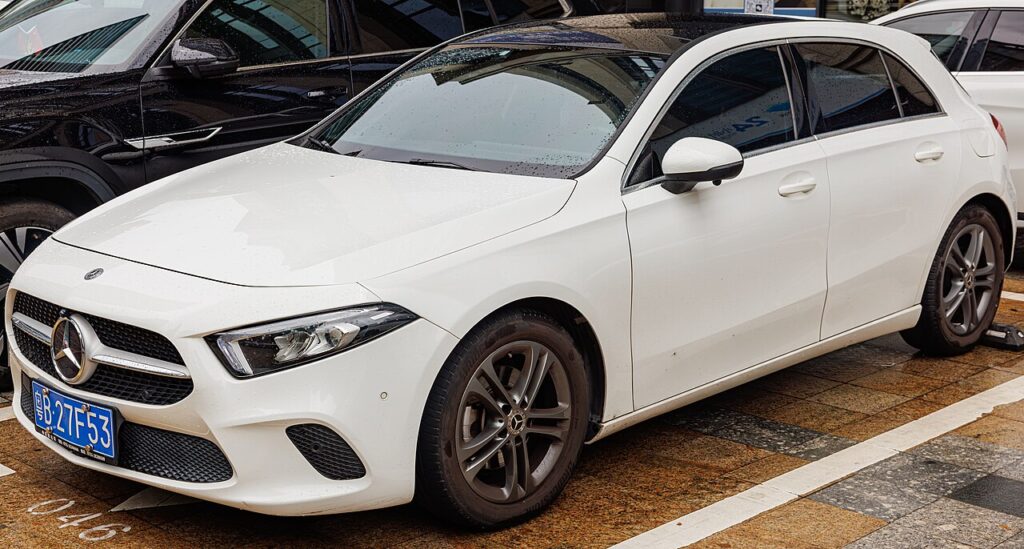
These instructions apply to the Mercedes A-Class Mk4 (W177) 2018-Present.
For other models, please choose your vehicle here.
Disconnecting the 12 V battery on a Mercedes A-Class Mk4 (W177, 2018–present) is a straightforward engine-bay job. This guide covers safe disconnection and the note that matters most on a modern Mercedes — registering a new AGM battery so the energy-management system charges it correctly.
Where the Battery Is
The 12 V battery is in the engine compartment, under a cover (most A-Class W177 use an AGM battery). Check your handbook to confirm the exact position for your car. The plug-in A250e also has a high-voltage battery — that’s workshop-only; you only ever work on the 12 V.
Disconnecting
- Turn the engine off, switch everything off, and remove the key (or keep a keyless fob out of range).
- Loosen the negative (−, black) terminal first and lift the lead clear.
- If removing the battery, loosen the positive (+, red) next, then the hold-down.
Airbag/pretensioner safety: if you’ll be near airbags or seat-belt pretensioners, leave the system to discharge for a couple of minutes before going further.
Reconnecting
- Reconnect positive (+) first, then negative (−) last; tighten and refit the cover.
- Reset the clock and check your MBUX/driver settings.
Fitting a New Battery? Register It
Modern Mercedes track battery condition for smart charging and start/stop. A new AGM battery should be registered/coded with a Mercedes-capable diagnostic tool (dealer or specialist) so it charges correctly and ECO start/stop works. A like-for-like AGM will run without it, but registering is recommended; a simple disconnect/reconnect of the same battery doesn’t need it. Always replace AGM with AGM — don’t fit a standard battery.
Registering or Coding the New Battery
Yes. The energy-management system must be told a new battery has been fitted (and its type/capacity if it differs), or it will not charge it correctly. This teach-in is done through the OBD port with a suitable diagnostic tool at a specialist or dealer — there is no owner trick. An AGM battery must be replaced with AGM.
Frequently Asked Questions
Which terminal first on the A-Class?
Always the negative (−) first, and reconnect it last.
Do I have to code a new battery?
It’s recommended — registering the new AGM with a Mercedes tool keeps the charging and start/stop correct.
Can I fit a normal (non-AGM) battery?
No — replace AGM with AGM. A standard battery won’t cope with the charging strategy and start/stop.
Will I lose my radio?
No — MBUX isn’t code-locked; just reset the clock.
For any warning light that stays on, look up the code on autodtcs.com. To clear the service reminder, see our A-Class W177 service reset guide.
Independent guide — not affiliated with Mercedes. Always follow your official service manual and safety precautions. Read our full disclaimer.