These instructions apply to the Skoda Karoq Mk1 (NU) 2017-Present.
For other models, please choose your vehicle here.
Your Skoda Karoq (NU, 2017–present) shuts the engine off at a standstill to save fuel. When you’d rather it didn’t — crawling traffic, a sweltering day, or before any under-bonnet work — one button switches it off.
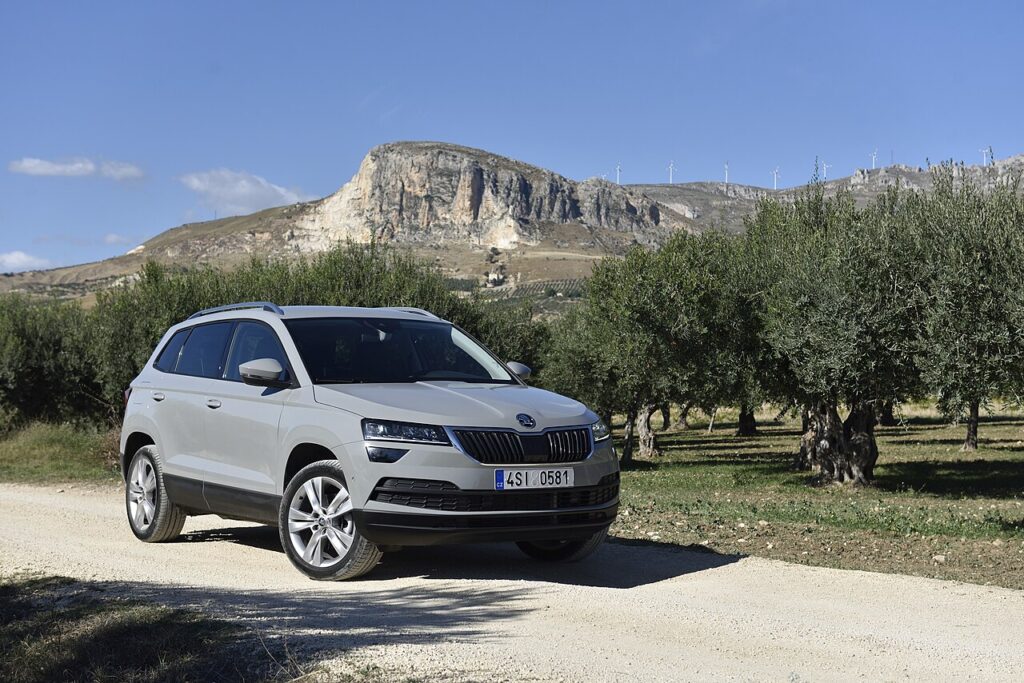
On the Karoq, auto stop-start is a normal fuel-saving system doing its job, not a sign of a fault. When you stop with the brake held, the engine switches off to save fuel; lift off the pedal, or press the clutch on a manual, and it restarts immediately. It cuts fuel use and emissions while the car is stationary at lights or in traffic. If you would simply rather the engine kept idling — in stop-go queues, in very hot or cold weather, or before any work under the bonnet — the button below turns it off for the drive.
How It Works on the Karoq
The Karoq only allows the engine to stop when several conditions are met together. The 12 V battery must be well charged and at a sensible temperature, the engine has to have warmed up, and the heating or air conditioning must be close to its set point. Demand a lot of climate output, sit on an incline, hold the steering near full lock, or run the brake vacuum low and the car keeps the engine running on purpose. This is why the same Karoq stops the engine at some junctions but not others — it weighs those inputs every time you come to rest.
First, a Few Checks
- Press the button with the engine running or just after switching on the ignition.
- Do it early in the drive so the engine keeps running from your first stop.
- Watch the instrument cluster for the light or message that confirms it.
- Keep in mind the setting only lasts for the current drive.
Turning Start/Stop Off
- Locate the AⓇ button (an “A” circled by an arrow), usually by the gear selector.
- Press it once; the indicator confirms the system is off and the engine stays running at stops.
Why It’s On Again Next Time
The Karoq switches start/stop back on at every ignition cycle — there’s no permanent off from the factory. Tap the button once at the start of each drive if you don’t want it.
Reasons to Switch It Off
- Engine-bay jobs — no surprise restart.
- Heavy traffic — no constant stop/start cycling.
- Hot or cold extremes — steady climate output.
The system also declines to stop on its own when the battery is low, the cabin still needs heating/cooling, or you’re on a slope — all normal.
If the Engine Won’t Stop (or Won’t Stay Off)
If you have left the system on but the engine keeps idling at every stop, the Karoq is blocking a shutdown for one of these reasons:
- 12 V battery low on charge — lots of short trips or an older battery leave too little reserve, so the car keeps running to protect it.
- Engine not warm yet — no stop is allowed for the first minute or two after a cold start.
- High heating or cooling demand — strong climate output in extreme weather keeps the engine turning.
- Brake pressed lightly — too little pedal pressure or brake vacuum can prevent a stop; hold it firmly.
- On a gradient or steering near full lock — the Karoq usually stays running for control.
- Bonnet released — with the bonnet catch open the feature is inhibited for safety.
If it still refuses on a warm engine with a firm brake, suspect a tired 12 V battery before anything else.
Once It’s Done
Once the button is pressed, the Karoq idles through every stop for the rest of that drive, with the “off” indication showing. The next time you start the car the feature is switched back on automatically, so press the button again if you want it off. Leaving it enabled does no harm — the restarts are engineered to be smooth and immediate.
Frequently Asked Questions
How do I switch off auto stop/start on a Skoda Karoq?
Press the AⓇ button near the gear selector once. The instrument cluster confirms the system is off, and the engine then keeps running at every stop for the rest of the drive. It is a single button press on the Karoq — there is no menu to work through.
Can I turn it off for good?
Not using the driver’s controls. The Karoq re-enables start-stop each time the ignition is switched on, so the button only applies to the current drive. A workshop can change the default with diagnostic software, but the built-in button will always act as a per-trip toggle.
Why did start-stop switch itself back on?
Because turning the ignition off and on returns the system to its factory default of “on.” This is normal and not a fault. Just tap the button again at the start of your next journey if you prefer the engine to keep idling at stops.
Why won’t the engine stop at lights even with the system on?
The Karoq only stops when its conditions are met: a charged 12 V battery, a warm engine, modest climate demand, a firm brake and level ground. If the engine is cold, the climate system is working hard, or the battery is weak, it deliberately keeps running.
Is frequent stop-start bad for the engine?
No. The Karoq uses a reinforced starter and a battery designed for repeated cycling, and the engine is built to cope with it. If the constant shutdowns bother you in slow traffic, simply switch the feature off for that drive with the button.
Could a fault light mean the battery is failing?
Yes. If a start-stop fault symbol shows instead of the normal indicator, a weak or ageing 12 V battery is the usual cause on the Karoq. It is worth having the battery’s health checked before assuming a larger problem, especially on a car used mainly for short trips.
If a start/stop fault symbol shows rather than the normal one, look it up on autodtcs.com — usually a weak 12 V battery. See our Karoq battery guide.
Independent guide — not affiliated with Skoda. Always follow your official service manual and safety precautions. Read our full disclaimer.