These instructions apply to the Mercedes GLA Mk2 (H247) 2020-Present.
For other models, please choose your vehicle here.
The Mercedes-Benz GLA (H247, 2020–present) has ECO start/stop that switches the engine off at a standstill to save fuel and cut idling emissions. When you come to a halt with the brake pressed, the engine falls silent and the ‘A’-in-arrow symbol appears in the instrument cluster; lift off the brake (or, with an automatic, press the accelerator) and it fires straight back up. It is a normal feature working exactly as designed — not a fault — but plenty of GLA owners simply prefer a smoother pull-away in traffic. If you’d rather keep the engine running — in stop-go queues, on a hot day, or before working in the engine bay — you can switch it off.
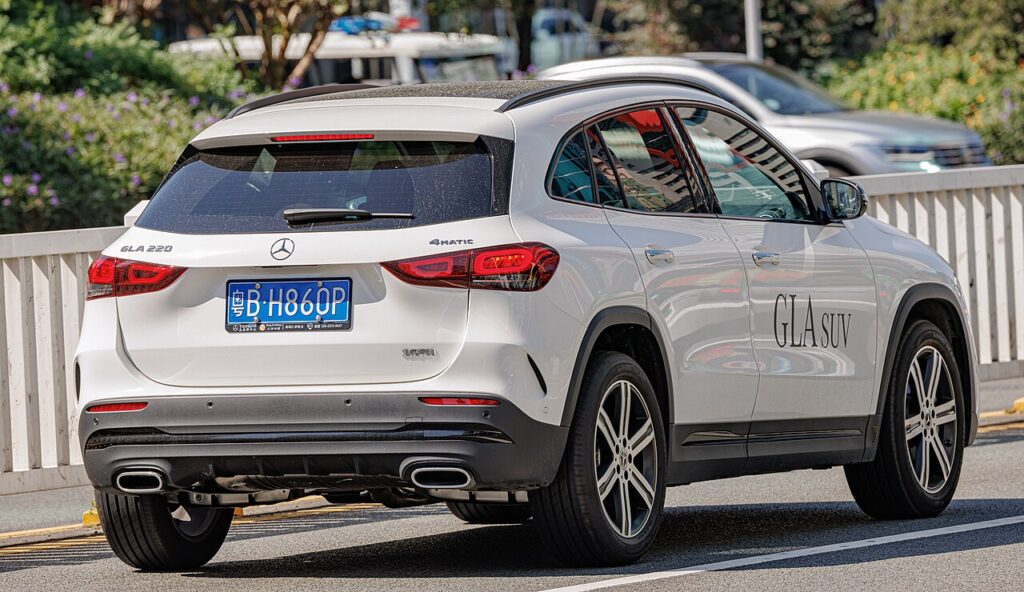
How It Works on the GLA
The GLA’s system constantly watches a set of conditions and only stops the engine when every one is satisfied. It monitors the state of charge of the 12 V battery, the engine and coolant temperature, and how hard the climate control is working. A reinforced starter and a dedicated battery-sensor let it restart cleanly hundreds of times a day. When it judges a shut-down would leave you short of power or comfort, it quietly keeps the engine idling — so the behaviour you see can change from one junction to the next depending on the weather and how far you’ve driven.
Before You Start
- Have the ignition fully on (engine running) — the ECO control is only live with the car awake.
- Decide whether you want a one-drive switch-off (the button/menu) rather than a permanent change, which isn’t available.
- If you’re about to work under the bonnet, switch it off first so the engine can’t auto-restart on you.
- Let the car warm up on a cold morning if you actually want stop/start to work — a cold engine blocks it.
How to Turn Off ECO Start/Stop
- ECO button: if fitted, press the ‘ECO’ button on the centre console — the display confirms start/stop is off.
- MBUX menu: on cars without the button, open the touchscreen menu and go to Vehicle → ECO start/stop (or the relevant efficiency menu) and switch it off.
It Resets Every Drive
Like nearly every car with this feature, the GLA re-enables ECO start/stop each time you restart. There’s no permanent factory ‘off’ — switch it off again at the start of each journey if you prefer.
If the Engine Won’t Stop on Its Own
If stop/start seems to have vanished even though you never disabled it, one of the inhibit conditions is usually being tripped:
- A weak or ageing 12 V battery — the single most common cause; short trips never let it fully recharge, so the system refuses to shut down.
- Cabin not yet at temperature — strong heating or cooling demand keeps the engine running to feed the climate system.
- Cold engine — below its normal operating temperature the engine stays on until it warms through.
- Brake not pressed firmly, or you’re on a noticeable gradient where hill-hold is active.
- Bonnet open, or the driver’s door open / seat belt unfastened.
- Steering being turned, a very high or low outside temperature, or the demister running.
What to Expect After
Once you press ECO or switch it off in the menu, the ‘A’-in-arrow symbol shows crossed-out and the engine will idle normally at every stop for the rest of that trip. Nothing else changes — fuel economy on the open road is unaffected, and there are no warning lights. At your next start the system quietly comes back on, ready to save fuel again unless you switch it off once more.
Frequently Asked Questions
How do I turn off auto stop/start on a Mercedes GLA?
Press the ECO button on the centre console if your car has one; the cluster shows the symbol crossed out. On a GLA without the physical button, open MBUX and go to Vehicle → ECO start/stop and switch it off. Either way it lasts only for the current drive.
Can I disable it permanently?
No — the GLA resets ECO start/stop to on every time you restart the engine, and there is no hidden factory setting to keep it off. The practical answer is to press ECO once at the start of each journey. Aftermarket ‘memory’ modules exist but are outside the scope of the car’s own controls.
Why did stop/start come back on by itself?
It didn’t re-enable mid-drive — switching the car off and on again is what resets it. That’s deliberate: Mercedes defaults to the fuel-saving mode at every start so the car meets its official economy figures, leaving the choice to you each time you set off.
Why won’t the engine stop at the lights?
The GLA only shuts down when its conditions are met. A low 12 V battery charge, a cabin still heating or cooling, a cold engine, a gentle gradient or an open bonnet will all hold the engine running. This is normal protective behaviour, not a fault.
Does using stop/start wear out the starter or battery?
The GLA is built for it — a heavy-duty starter and an AGM-type battery with a current sensor are designed for frequent cycling. The main thing owners notice is that a tired battery eventually stops the feature working; a healthy, properly charged battery keeps it active.
Is it safe to leave stop/start switched off?
Yes. Disabling it only means the engine idles at stops as older cars always did; it has no effect on reliability, and you can switch it off every drive without harm. You’ll use a little more fuel in heavy traffic, which is the whole reason the feature exists.
If a start/stop or battery fault light shows, look it up on autodtcs.com. See our GLA battery guide.
Independent guide — not affiliated with Mercedes. Always follow your official service manual and safety precautions. Read our full disclaimer.