These instructions apply to the Mercedes GLA Mk2 (H247) 2020-Present.
For other models, please choose your vehicle here.
After adjusting the tyre pressures or changing a wheel on your Mercedes-Benz GLA (H247, 2020–present), you store the new values as the reference through the MBUX menu. Here’s how to clear the tyre-pressure warning.
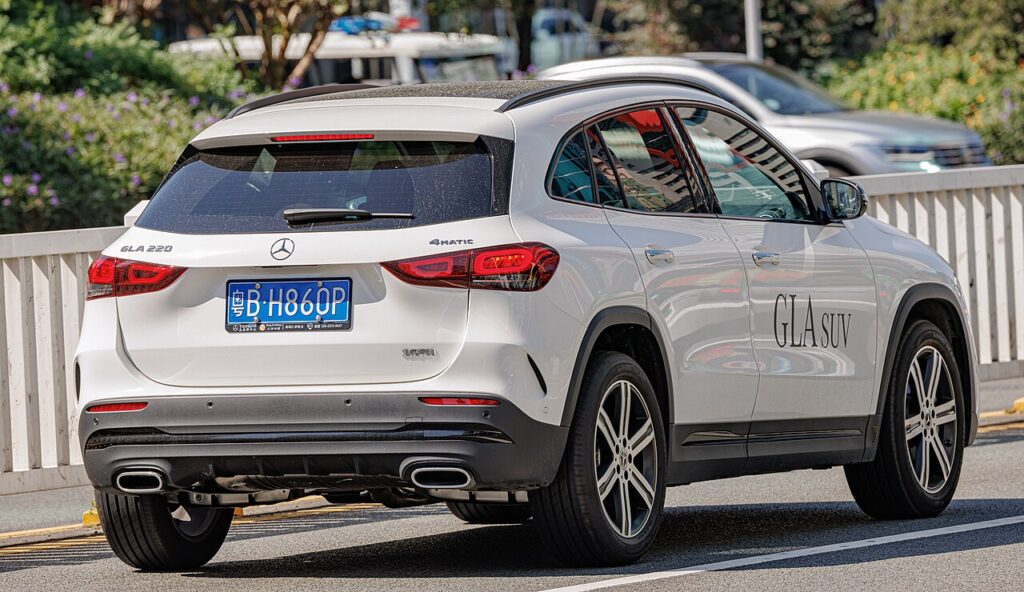
On the GLA the amber tyre-pressure warning is part of the car’s monitoring rather than a mechanical fault. It is normal for it to appear after you inflate the tyres, rotate them or fit a different wheel, because the pressures no longer match the reference the system last stored. Setting the pressures correctly and confirming them in MBUX re-establishes that reference and the warning clears.
How It Works on This Model
The GLA monitors the pressures and compares them against a reference you store from the menu. After any change you confirm the current values so the system knows what “correct” now looks like, then it watches for a drop against that baseline. Because the stored figures are only as good as what you put in the tyres, accurate cold pressures before you confirm are what make the warning reliable.
Set the Pressures First
Park on level ground and inflate all four tyres cold to the figure on the driver’s door-pillar label, then store the reference.
- Check the tyres cold — before driving, or after standing a few hours.
- Use the placard figure on the driver’s door-pillar label for the front and rear.
- Set all four corners, and match the load column if the car is carrying passengers or luggage.
- Switch the ignition on so MBUX is awake and responsive.
- Only confirm the store once every tyre is set correctly.
How to Reset the GLA TPMS
- Adjust the pressures, then switch the ignition on.
- On the MBUX touchscreen (or the cluster menu via the steering-wheel controls), open ‘Vehicle’.
- Go to ‘Tyre pressure’ and select ‘Restart’ / ‘Confirm tyre pressures’.
- Confirm — the system stores the new pressures and begins monitoring against them.
The warning then clears once the car has confirmed the readings while driving.
If the Light Stays On
- Re-check every tyre — one low corner keeps the warning on.
- Always re-store after inflating or a wheel change — the system needs the new baseline.
- Cold morning? A sharp overnight drop can pull a borderline tyre under the threshold; top up and re-store.
- If it returns within a day or two of storing, suspect a slow puncture and inspect the tyre.
- Allow a short drive after confirming — the warning clears once the car has verified the readings on the move, not the instant you press confirm.
- If a sensor has been replaced, it may need pairing before the system will settle.
After the Reset
Once the pressures are correct and you have confirmed them in MBUX, the warning should go out after a short drive and stay off — you only need to repeat the store the next time you change the pressures or swap a wheel. If it clears and then reappears soon after, treat that as a genuine prompt to check the tyres rather than a quirk of the display.
Frequently Asked Questions
How do I reset the tyre pressure light on a Mercedes GLA?
Set the pressures cold to the door-pillar figures, switch the ignition on, then in MBUX go to Vehicle → Tyre pressure and choose Restart / Confirm to store the new values. The system begins monitoring against the fresh baseline and the warning clears once the car has verified the readings over a short drive.
Do I need a tool?
No — the GLA stores the reference from its own menu; a tool is only needed if a sensor was replaced. For a normal pressure change or wheel swap, the on-screen confirm is all it takes. Keep an accurate gauge handy so the pressures you store are correct, since the system monitors against whatever you confirm.

Why does the light come on in cold weather?
Pressures drop as temperature falls. Top up to the label figure and re-store. A tyre that sat just above the threshold on a mild day can slip below it after a cold night, which is enough to trigger the warning. Once you reinflate cold to the placard figure and confirm the pressures again, it should stay off.
It came on after a wheel change — why?
The reference moved. Re-run the store so the new pressures become the baseline. Any time you fit a different wheel or move them around, the stored values no longer match, so the system flags it. Set the pressures correctly, confirm in the tyre-pressure menu, and the warning clears after a short drive.
Where is the tyre-pressure menu on MBUX?
Open the Vehicle section on the central touchscreen, then select Tyre pressure; the same menu is also reachable in the instrument cluster using the steering-wheel controls. From there you choose Restart or Confirm tyre pressures to store the current values. The exact wording can vary slightly with the software version, but it sits under Vehicle either way.
If a fault code is stored, look it up on autodtcs.com. To clear a service reminder, see our GLA service reset.
Independent guide — not affiliated with Mercedes. Always follow your official service manual and safety precautions. Read our full disclaimer.