These instructions apply to the Renault Arkana Mk1 (XJL) 2021-Present.
For other models, please choose your vehicle here.
The Renault Arkana (XJL, 2021–present) learns a reference set of tyre pressures, so after you inflate or change a tyre you re-learn them. You can do it with the dashboard button or through the display menu. The warning coming on doesn’t mean something is broken — it’s the car flagging that the current pressures no longer match the stored reference. Here’s how to clear it.
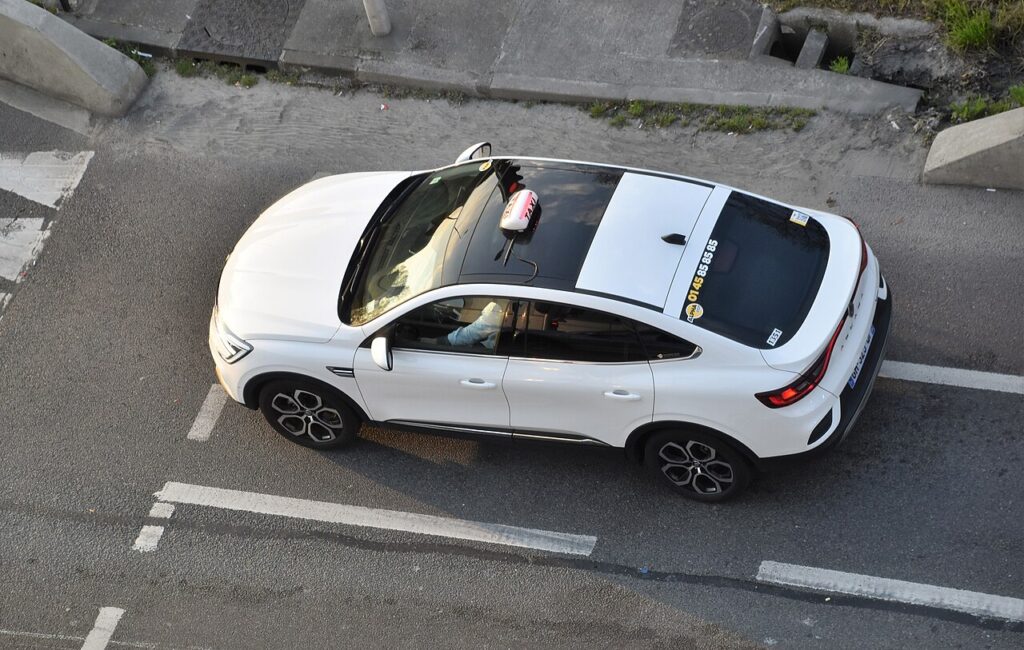
How the System Works on the Arkana
The Arkana monitors the tyres against a stored reference rather than displaying a live pressure at each wheel, so the fix is a ‘learn’ rather than a number reset. You set the pressures correctly, tell the car to memorise them, then drive so it can confirm and lock in the new baseline. Skip the learn and the car keeps comparing against the old reference, which is why the warning lingers or reappears.
Set the Pressures First
Inflate all four tyres cold to the figure on the driver’s door-pillar label, then re-learn.
Before You Begin
- Check pressures cold — before driving, or after the car has stood a few hours — so the baseline it stores is accurate.
- Set every corner to the door-pillar figure, using the laden figure if you carry a full load.
- Switch the ignition on to begin the learn; the engine doesn’t need to be running to start it.
- Plan a short, uninterrupted drive so the learn completes in one go.
Method 1 — Dashboard Button
- Switch the ignition on.
- Press the display button repeatedly until ‘Learning the tyre pressure’ appears.
- Press and hold the button for 3 seconds — a confirmation message shows.
- Drive for about 5 minutes to complete the learn.
Method 2 — Display Menu
On the multifunction display, select ‘Vehicle’, then ‘Tyre pressure’, and confirm the re-learn.
If the Light Stays On
- Re-check every tyre — one low corner keeps the warning on, and it’s often the one you didn’t check.
- Always re-learn after inflating or a wheel change. The old reference no longer matches until you store a new one.
- Complete the drive — stopping too soon can leave the learn unfinished so the warning returns.
- On a cold morning pressures fall; top up to the label figure and re-learn instead of trusting a warm reading.
- A space-saver or non-matching spare can trigger the warning until the normal wheel is back on.
- If one corner keeps dropping after you’ve set it, suspect a slow puncture or a leaking valve.
- New sensors fitted at a tyre shop need calibrating with a tool before the car will read them.
After the Reset
With the reference stored and a few minutes of driving done, the warning goes out and stays off for the trip. It may not clear the moment you confirm — the short drive is how the car checks the pressures hold. If the light returns on a cold morning, that’s ordinary seasonal loss: re-inflate to the label figure and run the learn again.
Frequently Asked Questions
How do I reset the tyre pressure light on a Renault Arkana?
Ignition on, press the display button to ‘Learning the tyre pressure’, hold 3 seconds, then drive 5 minutes — or use Vehicle → Tyre pressure in the menu. Set all four tyres to the correct cold pressures first so the reference it stores is right.
Do I need a tool?
Not for a normal re-learn — the button or menu method plus a short drive is enough. A tool is only needed if new sensors were fitted, so their IDs can be registered to the car. If a fresh sensor was installed and the car won’t read it, that’s a calibration job for a tyre shop.

Why does the light come on in cold weather?
Pressures drop as temperature falls, so a tyre set correctly in mild weather can read low on a cold morning. Top every corner back up to the label figure while the tyres are cold, run the learn, and the warning should stay off unless a tyre is genuinely leaking.
It came on after a wheel change — why?
The reference moved. Rotating tyres, switching to winter wheels, or refitting after a repair changes what the car reads, so it no longer matches its stored baseline. Re-run the learn so the new pressures become the reference and the warning clears.
Which method should I use?
Either works. The dashboard button is quickest when the ‘Learning the tyre pressure’ prompt appears, while the menu route (Vehicle → Tyre pressure) is easy to follow on the larger central display. Both do the same job: memorise your corrected cold pressures as the new reference before you set off.
If a fault code is stored, look it up on autodtcs.com. To clear a service reminder, see our Arkana service reset.
Independent guide — not affiliated with Renault. Always follow your official service manual and safety precautions. Read our full disclaimer.