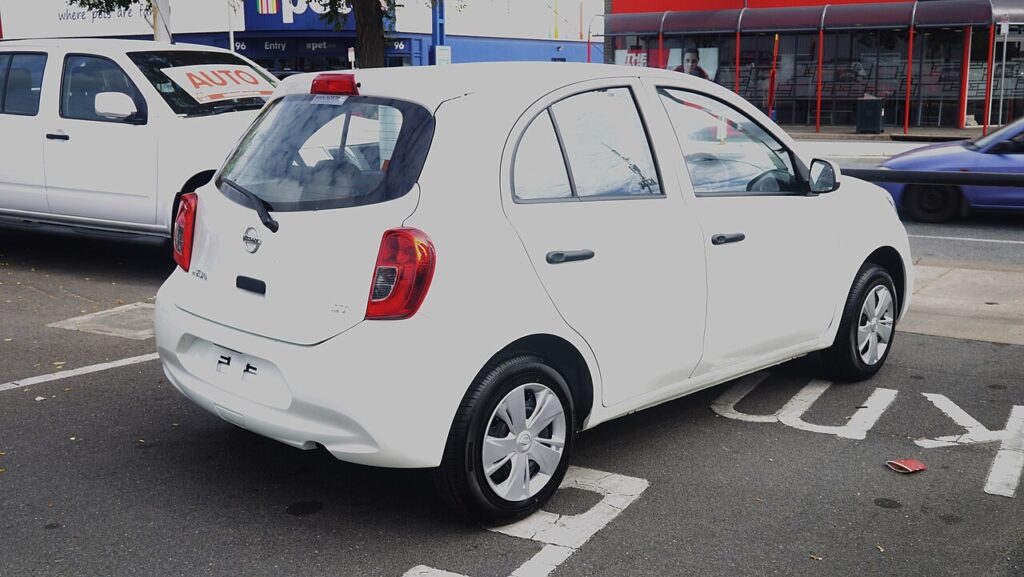
These instructions apply to the Nissan Micra Mk4 (K13) 2010-2017.
For other models, please choose your vehicle here.
If the remote on your Nissan Micra K13 (2010–2017) has lost its range or stopped responding, the small coin cell inside is almost always flat. The swap is straightforward once you know the K13 fob is held together by a screw rather than just clips, and that its cell goes in positive-side down. Here is the full job, plus why programming a new key needs a dealer.
Battery First
The Micra K13 remote uses a CR1620 coin cell — thinner than the common CR2032, so check before you buy. A weak cell causes nearly every “Micra remote not working” case, so fit a fresh one before suspecting the receiver.
Replacing the Fob Battery
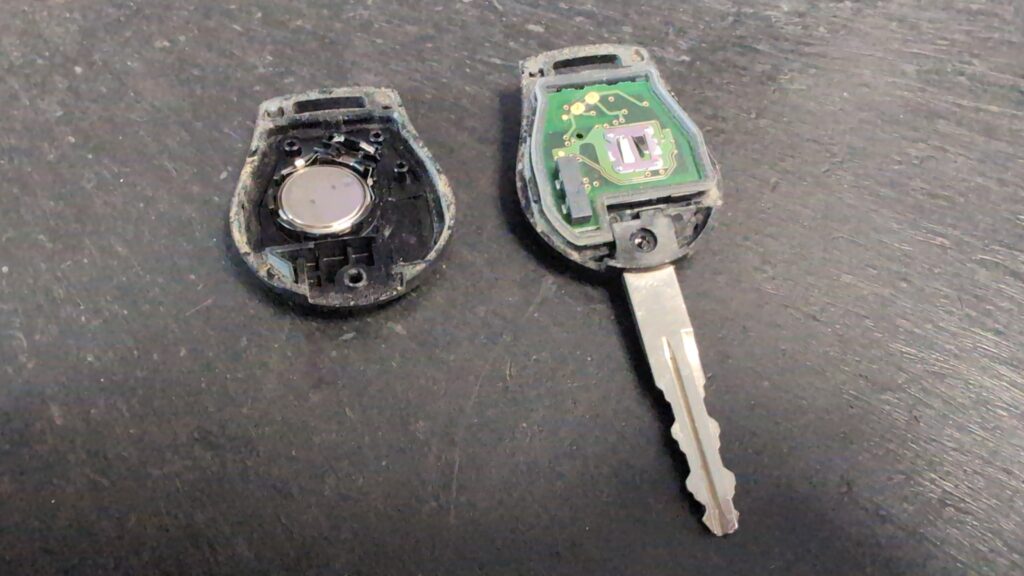
- Remove the screw holding the fob halves together.
- Insert a screwdriver at the seam and gently separate the cases — take care not to damage them or touch the printed circuit board.
- Lift out the old cell and fit a new CR1620 with the positive (+) side facing down, tucking it below the contact spring.
- Refit the cases and the screw.
- Test that the remote locks and unlocks the car.
Lost Key or Adding a Spare
A battery swap keeps the existing coding. Programming a new key requires Nissan’s diagnostic tool (CONSULT) through the immobiliser, so adding or replacing a key is a dealer or auto-locksmith job — there is no owner sequence.
If a Fresh Cell Doesn’t Help
- Confirm you fitted a CR1620, positive down, seated under the contact spring — the most common mistakes on this fob.
- Don’t touch the circuit board with wet or greasy hands when the case is open.
- Still nothing? A receiver or BCM fault may be involved — check for a stored code on autodtcs.com.
Frequently Asked Questions
What battery does the Micra K13 key fob take?
A CR1620 coin cell — not the more common CR2032, so check before buying.
Which way round does the cell go?
Positive (+) side down, seated below the contact spring.
Do I need a screwdriver to open it?
Yes — the K13 fob has a small screw, then the cases prise apart at the seam.
Can I program a new Micra K13 key myself?
No — a new key needs Nissan’s diagnostic tool, so it’s a dealer or locksmith job.
If the remote stopped working after a battery disconnection, see our Micra K13 battery disconnect/reconnect guide.
Independent guide — not affiliated with Nissan. Always follow your official service manual and safety precautions. Read our full disclaimer.