These instructions apply to the Lexus GS Mk4 (L10) 2012-2020.
For other models, please choose your vehicle here.
If the tyre-pressure warning has come on in your Lexus GS (2012–2020) after you’ve adjusted the pressures or changed a wheel, you reset the monitor with the TPMS SET button. Here’s how.
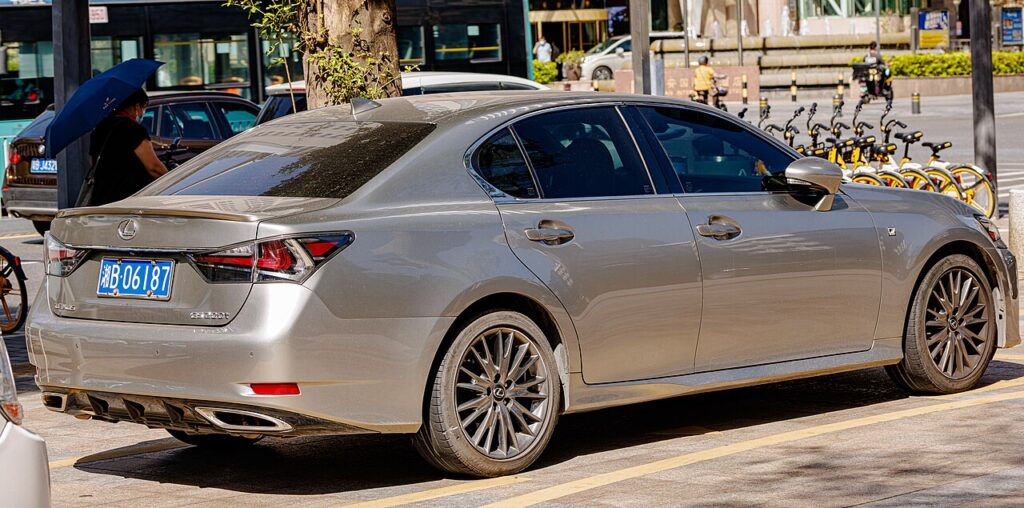
Seeing the tyre-pressure symbol glow amber on the GS Mk4 is rarely a cause for alarm. The monitor lights up whenever a tyre falls below the value it has stored, so it commonly appears after a service-station top-up, when the seasons turn colder, or once you’ve had new tyres fitted or moved to a winter set. The warning is doing its job — it just needs re-teaching. Correct the pressures first, then use the SET button so the car adopts them as its new reference and turns the light off.
How TPMS Works on the GS Mk4
The GS runs a direct monitoring system, with an individual sensor mounted at each valve reporting that wheel’s actual pressure by radio. Unlike a system that only guesses from wheel-speed differences, this one knows the true figure at every corner — which is precisely why it must be re-baselined whenever you deliberately change your pressures. If you don’t, the monitor keeps checking live readings against the previously stored numbers and raises the warning. Pressing SET records the current pressures, and a brief drive lets each sensor confirm its reading.
Before You Begin
- Check and set the tyres cold, before any real driving warms them and inflates the reading.
- Follow the door-pillar placard in the driver’s door shut — the GS may quote a higher figure for fast or fully-laden running.
- If your car carries a full-size spare with its own sensor, set that too.
- Stand the car on level ground and keep it stationary throughout.
- Turn the ignition to on; you do not need to start the engine or hybrid system.
Resetting the System
- Park level and set all four tyres to the correct cold pressures (placard in the driver’s door shut).
- Switch the ignition on (you don’t need to start the engine/hybrid system).
- Press and hold the TPMS ‘SET’ button (low on the dash near the steering column) until the TPMS warning light blinks (typically three times), then release.
- The system learns the current pressures as the new baseline; it finishes after a short drive.
If the Warning Won’t Clear
- Re-gauge all four tyres — even one corner slightly under the placard figure will hold the light on and stop the relearn.
- Keep SET pressed until the light blinks; releasing early aborts the registration so nothing is saved.
- Drive for a few minutes afterwards so every sensor transmits — the light may need a mile or so to go out.
- Re-store the pressures after a wheel change, whether that’s new tyres, a rotation, or a seasonal swap.
- Confirm any spare or space-saver you fitted is at its correct, often higher, pressure.
- If a corner keeps softening again shortly after inflating, suspect a slow puncture and have it checked.
- An ageing sensor with a flat battery reports nothing from that wheel, and the reset won’t complete until it’s replaced.
After the Reset
With the pressures right and the SET registration accepted, the warning light switches off and stays off through your normal driving, reappearing only if a tyre genuinely loses air or a cold spell drops it below range. Don’t expect a chime — the light simply going out is confirmation the new baseline has taken.
Frequently Asked Questions
How do I reset the tyre pressure light on a Lexus GS?
Set the pressures, switch on, then press and hold the TPMS SET button until the warning light blinks.
Where is the TPMS SET button?
Look low on the dashboard near the steering column, typically among the cluster or driver-side controls. Exact placement varies with trim and market, so the handbook pinpoints it; it is a small button marked ‘SET’ that you press once the pressures are correct.
Why won’t the warning clear after I’ve set the pressures?
Usually one tyre is still fractionally low, or SET wasn’t held until the light blinked. Re-check all four with a gauge (plus the spare if it has a sensor), adjust anything under the placard figure, then repeat the hold-and-release and drive a short distance to let the sensors report.
Do I need to reset TPMS after a wheel swap?
Yes. Because the GS memorises your cold pressures as its reference, fitting different wheels, changing to winter tyres, or rotating them all warrant re-checking the pressures and running SET again, so the monitor is comparing against the correct baseline rather than the old one.
Can the warning appear just because it’s cold outside?
Yes. Pressure drops around 1–2 psi per 10°C fall in temperature, so a frosty morning can take a properly-set tyre just under the threshold. Re-inflate to the placard figure while the tyres are cold and reset; the light should then stay off.
Do I need a tool?
No for a normal reset; a tool is only needed if a sensor is replaced.

If the warning came on with other lights, decode the code on autodtcs.com.
Independent guide — not affiliated with Lexus. Always follow your official service manual and safety precautions. Read our full disclaimer.