These instructions apply to the Lexus LS Mk4 (USF40/UVF45) 2006-2017.
For other models, please choose your vehicle here.
If the tyre-pressure warning has come on in your Lexus LS (2006–2017) after you’ve adjusted the pressures or changed a wheel, you reset the monitor with the TPMS SET button. Here’s how.
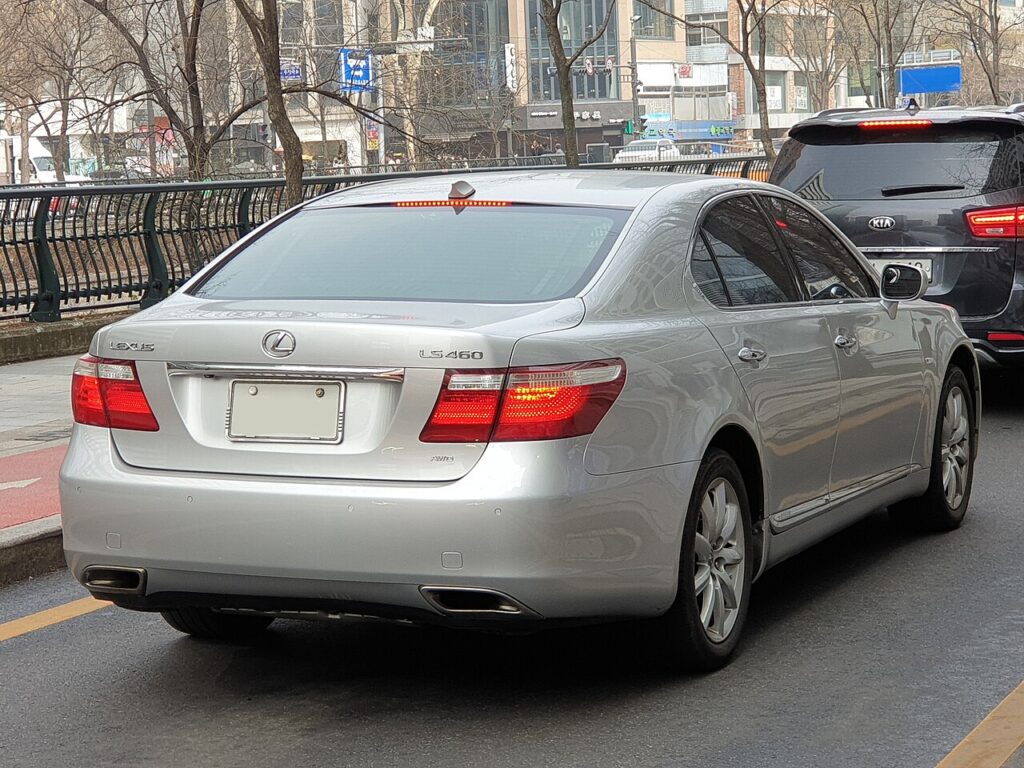
On a flagship as refined as the LS Mk4, the amber tyre-pressure light can feel out of place — but it’s simply the monitor flagging a corner that has slipped below its stored value, not a fault with the car. It typically shows after a garage inflates the tyres, when winter cold pulls the pressures down, or once you’ve fitted new rubber or swapped to seasonal wheels. The remedy is the same in every case: get the pressures right, then teach the system the new figures with the SET button so the light goes out.
How TPMS Works on the LS Mk4
The LS uses a direct system in which each wheel has its own valve-mounted sensor broadcasting that tyre’s true pressure. Because it measures the real value rather than inferring it from how fast each wheel turns, it can pinpoint a soft tyre — but it also has to be re-taught your target pressures every time you change them on purpose. Left un-reset, the monitor compares live readings against the old stored numbers and keeps the warning lit. The SET button banks the current pressures as the reference, and a short drive lets the sensors report in.
Before You Start
- Always set the tyres cold — a long, luxurious cruise warms them and lifts the pressures well above their resting figure.
- Use the value on the placard in the driver’s door shut; the LS may specify a higher pressure for high-speed or heavily-laden use.
- Include the spare if your car carries a full-size wheel with a sensor of its own.
- Park on level ground and keep the car still while you work.
- Switch the ignition to on — there is no need to start the engine.
Resetting the System
- Park level and set all four tyres to the correct cold pressures (placard in the driver’s door shut).
- Switch the ignition on (you don’t need to start the engine/hybrid system).
- Press and hold the TPMS ‘SET’ button (low on the dash near the steering column) until the TPMS warning light blinks (typically three times), then release.
- The system learns the current pressures as the new baseline; it finishes after a short drive.
If the Warning Won’t Clear
- Gauge every tyre again — just one corner under the placard figure keeps the light on and blocks the relearn.
- Hold SET until the light blinks; if you release too soon the registration is cancelled and nothing is stored.
- Drive for a few minutes after pressing SET so each sensor wakes and transmits — the light can take a mile or two to clear.
- Re-store the pressures after any wheel change, including seasonal swaps and rotations.
- Make sure a fitted spare or space-saver is at its own correct pressure.
- A tyre that keeps going soft soon after inflating suggests a slow puncture worth inspecting.
- After many years a sensor battery can die; that wheel then reports nothing and the reset won’t take until the sensor is renewed.
What to Expect After
Once the pressures are correct and the SET registration is accepted, the warning light goes out and remains off for the duration of your travels, returning only if a tyre actually loses air or a hard frost drops it below range. There’s no audible confirmation — the light quietly extinguishing is your signal the baseline has been stored.
Frequently Asked Questions
How do I reset the tyre pressure light on a Lexus LS?
Set the pressures, switch on, then press and hold the TPMS SET button until the warning light blinks.
Where is the TPMS SET button?
It is low on the dashboard near the steering column, usually within the driver-side switch area. Placement differs slightly by model year and market, so the handbook shows the exact location; you’re looking for a small button marked ‘SET’ to press once the pressures are correct.
Why won’t the warning clear after I’ve set the pressures?
Almost always a tyre that is still a touch low, or a SET press that wasn’t held until the light blinked. Re-gauge all four (and the spare if it carries a sensor), correct anything below the placard figure, then repeat the hold-and-release and drive a short way so the sensors update.
Do I need to reset TPMS after fitting different wheels?
Yes. The LS keeps your chosen cold pressures as its reference point, so whenever you fit new tyres, change to a winter set, or rotate the wheels you should confirm the pressures and run SET again, letting the monitor compare against the right baseline instead of the previous one.
Can cold weather set the warning off by itself?
It can. Tyre pressure falls by roughly 1–2 psi for each 10°C drop, so an overnight cold snap may nudge a correctly-set tyre below the threshold. Re-inflate to the placard figure while cold and reset; the light should then stay off for the trip.
Do I need a tool?
No for a normal reset; a tool is only needed if a sensor is replaced.

If the warning came on with other lights, decode the code on autodtcs.com.
Independent guide — not affiliated with Lexus. Always follow your official service manual and safety precautions. Read our full disclaimer.