These instructions apply to the Alfa Romeo MiTo Mk1 (955) 2008-2019.
For other models, please choose your vehicle here.
If a window on your Alfa Romeo MiTo (2008–2019) has lost its one-touch up/down — usually after a flat or disconnected battery, or a fuse change — you can re-initialise it yourself in under a minute. No tools.
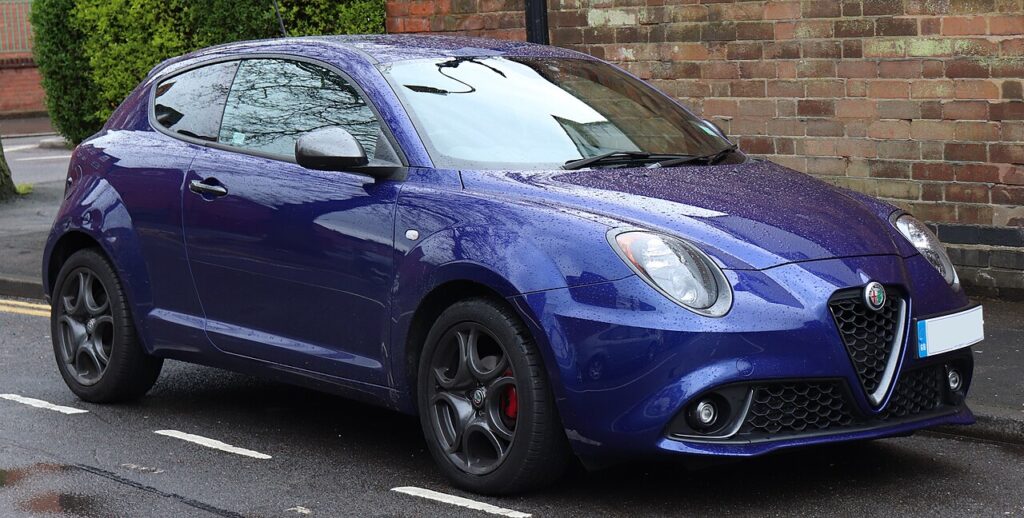
Losing one-touch is not a fault and nothing has broken. The glass still winds up and down normally — it just won’t travel to the top or bottom on a single tap any more, and the anti-pinch that stops the window if something is in the way goes quiet at the same time. Both come back the moment you re-teach the window its travel limits, which is exactly what the short relearn below does.
How It Works on the MiTo
Each front door has its own window motor with a position counter, and the electronics remember where fully-closed and fully-open sit — that memory is what powers one-touch and anti-pinch. It is held only while the car has 12 V power, so a flat battery, a disconnection, or a pulled window fuse wipes it, and it stays wiped until you drive the glass to each hard stop by hand.
Before You Begin
- Switch the ignition on (engine running is fine) so the windows have full power.
- Work on one window at a time and keep the door closed so the glass reaches its real top stop.
- Make sure the glass path is clear — no arm, phone lead or ice on the seal.
- Check the window is not on a child-lock or master-switch lockout before you begin.
- Expect to hold the switch a couple of seconds past each end — that pause is the part that saves the limit.
Re-initialising a Window
Do this with the door closed and the ignition on:
- Pull the switch up and hold it until the window is fully closed; keep holding for 2–3 seconds after it stops.
- Press the switch down and hold until the window is fully open; keep holding for 2–3 seconds after it stops.
- Pull up again to fully close and hold briefly — one-touch and anti-pinch are now relearned.
- Repeat for the other window if needed.
If It Still Won’t One-Touch
- Hold the switch the full 2–3 seconds past each limit — letting go early aborts the learn.
- Do it with the door shut so the glass reaches its true closed position.
- Do the whole cycle in one go — up-hold, down-hold, up-hold — without pausing between steps.
- Check the window fuse if the glass is dead or only crawls; a blown fuse also clears the memory when replaced.
- A dirty or dry glass run can make the motor mis-read the stop — a wipe and a little silicone on the seal often helps.
- If the battery was only just reconnected, let the car sit ignition-on for a minute, then repeat the cycle.
- A faulty regulator or switch can block the learn — any stored fault can be looked up on autodtcs.com.
After the Reset
Once the cycle takes, a single tap sends the glass all the way up or down again, and the window reverses if it meets an obstruction. The setting is stored, so it stays put through normal driving until the next battery disconnection or fuse change. Each door keeps its own memory, so cycle both windows if both lost the function.
Frequently Asked Questions
Why did my MiTo’s window stop going up with one touch?
The window module lost its learned top and bottom limits, almost always after the 12 V battery was disconnected or went flat, or the window fuse was pulled or blew. With no stored reference the car falls back to hold-to-move for safety. Driving the glass to each hard stop once restores both one-touch and anti-pinch.
How do I reset the windows?
With the ignition on and door shut, pull the switch up and hold two to three seconds past the top, press down and hold past the bottom, then pull up and hold at the top once more. That single up-down-up cycle re-teaches the limits. Repeat on the other door if needed.
Do I need any tools?
No — it’s done entirely with the door’s own window switch. There is no menu step, no diagnostic plug and nothing to remove. The only thing that matters is holding the switch a moment past each end stop so the motor can register where fully-up and fully-down actually are.
Do I have to do both windows?
Only the ones that lost one-touch, but each front door stores its memory separately, so after a battery job it is worth cycling both. It takes a few seconds per window and saves finding out later that the passenger side never re-learned.
Will anti-pinch work while the window is un-initialised?
The auto-reverse that protects fingers relies on the same learned travel data, so it is effectively out until you relearn. That is one reason the car drops back to hold-to-close — it forces you to watch the opening. Complete the up-down-up cycle and the anti-pinch protection returns with the one-touch.
It still won’t work — now what?
Repeat the cycle carefully, holding each limit the full couple of seconds and keeping the door shut. If it still fails, check the window fuse and that the glass runs freely. A regulator or switch fault can block the learn and may store a code — look it up on autodtcs.com.
If the windows dropped out after a battery change, see our MiTo battery disconnect/reconnect guide.
Independent guide — not affiliated with Alfa Romeo. Always follow your official service manual and safety precautions. Read our full disclaimer.