These instructions apply to the Jeep Grand Cherokee Mk1 (ZJ/ZG) 1992-1999.
For other models, please choose your vehicle here.
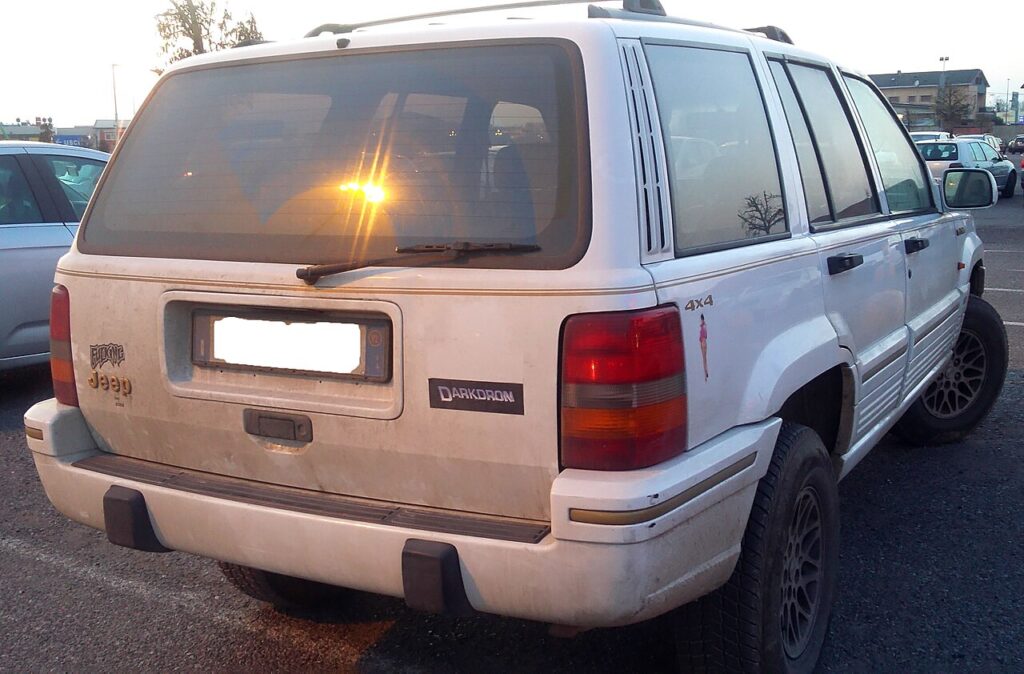
The Jeep Grand Cherokee ZJ (1993–1998) was the first-generation Grand Cherokee, and its remote keyless entry (RKE) was a factory option rather than standard kit — so not every ZJ left the plant with a remote. Base and early cars were often sold with the plain metal ignition key and no fob at all, while Limited and higher trims (and most cars from the mid-1990s on) got the small rectangular RKE transmitter with lock, unlock and panic buttons. If your ZJ does have that remote and it has become short-range or dead, the cause is almost always the coin cell inside it. Here is how to tell a flat battery from a genuine fault, the exact cell this old-style remote takes, and why cutting or coding a replacement remote is a job you can’t finish on the driveway.
How to Tell the Fob Battery Is Dying
- Shrinking range. You have to stand right beside the Jeep — or almost touch the door with the remote — for lock or unlock to register. On a 1990s RKE system with no dash warning light, this is your main early clue.
- No visible response at all. The ZJ remote has no confirmation LED of its own, so you judge it by the car: the doors should lock or unlock and the panic button should sound the horn. If nothing happens from a few feet away, suspect the cell first.
- Works intermittently, worse when cold. A near-flat coin cell sags under the brief current the transmitter draws, and low temperatures make it worse — so a remote that is fine in a warm garage but useless on a frosty morning is usually just tired.
- One remote works, the other doesn’t. The ZJ can hold two programmed remotes, so if your spare still operates the doors, the car’s receiver is fine and the dead remote simply needs a battery.
A coin cell in a remote used daily typically lasts two to four years. On a vehicle this old, a remote that has “never” been touched is well overdue — fit a fresh cell before you suspect the receiver.
The Battery You Need
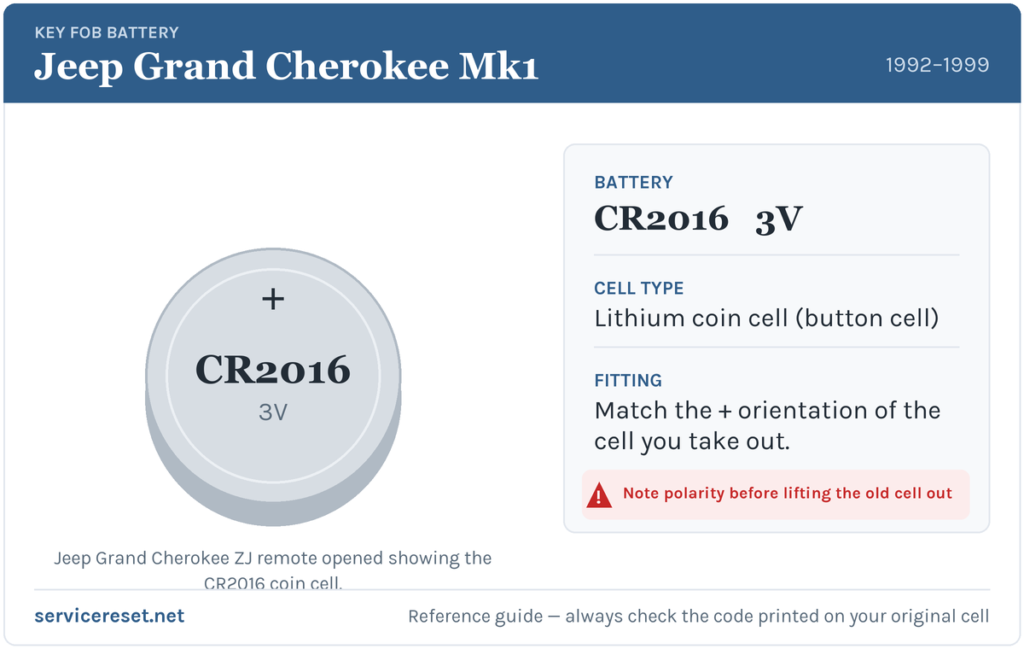
The 1996–1998 ZJ remote (the common 3-button transmitter, FCC ID GQ43VT7T, Chrysler part numbers in the 56008762 / 56021903 family) uses the CR2016 3-volt lithium coin cell. This thin cell is easy to confuse with the fatter CR2032 — they are the same 20 mm diameter but the 2016 is about half the thickness, so the wrong one will not seat or make proper contact. These old remotes commonly stack two CR2016 cells to make up the height; when you open yours, count and note exactly how many cells come out and which way each faces, then replace like for like. If your ZJ is an earlier (1993–1995) car with a different remote, don’t assume the code — read the marking on the cell you remove and match it. CR2016 cells are sold in any supermarket, pharmacy or hardware shop; buy a good branded pair rather than the cheapest, as weak cells give short range even when new.
How to Change the Battery
The ZJ transmitter is a sealed two-piece plastic case with no screw — it clips together and you separate it at the seam.
- Look around the edge of the remote for the moulded seam where the two halves meet, and find the small notch or lip designed to take a tool.
- Insert a thin flat-blade screwdriver or a coin into the notch. Rather than levering hard straight away, twist gently to break the snap-fit, then work the tool a little way along the seam until the halves start to part.
- Ease the case open. Take care not to flick the circuit board or the small buttons out — lift the board only if you must to reach the battery.
- Note the orientation of the cell (or the stacked pair) — which face is up and, if there are two, the order — before you remove anything. On these remotes the positive (+) face normally sits upward, but always trust what you take out over any general rule.
- Slide out the old cell(s) and drop in the fresh CR2016(s) the same way round. Make sure each sits flat under its retaining clip against clean contacts.
- Line the two halves up and press them together until the clips snap shut all round. Check there are no gaps at the seam.
⚠️ Get the polarity and the count right. A cell fitted upside down, or a single CR2016 where the remote needs two, will not power the transmitter and can slowly discharge — so copy the exact arrangement of the cells you removed.
Make Sure It Took
Stand back a few metres and press lock, then unlock. The door locks should cycle immediately and the panic button should sound the horn. If range is back to normal from across a car park, the job is done. If it works only when you are almost touching the car, re-open the remote and check the cells are seated and the right way up.
If a Fresh Cell Doesn’t Fix It
- Re-check the polarity, count and seating. The most common mistake on these stacked-cell remotes is a battery in upside down or only one cell where two are needed — both leave the remote dead.
- Clean the contacts. Decades of finger grease or a little corrosion on the terminals is enough to cause dropouts; wipe them with a dry cloth or a pencil eraser.
- Try the spare. If the second programmed remote works, the car’s receiver is healthy and the fault is inside the first remote — the transmitter or a button contact may simply have worn out after 25-plus years.
- Rule out the car. The RKE receiver on the ZJ lives with the door-module wiring; a tired vehicle 12 V battery or a wiring gremlin can also mimic remote faults. If the Jeep itself is slow to wake or the central locking is erratic on the key too, look past the fob.
New Remote or Spare — Why It’s a Dealer or Locksmith Job
Swapping the coin cell keeps the remote’s existing coding, so nothing needs reprogramming after a battery change. Adding a new remote is different. Each transmitter has to be paired to the ZJ’s keyless receiver, and the car holds a limited number of remotes at once. Genuine GQ43VT7T remotes for these years are long out of production, so a working replacement usually means a good used or reproduction unit that then has to be matched to your vehicle. Some ZJ years allowed a customer programming sequence, but it is fiddly and year-specific, and a mistimed attempt simply fails — so pairing a fresh remote is best left to a Jeep dealer or an auto-locksmith with the right tool. Keep the battery in your spare remote fresh too, and you are never left with only one working key.
Frequently Asked Questions
What battery does a Jeep Grand Cherokee ZJ remote take?
The 1996–1998 3-button RKE remote uses the CR2016 3-volt lithium coin cell, and commonly two of them stacked. Count and match exactly what you take out, and don’t substitute the thicker CR2032 — it won’t seat correctly.
Why are there two batteries in my ZJ remote?
These old flat transmitters often stack a pair of thin CR2016 cells to reach 6 volts and fill the compartment height. Always replace both together with fresh cells, fitted the same way round as the ones you removed.
Which way up does the cell go?
Normally positive (+) face upward, but the safest guide is the cell you take out — note its orientation before removing it and copy that exactly, including the order of a stacked pair.
Do I need to reprogram the remote after changing the battery?
No. A battery swap doesn’t touch the remote’s coding, so it works as soon as it powers up. Only a brand-new or replacement remote needs pairing to the car.
My ZJ never came with a remote — can I add one?
Possibly. Keyless entry was an option, so base cars have the receiver hardware only on equipped trims. Whether a remote can be added depends on your car’s specification; a dealer or auto-locksmith can confirm and pair a unit if the vehicle supports it.
Can I still drive the Jeep if the remote is completely dead?
Yes. The ZJ’s remote only operates the door locks — you start the car with the metal ignition key as normal, and you can lock and unlock the doors with that same key in the door. A flat remote never leaves you stranded.
If your ZJ’s locks or dash behave oddly right after the vehicle battery was disconnected — rather than the remote simply fading — the cause is more likely the electrical system than the coin cell, and any stored fault code will point you there faster; you can look those up on autodtcs.com.
Independent guide — not affiliated with Jeep. Always follow your official service manual and safety precautions. Read our full disclaimer.