These instructions apply to the Jeep Grand Cherokee Mk1 (ZJ/ZG) 1992-1999.
For other models, please choose your vehicle here.
The Jeep Grand Cherokee (1992–1999) — the ZJ/ZG — lets you program the key remote yourself, with no diagnostic tool. It’s handy after a flat fob battery, a second-hand remote, or a spare. The job is done entirely from the driver’s seat using the door lock, the ignition and the remote, and takes about a minute once you know the order. Here’s the sequence.
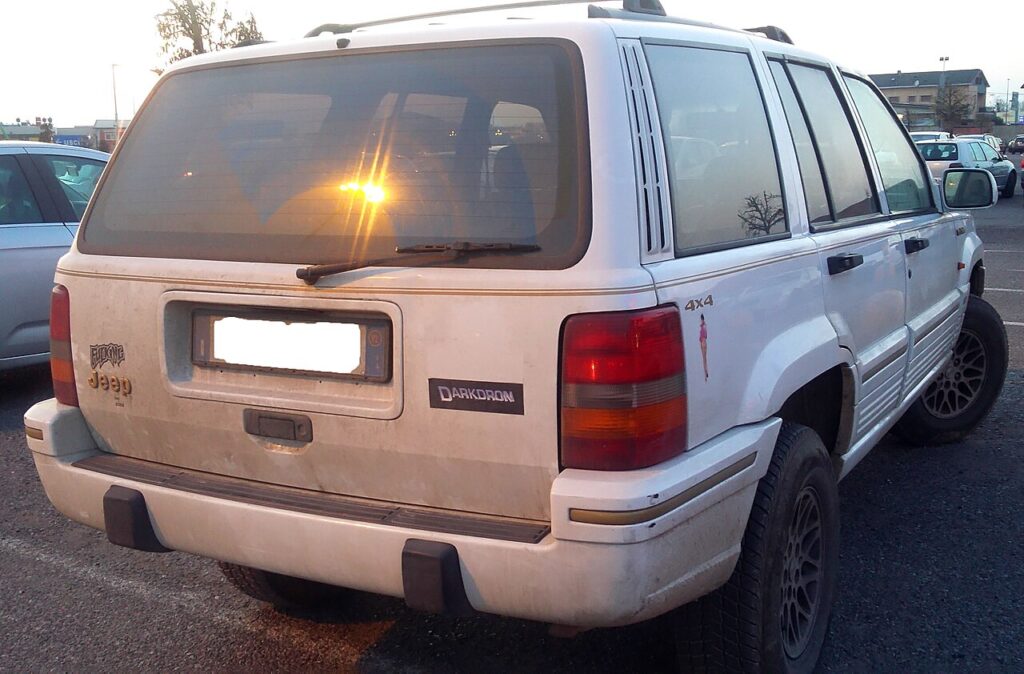
A remote that has stopped locking and unlocking the doors is often just unpaired rather than broken. On the ZJ/ZG the fob and the car’s receiver share a code, and that link can be lost when the fob battery goes flat, when you buy a used or aftermarket remote, or when you want a second key added. Re-teaching the remote restores the pairing. This is a routine owner task on this generation and needs no trim removal or specialist equipment.
How Remote Programming Works on the ZJ/ZG
The Grand Cherokee’s receiver only accepts new remotes while it is in a brief program mode, and it uses the open driver’s door, the manual lock lever and the ignition switch to enter that mode. Once it is listening, holding a remote’s LOCK button registers that fob, and the door locks cycling back is the car confirming the code was stored. Because the session teaches a complete set at once, every remote you want to keep has to be present and taught together — anything left out is dropped when the session ends.
Before You Start
- Have every remote you want to keep working to hand — the procedure erases old codes, so any remote not programmed in this session stops working.
- You can program up to 4 remotes.
- Work quickly — there are 20-second windows in the steps, so read them through first.
- Fit a fresh coin cell in each remote beforehand; a tired battery is the usual reason a fob won’t pair.
- Park safely with the handbrake on. The ignition only needs to be on (run); the engine does not need to be running.
Programming the Remote(s)
- Open the driver’s door and keep it open for the whole procedure.
- Move the mechanical door-lock lever to the LOCK position.
- Turn the ignition on.
- Within 20 seconds, press and hold the remote’s ‘LOCK’ button for about 5 seconds, then release.
- The door locks cycle — that confirms the remote is programmed.
- Repeat steps 4–5 for each additional remote.
- To lock the codes in: within 20 seconds, turn the ignition off, then on again. Any remotes not programmed in this session are now erased.
If It Won’t Program
- Keep the driver’s door open the entire time — closing it cancels the procedure.
- Stay inside the 20-second windows. If a step overruns, the receiver leaves program mode and you have to restart from step 1.
- Fit fresh cells first — a weak remote won’t program; see our ZJ key-fob battery guide.
- Program all your remotes together so none get erased.
- Confirm the lock lever is fully at LOCK and the ignition reached the run position before you press the fob.
- If the locks never cycle for any fob, the car probably never entered program mode — recheck the door, lever and ignition sequence rather than blaming the remote.
What to Expect After
With the codes locked in, step outside and test each remote from a short distance: every one should lock and unlock the doors cleanly. If one fob works and another does not, the odd one out most likely has a flat cell or an internal fault rather than the car being at fault. Keep the sequence noted somewhere, because adding or losing a remote later means teaching the whole set again.
Frequently Asked Questions
Can I program a Jeep Grand Cherokee ZJ remote myself?
Yes — with the driver’s door open and locked, ignition on, hold the remote’s LOCK button for about 5 seconds until the door locks cycle. No diagnostic tool or dealer visit is needed on this generation; the car’s own controls put the receiver into program mode.
Will it erase my other remotes?
Yes — any remote not programmed in the same session is erased, so do them all together. Teaching only a new spare and forgetting an existing fob leaves that older fob dead until you re-teach it in a fresh session.
How many remotes can I have?
Up to 4 remotes can be paired to the ZJ/ZG at once. If you already run a full set and add another, remember every fob you want to keep must be present and taught in the same session or it will be dropped.
The locks won’t cycle when I hold LOCK — why?
The cycling locks are the confirmation signal, so if nothing moves the receiver probably never entered program mode. Recheck that the driver’s door stayed open, the lock lever is at LOCK and the ignition is fully on, then repeat within the 20-second window.
Does the engine need to be running?
No — the ignition only needs to be in the on/run position for the receiver to hold program mode. Starting the engine is neither required nor helpful; the trigger is the ignition switched on with the door open and the lever locked.
It still won’t work — what now?
Fit fresh coin cells and retry within the time windows; if a remote is faulty it won’t pair however carefully you follow the steps. A cracked or water-damaged fob may need replacing before it can be programmed at all.
Need new cells first? See our ZJ key-fob battery replacement guide, and if a warning light or fault code turned up alongside the locking trouble you can look it up on autodtcs.com.
Independent guide — not affiliated with Jeep. Always follow your official service manual and safety precautions. Read our full disclaimer.