These instructions apply to the Smart Fortwo Mk3 (W453) 2015-2024.
For other models, please choose your vehicle here.
If the tyre-pressure warning has come on in your Smart Fortwo (W453, 2015–2024) after you’ve adjusted the pressures or changed a wheel, you reset it from the instrument-cluster menu. Seeing the light after a top-up, a seasonal tyre swap, or a cold snap is normal rather than a fault — the system simply needs to be told that the current pressures are the new correct baseline. Here’s how.
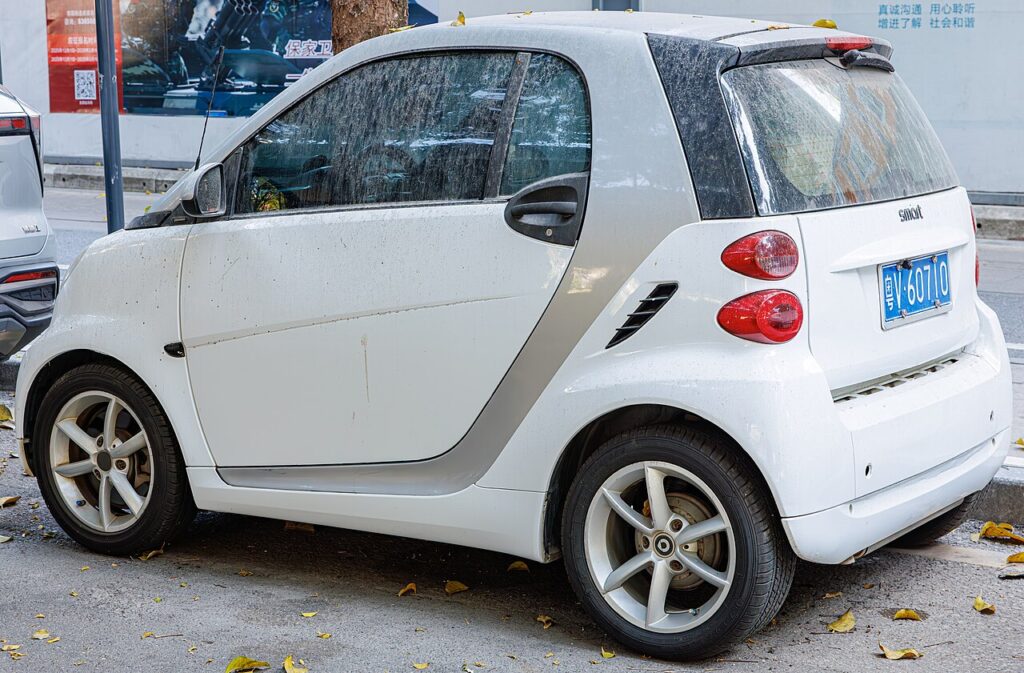
How the System Works
On this generation the monitoring is a comparison-based system that watches how the wheels turn and flags a tyre that has started to run soft. Rather than reading an exact pressure from each wheel, it references the pressures you last confirmed as correct, which is why a reset is needed whenever you change them. Once you set all four tyres and store them through the menu, the cluster treats those as the baseline. It is worth remembering the Fortwo runs different front and rear pressures — the rear-engined layout puts more weight over the back axle — so always match each axle to its own placard figure before storing.
When to Reset
- After checking or adjusting the tyre pressures.
- After changing one or more wheels or tyres.
Getting Ready
- Check the tyres cold — before driving or after the car has stood a few hours, so the readings aren’t inflated by heat.
- Read the placard in the driver’s door shut and set the front and rear axles to their separate figures.
- Set every corner you touched before running the reset — store the baseline only once all four are right.
- Have the key ready so you can take the ignition to position ‘1’ without starting the engine.
Resetting the System
- Adjust all four tyres to the correct cold pressures.
- Turn the ignition key to position ‘1’.
- Select ‘Change settings’, then ‘Tyre pressure monitoring’.
- Press the cluster menu button until the service symbol appears, then press and hold the select button.
- The TPMS light flashes; wait about 5 seconds until it illuminates steadily, then turn the key to ‘0’.
If the Warning Stays On
- Recheck every tyre — one below spec, or a front set to the rear figure, keeps the warning on.
- Confirm the menu step — the light should flash then go steady; if it didn’t, the store didn’t complete.
- Drive a short distance to let the system settle after storing.
- Check a fitted spare — a temporary wheel at the wrong pressure can hold the light on.
- Rule out a slow puncture — if one tyre keeps dropping, find the leak rather than repeating the reset.
- Still showing with correct pressures? A sensor may have a flat battery — look up the code on autodtcs.com.
What Happens Next
Once the light goes steady and you switch off, the store is saved and the warning should be gone next time you drive. On a cold morning a borderline tyre can trip the alert again on a short run and then settle as the tyres warm; if it stays on, treat it as a genuine low-pressure warning and check the pressures rather than simply repeating the reset.
Frequently Asked Questions
How do I reset the tyre pressure light on a Smart Fortwo W453?
Set the pressures, ignition to ‘1’, then Change settings > Tyre pressure monitoring and hold the select button until the light goes steady.
Why won’t the warning clear?
Usually a tyre still below spec, or the reset step wasn’t completed in the menu.
Do I need a tool?
No for a normal reset; a tool is only needed if a pressure sensor is replaced.
Does adjusting one tyre need a full reset?
Set all four correctly first, then run the reset so the baseline is right.

Do the front and rear tyres take the same pressure?
Not usually. With the engine over the rear axle the Fortwo commonly runs a higher rear pressure than front. Always use the separate front and rear figures on the door-pillar placard, set each axle accordingly, then store the baseline.
Why does the light return on cold mornings?
Pressure falls about 1 psi for every 5–6 °C drop in temperature, so a cold night can dip a borderline tyre under the threshold. It often clears as the tyres warm; if it keeps coming back, set the pressures toward the upper placard figure and store again.
If the warning came on with other lights, decode the code on autodtcs.com.
Independent guide — not affiliated with Smart. Always follow your official service manual and safety precautions. Read our full disclaimer.