These instructions apply to the Lancia Delta Mk3 (844) 2008-2014.
For other models, please choose your vehicle here.
If the one-touch (auto up/down) function on your Lancia Delta (844, 2008–2014) has stopped working — usually after a battery disconnection or a flat battery — the windows just need re-initialising. This is completely normal and is not a fault: the door module simply lost the calibration that tells it where each window’s fully-closed and fully-open points are, so the motor falls back to hold-to-move only. Nothing is broken, and the fix is a quick job at the switches with no tools.
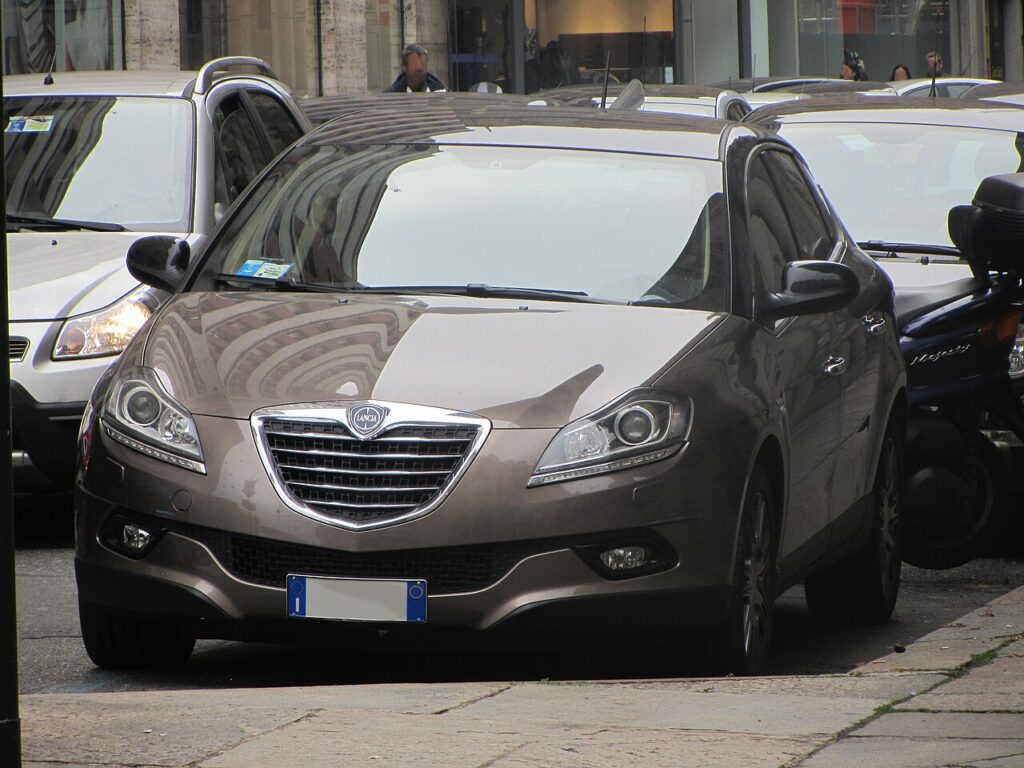
How It Works on This Model
Each door has its own window motor and a small controller that remembers two things: the exact point where the glass reaches the top seal, and the point where it reaches the bottom of its travel. Storing those limits is what lets one-touch stop cleanly at the top instead of straining the motor, and it’s also what powers the anti-pinch (anti-trap) safety that reverses the glass if it meets resistance on the way up. When the 12 V supply is cut — a dead battery, a jump-start, or unplugging the battery for other work — that stored range is wiped. The window still moves, but only while you hold the switch, because the controller no longer trusts where the ends are.
Before You Start
- Sit in the car with the ignition on (engine running is fine too) so the windows have full power.
- Make sure the 12 V battery is healthy — a weak battery can interrupt the learn halfway.
- Close all the doors and keep hands, fingers and loose clothing clear of the glass.
- Work on one window at a time from that door’s own switch.
Re-initialising Each Window
- Close all the doors.
- Press and hold the close switch until the window is fully closed, then keep holding for a few seconds, and release.
- Press and hold the open switch until the window is fully open, then keep holding for a few seconds, and release.
- Repeat for each remaining window.
One-touch should now work again on every initialised window.
If It Won’t Stay Set
- Hold longer at each end. A brief pause of two to three seconds at both the top and bottom gives the controller time to log the limit.
- Do both directions. Teaching only the up stroke, or only the down, often leaves one-touch half-working — run the full close-then-open-then-close cycle.
- Re-seat the battery connections if you’ve just done battery work; a loose earth can drop power mid-learn.
- Check the fuse for that window circuit if a single door has no auto function and holds a poor connection.
- Let the battery recover. Straight after a jump-start the voltage can sag; run the engine a while, then retry.
- A motor or switch fault can store a code — look it up on autodtcs.com.
What to Expect After
Once a window is re-initialised, a single tap should send it all the way up or down again, and the anti-pinch reverse comes back with it. The calibration is stored permanently and will not need repeating until the next time the battery is disconnected or goes flat. If you have several one-touch windows, expect to spend only a minute or two doing the whole car.
Frequently Asked Questions
Why did my Delta windows stop auto-closing?
Disconnecting the battery, jump-starting, or letting it go flat wipes the window calibration the door module relies on. Without it the motor no longer knows where the fully-closed point is, so it drops back to moving only while you hold the switch. Re-initialising each window teaches those limits again and restores one-touch.
Do I need a tool?
No. The whole procedure is done with the window switches on the door. There is no menu, scan tool or fuse-pulling involved — you simply hold the switch through a full close and full open cycle, pausing briefly at each end so the controller relearns the travel.
Do I have to do all the windows?
Yes, if more than one lost its auto function. Each window is calibrated separately by its own controller, so re-initialising the driver’s door does nothing for the others. Work round the car, doing each affected window from its own switch until one-touch works on all of them.
What does holding at the limit do?
Holding the switch for a couple of seconds after the glass reaches the top or bottom tells the controller “this is the end of travel.” It logs those two points as the new limits, which is what lets one-touch stop cleanly and lets the anti-pinch safety judge when the glass has met an obstruction.
Why does one-touch only work in one direction?
That usually means only half the learn registered — for example the close stroke was held long enough but the open stroke was released too early. Run the full sequence again: close fully and hold, open fully and hold, then close fully and hold once more, giving a clear pause at each end.
Could the anti-pinch keep reversing the window?
Until the window is re-initialised, the anti-trap has no reliable limits and can misread normal seal friction as an obstruction, bouncing the glass back down. Completing the relearn gives it proper reference points. If it still reverses on a clean, dry seal afterwards, have the motor and switch checked.
If you’ve just reconnected the battery, see our Delta battery guide.
Independent guide — not affiliated with Lancia. Always follow your official service manual and safety precautions. Read our full disclaimer.