These instructions apply to the RAM 1500 Mk4 (DS) 2011-2019.
For other models, please choose your vehicle here.
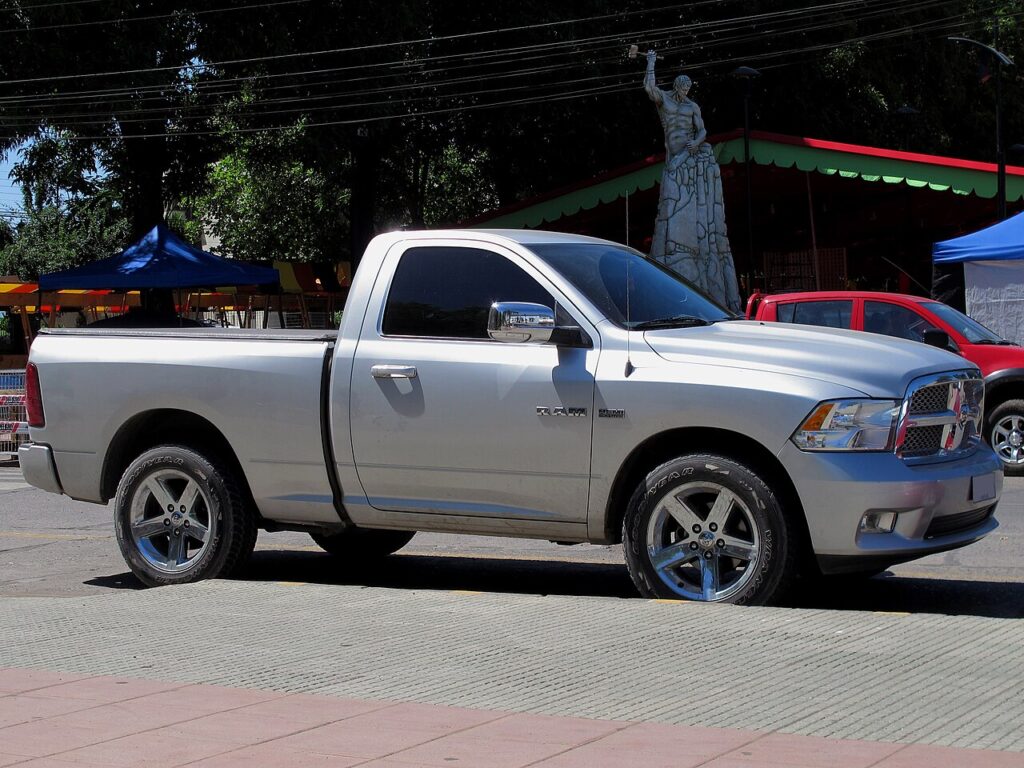
If the one-touch (auto up/down) function on your RAM 1500 (DS, 2011–2019) has stopped working — usually after a battery disconnection or a flat battery — the windows just need re-initialising. It’s a quick job with no tools, and it does not mean the motor or switch has failed. Each window is simply running in its basic manual mode until you teach its controller where the top and bottom of travel are again.
Why the Auto Function Drops Out
Each power window on the RAM 1500 has a motor with a built-in controller that counts the glass position and stores the fully-up and fully-down limits. That memory is what makes the one-touch express up and down work, and it powers the anti-pinch protection — the feature that stops and reverses the glass if it meets an obstruction while closing. When the 12 V power is cut, whether by disconnecting the battery, fitting a new one, or letting it run flat, those learned limits are lost. The windows still raise and lower while you hold the switch, but the express function and pinch protection stay disabled until each window is run through its full travel and re-learned. On a crew-cab truck that means the rear door windows may need doing as well as the fronts.
Before You Begin
- Confirm the 12 V battery is properly connected and charged — the calibration will not save on a weak supply.
- Close each door so the glass runs cleanly in its channel.
- Have the ignition in a position where the windows operate.
- Clear the top of each door frame and check the run channels are free of grit or ice.
- Note which windows have the auto feature — on many trucks it is the driver’s window, on higher trims more of them, and each is set separately.
Re-initialising Each Window
- Close the door.
- Raise the window fully with the switch and keep holding for a moment after it stops.
- Lower the window fully and keep holding for a moment after it stops.
- Raise it fully again — one-touch should now work. Repeat for each window with the feature.
If It Still Won’t Work
- Hold at each limit for a full moment after the window stops — releasing too early leaves the travel only partly learned.
- Run the whole sequence in one pass per window without pausing; an interrupted run may not register.
- Re-seat the battery connections if you’ve just done battery work, then repeat.
- Check the relevant power-window fuse if a window is completely dead rather than merely manual.
- Do the rear doors too on a crew cab — each rear window with the feature is calibrated on its own switch.
- Let a flat battery charge fully first; low voltage can prevent the memory being written.
- A motor or switch fault can store a code — look it up on autodtcs.com.
After the Reset
Once each window has taken the calibration, a single tap on its switch will run the glass all the way up or down on its own, and the anti-pinch protection is active again. The limits are stored, so they stay set until the next time the battery is disconnected. If you replace the battery in future, simply repeat the same short sequence on every window that has the express feature.
Frequently Asked Questions
Why did my RAM 1500 windows stop auto-closing?
Disconnecting or flattening the 12 V battery clears the stored travel limits in each window motor’s controller, so the glass reverts to manual-only. Running each window fully up, fully down, and up again teaches the module the limits and restores the one-touch express function.
Do I need a tool?
No. The reset is done with the window switches on the doors. There is nothing to plug in and no menu to open — you are simply cycling each window through its full travel so the controller can re-learn the top and bottom positions.
Do I have to do all the windows?
Only the ones with the one-touch feature, and yes, each is calibrated separately. On a crew-cab RAM that can mean the rear door windows too. If a window only ever moved while you held the switch, it never had the express feature and does not need re-initialising.
What does holding at the limit do?
Keeping the switch pressed for a moment after the glass stops tells the controller that is the true end of travel. That reference is what both the anti-pinch protection and the express lift rely on, so a clean hold at each limit is the key to the reset working.
Do the rear windows reset the same way?
Yes. If your rear door windows have one-touch, use the same up-hold, down-hold, up sequence on each rear switch. Do them one at a time; the fronts and rears do not calibrate together, so skipping a door leaves that window in manual mode.
Could a weak battery be the reason it won’t reset?
It can. If the 12 V battery is still recovering from being flat or a terminal is loose, the controller may fail to save the new limits and the express function does not return. Charge and secure the battery first, then repeat the sequence on each window.
If you’ve just reconnected the battery, see our RAM 1500 battery guide, or check any stored fault code on autodtcs.com.
Independent guide — not affiliated with RAM. Always follow your official service manual and safety precautions. Read our full disclaimer.