These instructions apply to the Infiniti Q30 (H15) 2015-2019.
For other models, please choose your vehicle here.
If the one-touch (auto up/down) function on your Infiniti Q30 (H15, 2015–2019) has stopped working — usually after a battery disconnection or a flat battery — the windows just need re-initialising. It’s a quick job with no tools.
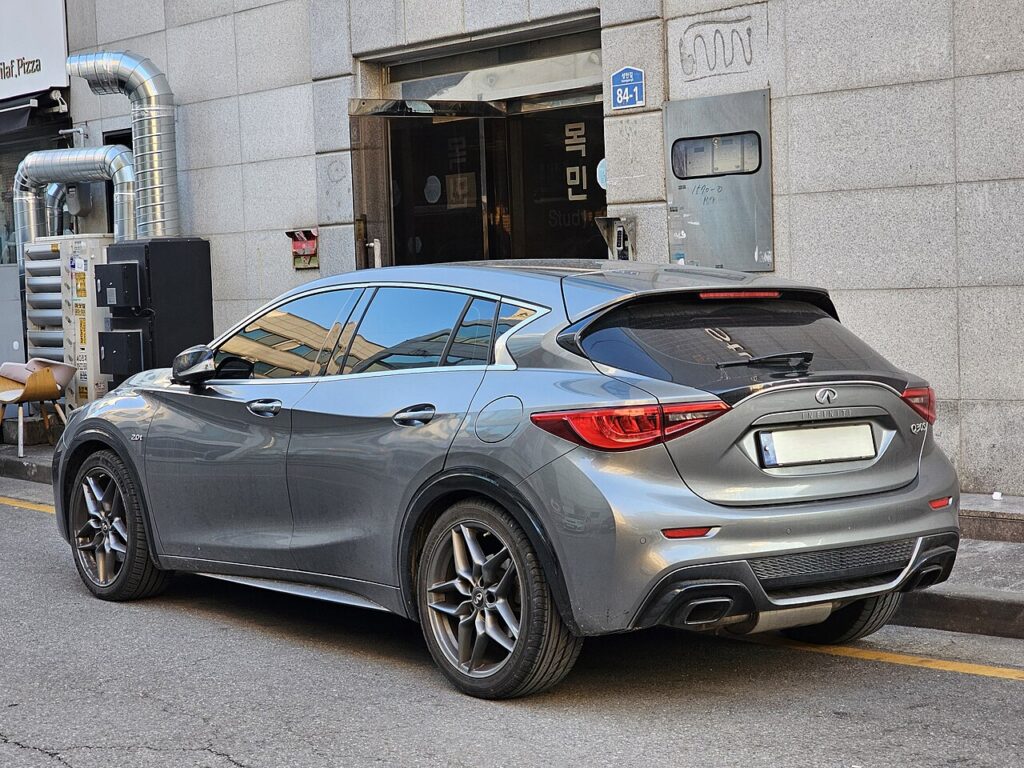
The Q30 has an auto up/down feature so a single press runs the glass the whole way rather than making you hold the switch. If a window has reverted to moving only while pressed, nothing has failed. The window module has lost its stored travel limits and needs to watch one full open-and-close cycle to relearn them. This is expected after any interruption to the 12 V supply and takes only a minute to correct.
How It Works on This Model
The auto window motors on the Q30 keep a position count of the fully-open and fully-closed points, paired with an anti-pinch function that reverses the glass if it meets resistance while closing. Disconnecting the battery clears that count, so the module switches off one-touch and anti-pinch until it can register a clean full sweep with a hold of more than two seconds at the top. The relearn is done per window on its own switch.
Before You Start
- Switch the ignition on so the windows are powered.
- Sit inside with the doors closed so each switch and motor behaves normally.
- Make sure the glass moves freely — no ice, grit or obstruction in the runner.
- Be ready to hold the close switch for more than two seconds at the top; a quick tap won’t register.
Re-initialising Each Window
- Turn the ignition on and close the doors.
- Press and hold the open switch and open the window fully.
- Press and hold the close switch until the window is fully closed, then keep holding for more than 2 seconds, and release.
- Check the one-touch operation, then repeat for the passenger window.
If It Won’t Stay Set
- Hold the close switch the full 2+ seconds after the glass seats — releasing too soon leaves the upper limit unregistered.
- Complete the whole open-then-close cycle in one go; stopping partway won’t finish the relearn.
- Re-seat the battery terminals after battery work — a loose or corroded connection can drop voltage and abort the learn.
- Clear the runner and seal. Drag from grit or a lifted seal reads as an obstruction to anti-pinch, so the glass stops short.
- Redo the passenger door separately if only one side hunts — each window stores its limits on its own.
- A worn motor or switch that can’t reach a clean stop may log a fault code — look it up on autodtcs.com.
What to Expect After
Once the cycle is accepted, a single tap up or down runs the window fully and stops cleanly at the top. Anti-pinch comes back at the same time, so the glass reverses if it meets your hand on the way up. The limits are stored, so they stay set until the next time the 12 V battery is disconnected or run flat.
Frequently Asked Questions
Why did my Q30 windows stop auto-closing?
Because the 12 V battery was disconnected, replaced or run flat, which wipes the stored travel limits in each window module. The car then falls back to hold-to-move operation until you re-initialise each window with one full open-and-close cycle. It is a memory reset rather than a fault.
Do I need a tool or scanner?
No. Each window is relearned with its own switch alone — no diagnostic tool or code reader. You hold the switch to open the glass fully, then hold it closed for more than two seconds so the module can log the endpoints again.
Do I have to do both windows?
Yes, do each window that has the auto function. A battery disconnect clears the stored limits on every auto motor, and each one is learned separately, so the window you skip will keep moving only while held until you cycle it.
What does the 2-second hold do?
Keeping the close switch pressed for more than two seconds after the glass seats lets the module register that point as the top of travel. With both endpoints stored, one-touch and the anti-pinch reversing feature are restored on that window.
Will I have to repeat this often?
No. Once the relearn is accepted the windows work normally on a single tap. You only need the routine again if the battery is disconnected, replaced or goes flat and the stored limits are lost.
One window still won’t auto-close — what now?
Repeat the cycle on just that door, holding the close switch the full couple of seconds and checking the channel is clean. If it still won’t take, suspect a tired motor, a dragging regulator or a failing switch — and a motor fault can store a code you can look up.
If you’ve just reconnected the battery, see our Q30 battery guide.
Independent guide — not affiliated with Infiniti. Always follow your official service manual and safety precautions. Read our full disclaimer.