These instructions apply to the Infiniti Q30 (H15) 2015-2019.
For other models, please choose your vehicle here.
If the central display on your Infiniti Q30 (H15, 2015–2019) has frozen — the screen ignores the rotary controller, the map locks up, or the radio menu won’t respond — you can almost always clear it yourself with a soft reset from the driver’s seat. No workshop tool is needed for the soft reboot.
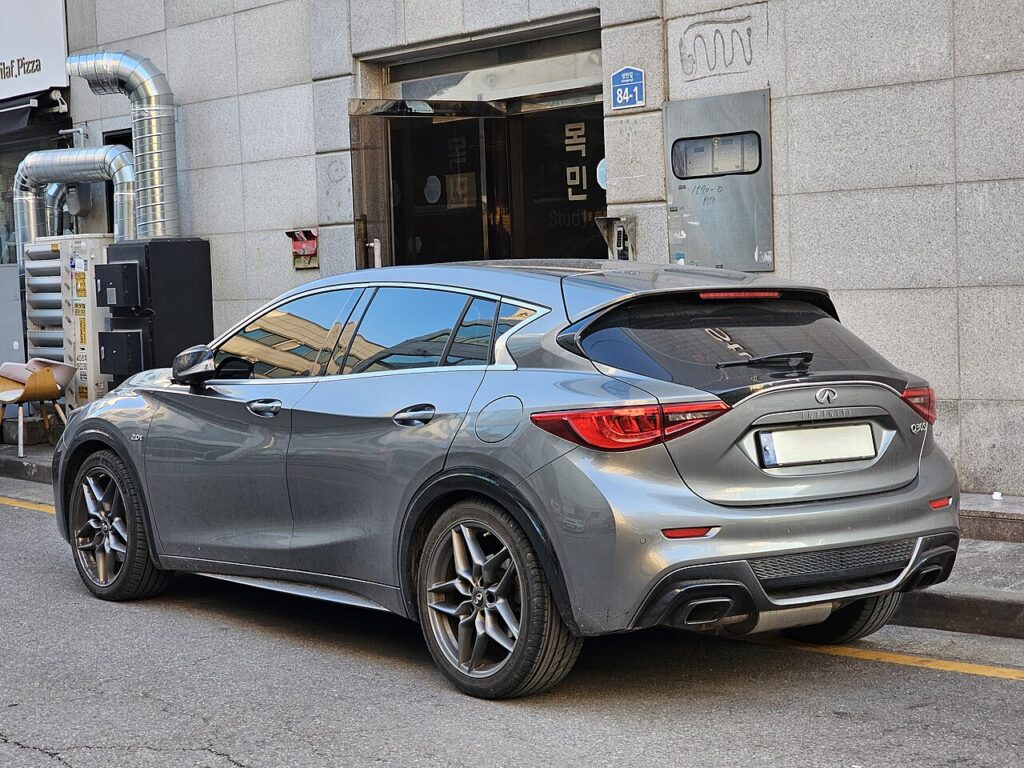
The System in This Generation
The Q30 doesn’t use the dual-screen InTouch fitted to the Q50 and Q60. Because the Q30 shares its platform and a lot of its electronics with the Mercedes A-Class/GLA, its infotainment head unit is a Nissan-developed system built on Mercedes-derived hardware (the ‘floating’ central screen on the dash top, driven by the rotary COMAND-style controller on the centre console). That mix is why a freeze here behaves a little differently from a pure Nissan/Infiniti unit — the controller wheel and the screen can hang independently, and the rotary knob is usually the first thing to stop responding.
Soft Reset (No Data Loss)
This restarts only the head unit. It does not erase your radio presets, paired phones or navigation favourites.
- Put the car in Park and keep the ignition on (engine running is fine, or press start once without the brake).
- Find the audio power/volume knob — the round knob you press to mute and turn to change volume.
- Press and hold that knob for about 10 seconds, ignoring the volume change.
- The screen goes black, then the Infiniti logo reappears as the unit reboots.
- Wait for the home screen to load fully (around 30–60 seconds) before touching the controller.
Is It Safe? Will I Lose Anything?
Yes, it’s safe. A soft reboot only power-cycles the display module. Your settings, paired Bluetooth devices and saved destinations all survive. The only thing that resets is the temporary software state that caused the hang.
If It Stays Frozen
- Repeat the knob hold once more — on the Mercedes-derived unit the first attempt sometimes only dims the screen.
- Switch fully off and lock the car for 5 minutes so the modules sleep, then restart.
- Disconnect the 12V battery negative terminal for 3–5 minutes, then reconnect. This is the strongest non-dealer reset and clears a controller that’s gone completely unresponsive. (You may need your radio code and to re-run a few one-touch window/sunroof relearns afterwards.)
- If the screen reboots over and over on its own, that’s usually a hardware fault (failing display module or a controller fault), not something a soft reset will cure — have it scanned.
Factory Reset (Erases Your Data)
Only do this if the soft reboot won’t hold and you want to wipe personal data — for example before selling the car. From the Settings menu, open the System or General options and choose Reset all settings to factory defaults. This deletes paired phones, presets, saved destinations and any installed apps, and returns the unit to its as-delivered state. Have your radio security code to hand in case the unit asks for it on the next start.
Frequently Asked Questions
Why does my Q30 screen freeze but the music keeps playing?
The display and the audio engine run as separate processes on this unit, so the screen can hang while sound continues. The 10-second knob hold reboots both together.
Will rebooting delete my paired phone?
No. A soft reboot keeps your Bluetooth pairings, presets and favourites. Only a full factory reset removes them.
The rotary controller wheel does nothing — is it broken?
Usually not. On the Q30 the controller commonly locks up first when the system hangs. Reboot with the volume knob; if the wheel is still dead afterwards, then have the controller checked.
Is the Q30 screen the same as a Mercedes one?
It’s Mercedes-derived hardware running Nissan/Infiniti software, which is why the reset uses the audio knob rather than a hidden Mercedes service menu.
Do I need to be parked to do this?
Yes — park safely first. Holding the audio knob while driving is distracting and some menus are locked while moving anyway.
If a warning light came on at the same time as the freeze, the fault may be stored as a diagnostic trouble code — you can look it up on autodtcs.com.
Independent guide — not affiliated with Infiniti. Always follow your official service manual and safety precautions. Read our full disclaimer.