These instructions apply to the Nissan Juke Mk1 (F15) 2010-2019.
For other models, please choose your vehicle here.
If the centre screen in your Nissan Juke (Mk1, F15, 2010–2019) has frozen, gone black, or stopped answering taps and the surrounding buttons, you can force the audio unit to restart yourself in about a minute. The Juke drives normally while the display is stuck — the lock-up is in the infotainment module, not anything that affects the engine or brakes.
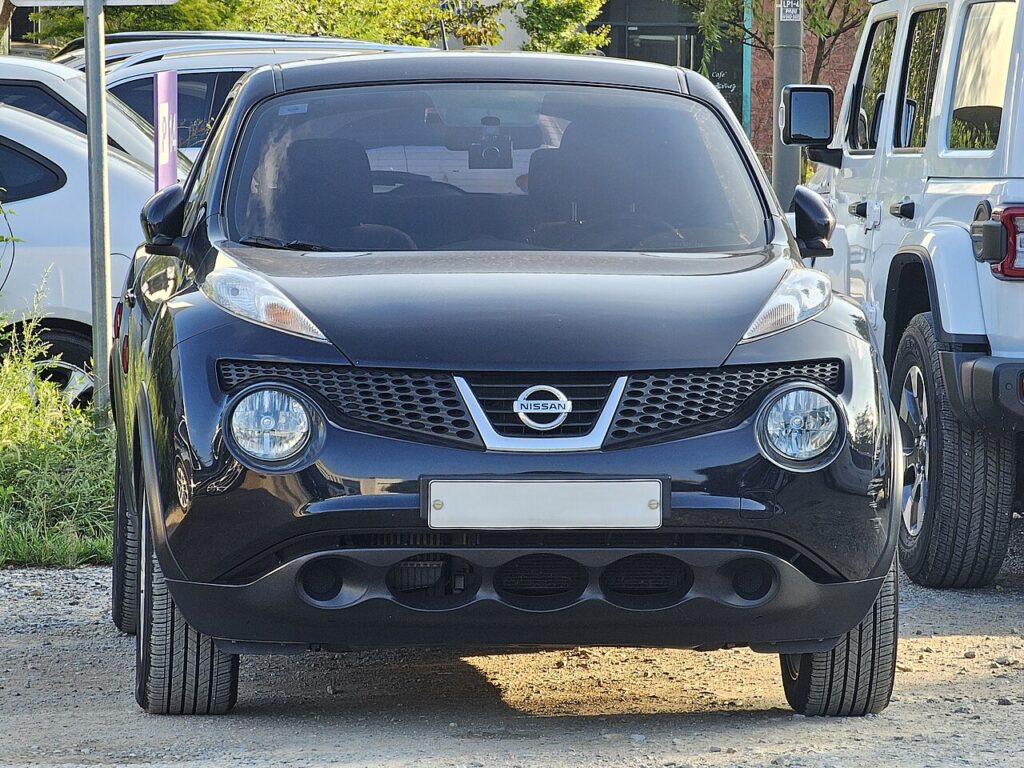
The system in this Juke
The F15 Juke shipped with two very different head units, so check which one you have before resetting:
- Base Visia cars: a button stereo with a small mono/segment display and no map — there is no touchscreen to freeze, so a sticky “screen” here is usually the radio display rather than NissanConnect.
- Acenta and above (most cars): the 5-inch NissanConnect colour touchscreen with the radio, Bluetooth and (on higher trims) navigation. This is the unit that freezes, and it reboots from the rotary power knob.
The reboot control is the Power/Volume knob — the round dial you press in to mute and turn to change volume. Holding it forces the module to power-cycle.
Soft reset (reboot the screen)
Park the Juke and leave the ignition on (engine running or in accessory mode) so the unit stays powered.
- Find the Power/Volume knob on the centre stack, next to the screen.
- Press and hold it in — keep pressing, do not just tap it.
- Hold for about 10 seconds until the screen goes black and the Nissan logo reappears.
- Release the knob; the system reloads on its own.
- Give it up to a minute before you expect the radio, Bluetooth and touch to respond again.
Safe — it loses no data
Holding the power knob to reboot does not erase your radio presets, paired phones or saved nav destinations. It simply reloads the software, the same as restarting a phone. You can repeat it as often as you need.
If it stays frozen
- Hold longer. If 10 seconds did nothing, try again and keep the knob pressed for 15–20 seconds.
- Cycle the ignition fully. Switch the car off, open the driver’s door, lock it and walk away for a few minutes so the module powers right down; then unlock and restart.
- Disconnect the 12V battery (last resort). On a totally dead screen, briefly disconnecting the negative battery terminal for a few minutes forces a hard power-down. Note this will also reset the clock and may need your radio code if one is set.
- Ask about a software update. Recurring freezes on the F15 are often a firmware issue; a Nissan dealer can flash the latest NissanConnect software.
Factory reset (erases data)
Only needed if you are selling the Juke or chasing a deep glitch the reboot will not clear. On the 5-inch NissanConnect screen open Settings → System → Factory Reset (wording varies slightly by model year) and confirm. This wipes paired phones, call history, presets and saved destinations back to factory defaults — so it is not the fix for an everyday freeze.
Frequently Asked Questions
Where exactly is the reset button on an F15 Juke?
There isn’t a separate reset button — you use the round Power/Volume knob beside the screen. Press and hold it in for about 10 seconds until the Nissan logo appears.
Will rebooting delete my Bluetooth pairings and presets?
No. Only the Factory Reset in the Settings menu clears them. The power-knob reboot keeps every pairing, preset and destination.
My base Juke has no touchscreen — how do I reset the radio?
On the button-stereo cars, hold the power button on the radio for about 10 seconds, or cycle the ignition. If the radio still shows nothing, briefly disconnecting the 12V battery will reset it.
Is it safe to drive with the Juke’s screen frozen?
Yes. The NissanConnect unit is separate from the engine and braking systems — you only lose media, phone and navigation. Reboot it when you are safely parked.
The screen keeps freezing every few days — is that normal?
Repeat freezes usually mean the infotainment firmware needs updating. Book the car in for the latest NissanConnect software; that resolves most chronic F15 lock-ups.
If a warning light or fault message stays on the dash after the reboot, the car may have stored a diagnostic trouble code — you can look it up on autodtcs.com.
Independent guide — not affiliated with Nissan. Always follow your official service manual and safety precautions. Read our full disclaimer.