These instructions apply to the Nissan Juke Mk1 (F15) 2010-2019.
For other models, please choose your vehicle here.
If the automatic Nissan Juke F15 (2010–2019) won’t come out of Park — the gear lever is stuck in “P” and won’t move even with your foot on the brake — there is a built-in emergency release you can operate from the cabin. It is meant for a flat battery or a shift-interlock fault, and gets the car moving (for example, to roll it off a driveway or onto a recovery truck). Here is the procedure.
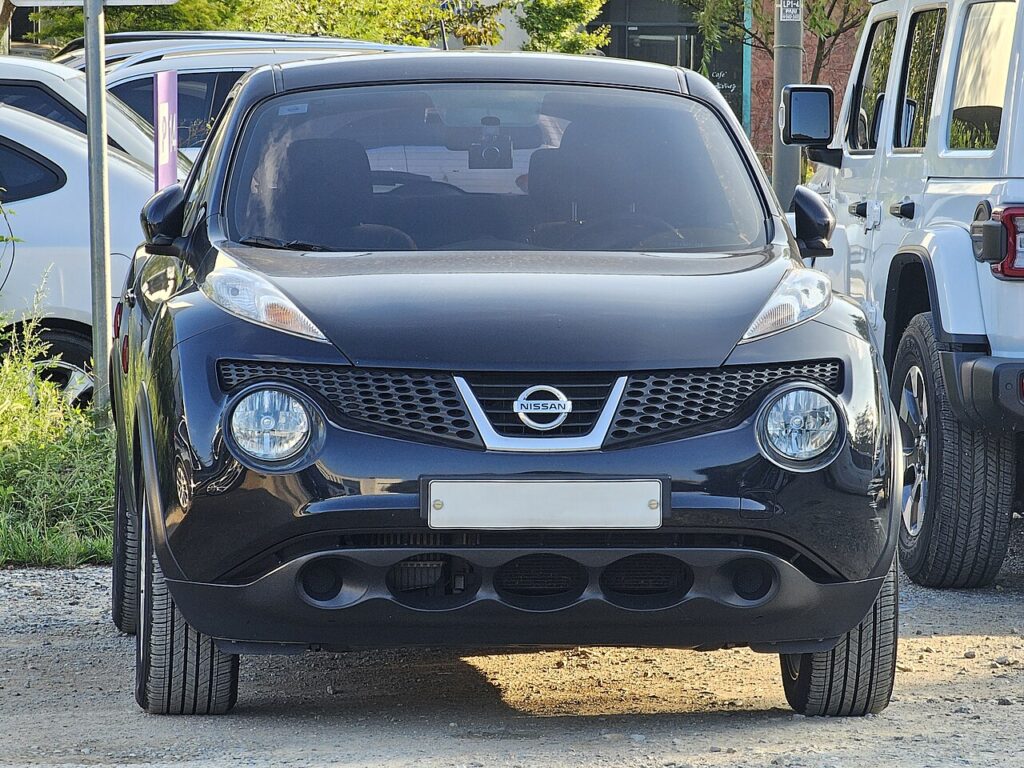
Getting Ready
Apply the parking brake or chock the wheels first. Releasing the lever from Park removes the transmission’s own parking lock, so the car can roll freely once it’s out of “P” — make sure it can’t move on its own. This is the right step when the lever genuinely won’t shift; if the brake-shift interlock works normally, you don’t need it.
Releasing the Lever from Park
- Insert the ignition key and make sure the ignition is OFF.
- Apply the parking brake (or confirm the wheels are chocked).
- Remove the gear-shift lock release button cover next to the selector.
- Insert a screwdriver into the access hole and press the unlock button.
- While holding it pressed, move the gear lever out of “P”.
- The lever is released; refit the cover afterwards.
Why the Lever Sticks in Park
- Flat or weak 12 V battery — the shift-interlock solenoid needs power to release; this is the most common cause.
- Blown interlock fuse or a failed brake-light switch — the system can’t confirm the brake is pressed.
- Selector or interlock fault — may log a diagnostic code.
Because a flat battery is the usual trigger, charging or jump-starting the Juke often restores normal shifting without needing the override again.
Frequently Asked Questions
Where is the shift-lock release on a Juke F15?
Beside the gear lever, under a small cover — remove it to reach the access hole and the release button inside.
Is it safe to release the lever from Park myself?
Yes, provided you apply the parking brake or chock the wheels first, since the car can roll once out of “P”.
Why won’t my Juke come out of Park?
Most often a flat 12 V battery, a blown interlock fuse, or a brake-light switch fault.
Will I keep needing the override?
No — if a flat battery caused it, charging the car usually restores normal shifting.
If the no-shift came with a warning light, a stored code can point to the cause — look it up on autodtcs.com.
Independent guide — not affiliated with Nissan. Always follow your official service manual and safety precautions. Read our full disclaimer.