These instructions apply to the Mazda CX-5 Mk2 (KF) 2017-2025.
For other models, please choose your vehicle here.
If the centre screen in your Mazda CX-5 (Mk2/KF, 2017–Present) has frozen, gone black, or stopped responding to the Commander dial, you can force the head unit to reboot yourself in under a minute — no garage, no tools, and without losing your presets or paired phones.
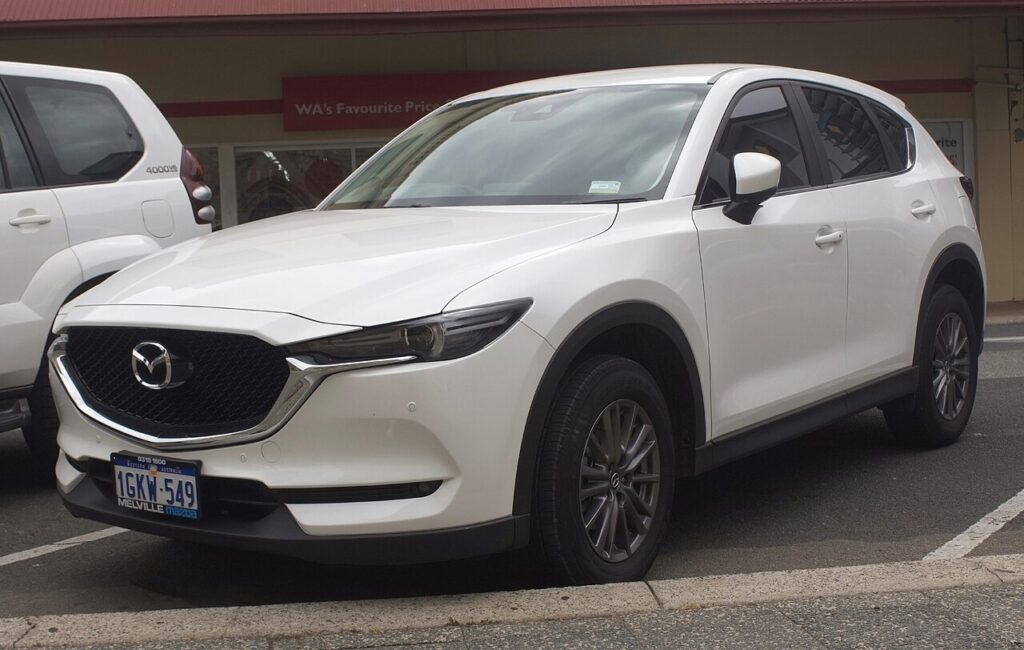
Which system the Mk2 CX-5 uses
The second-generation CX-5 launched on MAZDA CONNECT (first generation) — the 7-inch dash-top screen driven by the round Commander dial on the centre console, ringed by the Music/Back, Nav, Home and Favourites buttons, with a separate Volume/Power knob. (The wider, dial-only CONNECT 2 hardware only arrived on the later facelift; most KF CX-5s use the original CONNECT.) On CONNECT, the screen accepts touch only while parked. A freeze or black screen is a software lock-up, and a reboot clears it.
Soft reset (reboot) the screen
Do this parked, with the ignition in ACC or ON so the unit keeps power (the engine does not need to run).
- Locate three buttons around the Commander: Volume/Mute, Nav and Music (Back).
- Press and hold all three together.
- Keep holding for about 10 seconds, through any beep.
- The screen goes black and the Mazda logo appears — release the buttons.
- Allow up to a minute for the home screen to reload; audio and Bluetooth come back on their own.
If the three-button reach is awkward (or your facelifted car uses the wider CONNECT 2 layout), press and hold the Volume/Power knob for about 10–15 seconds instead until the unit restarts — that method works across both.
Will this erase anything? No
This reboot is safe. It does not wipe radio presets, navigation favourites, paired phones or settings — it simply restarts the software, like restarting a phone. Use it as often as the screen plays up.
If the screen stays frozen
- Hold longer. If 10 seconds did nothing, repeat and hold the three buttons (or the knob) for 15–20 seconds.
- Let the car sleep. Switch off, lock with the key and walk away five minutes so the electronics fully power down; then unlock and restart.
- Unplug your phone / USB. A hung CarPlay/Android Auto handshake or a corrupt music drive can freeze the unit — disconnect and reboot.
- Check for a software update. Mazda issued several CONNECT firmware versions for the Mk2 (including CarPlay-related fixes); a dealer can flash the latest.
- Pull the fuse (last resort). With the car off, remove the audio/infotainment fuse for 30 seconds and refit — check the manual’s fuse chart for the slot. Only if nothing else responds.
Factory reset (erases data — rarely needed)
A factory reset is separate from the reboot and only for selling the car or a deep glitch. From the home screen go to Settings → System → Factory Reset (“Restore Factory Settings” on some builds). It erases presets, paired phones and navigation history, so do it deliberately.
Frequently Asked Questions
Will I lose my radio presets or paired phone?
No. The reboot keeps every preset, favourite and Bluetooth pairing. Only the menu-driven factory reset clears them.
Does my CX-5 have CONNECT or CONNECT 2?
Earlier KF cars use the original 7-inch CONNECT with a touch-when-parked screen; the later facelift fitted the wider CONNECT 2 (dial-only). The volume-knob hold reboots either; the three-button combo is for the original CONNECT.
The screen froze right after a CarPlay connect — why?
A hung CarPlay/Android Auto handshake is a common Mk2 trigger. Use a known-good cable, reboot, and have the dealer apply the latest software if it recurs.
Is it safe to drive with the screen frozen?
Yes. The infotainment is separate from the engine, brakes and driver-assist sensors — you only lose audio and navigation. Reboot once safely parked.
Does the engine need to be running?
No. Ignition in ACC or ON powers the screen for the reboot; the engine can stay off.
If a warning light or fault message stays on the dash after the reboot, it may have stored a diagnostic trouble code — you can look it up on autodtcs.com.
Independent guide — not affiliated with Mazda. Always follow your official service manual and safety precautions. Read our full disclaimer.