These instructions apply to the Mazda CX-5 Mk2 (KF) 2017-2025.
For other models, please choose your vehicle here.
Your Mazda CX-5 Mk2 (KF, 2017–present) has Mazda’s i-stop system, which switches the engine off when you stop to save fuel. If you’d rather keep it running in traffic, there’s a dedicated button to turn it off. Here’s how, and why it sometimes won’t cut the engine.
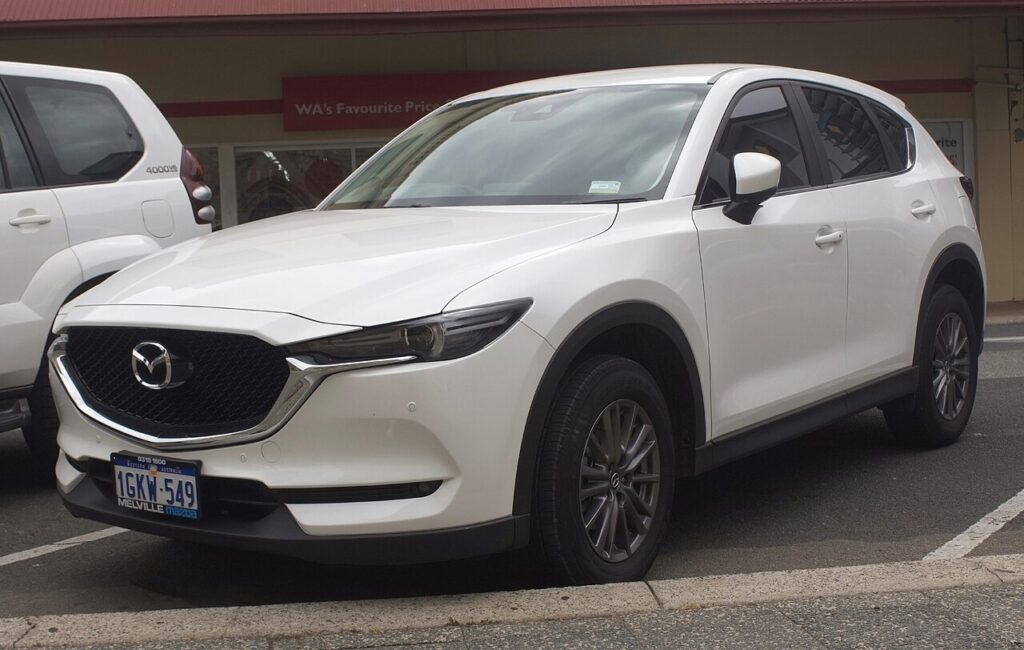
How i-stop Works on the CX-5
i-stop is unusually quick because it restarts by injecting fuel and firing a cylinder rather than just cranking. Brake to a stop (automatic) or stop and select neutral with the clutch up (manual) and the engine shuts off; press the brake/clutch and it restarts. It only operates once the engine is warm and the battery is healthy.
How to Switch It Off
- With the engine running, press the i-stop OFF button — marked “i-stop” with a circular arrow, on the dash near the steering wheel.
- A dash light confirms i-stop is off, and the engine idles normally at a stop.
How to Switch It Back On
Press the button again, or simply restart the car — i-stop defaults back on every time you switch the ignition off and on.
Why It Sometimes Won’t Activate
- The engine isn’t warm yet, or the climate system is demanding strong heating/cooling or demist.
- The battery charge is low — common after short trips or a battery change; i-stop is blocked to protect the battery.
- You’re on a slope, the steering is turned, or you haven’t fully stopped.
If it stopped working after a battery change, let the battery fully charge — see our CX-5 Mk2 battery guide.
Frequently Asked Questions
Does the CX-5 remember my i-stop setting?
No — it resets to on at every start. There’s no built-in option to keep it off.
Is it bad to keep using i-stop?
No — i-stop’s combustion restart is gentle on the starter and battery, and it skips stops when conditions aren’t right.
Why won’t the engine auto-stop?
Most often a cold engine, a low battery, or the climate system demanding the engine.
The i-stop light is flashing — is that a fault?
A flashing i-stop indicator can mean conditions aren’t met or the battery is low; if it persists, have it checked.
If a warning light appeared alongside the fault, look up the code on autodtcs.com. To clear a service reminder, see our CX-5 Mk2 service reset guide.
Independent guide — not affiliated with Mazda. Always follow your official service manual and safety precautions. Read our full disclaimer.