These instructions apply to the Volvo XC60 Mk2 (246) 2018-present.
For other models, please choose your vehicle here.
The second-generation Volvo XC60 (2017–Present), built on Volvo’s SPA platform, places almost every control — sat-nav, climate, media, phone, drive modes and vehicle settings — on one large portrait Sensus Connect touchscreen. Because so much depends on that single screen, a freeze, black-out or unresponsive display can feel like a major fault. It usually isn’t. You can soft-restart the centre display yourself in under a minute, with no loss of settings.
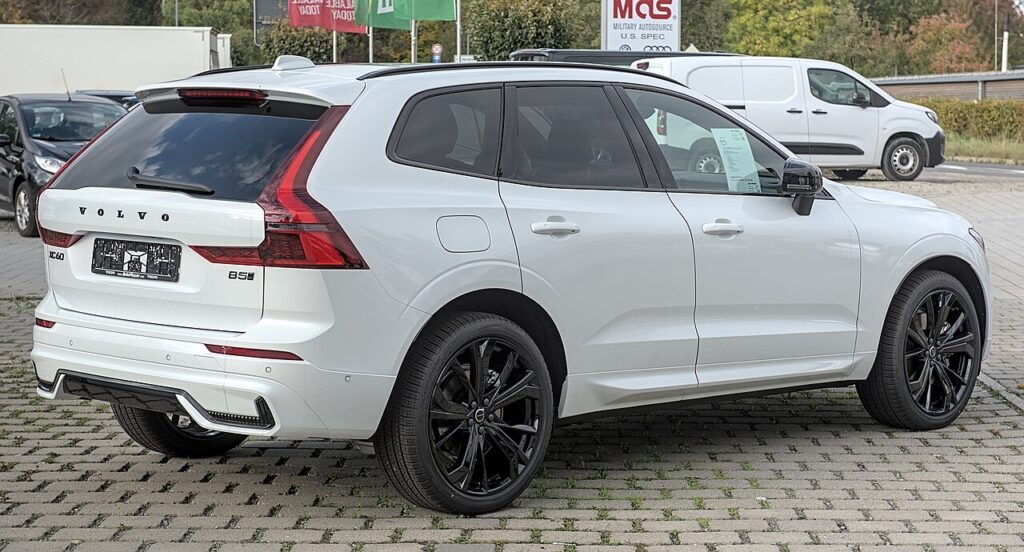
The infotainment system in this generation
This XC60 uses Sensus Connect, the portrait tablet-style display introduced with the XC90 and shared across Volvo’s SPA range. There is one physical home button on the dash directly below the screen; nearly everything else is touch-based. Freezes typically follow a software update, a very cold start, or a phone that won’t connect cleanly — and a reboot of the screen clears them.
How to restart the frozen screen (soft reset)
- Stop the car, select P and set the parking brake. The ignition can stay on.
- Press and hold the home button below the centre display.
- A cleaning-mode message may pop up after a few seconds — ignore it and keep holding.
- After about 20–30 seconds the screen goes blank. A badly hung screen can need a full 60 seconds.
- Release once the screen is black. The Volvo logo appears and Sensus reboots.
- Allow one to two minutes for everything to reload before setting off.
Is this safe? Will I lose anything?
It is completely safe and nothing is erased. Holding the home button only restarts the display software — paired phones, saved destinations, radio presets and your profile all survive. While the screen reloads, climate control and the parking-sensor display are briefly unavailable, which is why you should only do this parked, never on the move.
If it stays frozen
- Hold the full 60 seconds. Don’t release at the cleaning-mode message or at 20 seconds if the logo hasn’t shown yet.
- Sleep the car. Park, lock it and leave it for around 30 minutes so the system powers right down, then unlock and recheck.
- Software update. The SPA Sensus has documented black-screen and reboot bugs that Volvo addressed in later software — ask your workshop whether an update is available.
- 12V battery disconnect. As a last resort, disconnecting the 12 volt battery for about 30 minutes forces a hard electronic reset.
Factory reset (erases your data)
A factory reset is only for selling the car or curing a permanently corrupted system. Open the settings tab, then Settings → System → Factory data reset. This wipes paired phones, saved places, accounts and all personal preferences, restoring the as-delivered state. It is not required to clear a normal freeze, so reserve it for genuine handover or deep faults.
Frequently Asked Questions
How long do I hold the home button on the XC60?
Around 20–30 seconds for a normal freeze, and up to 60 seconds if the screen is severely locked. Keep holding until the display goes fully black and the Volvo logo appears.
The screen entered cleaning mode — did I do it wrong?
No. Cleaning mode is normal when you first hold the button; it just disables the touchscreen. Carry on holding past that message until the screen blacks out and reboots.
Will I lose my sat-nav favourites and paired phone?
No. A home-button restart keeps all saved data, paired devices and settings. Only a deliberate factory data reset removes them.
My XC60 Sensus keeps rebooting on its own — is that the same fix?
Spontaneous reboots and black screens are a known SPA Sensus software fault. A manual restart helps short term, but the real cure is the latest Volvo software update — have your dealer check the level fitted to your car.
Can I reboot the screen while driving?
No. The home-button restart briefly disables climate and parking displays, so only do it with the car stopped and in Park.
If a dashboard warning light appears at the same time as an infotainment glitch, our sister site autodtcs.com explains what the stored diagnostic trouble codes mean.
Independent guide — not affiliated with Volvo. Always follow your official service manual and safety precautions. Read our full disclaimer.