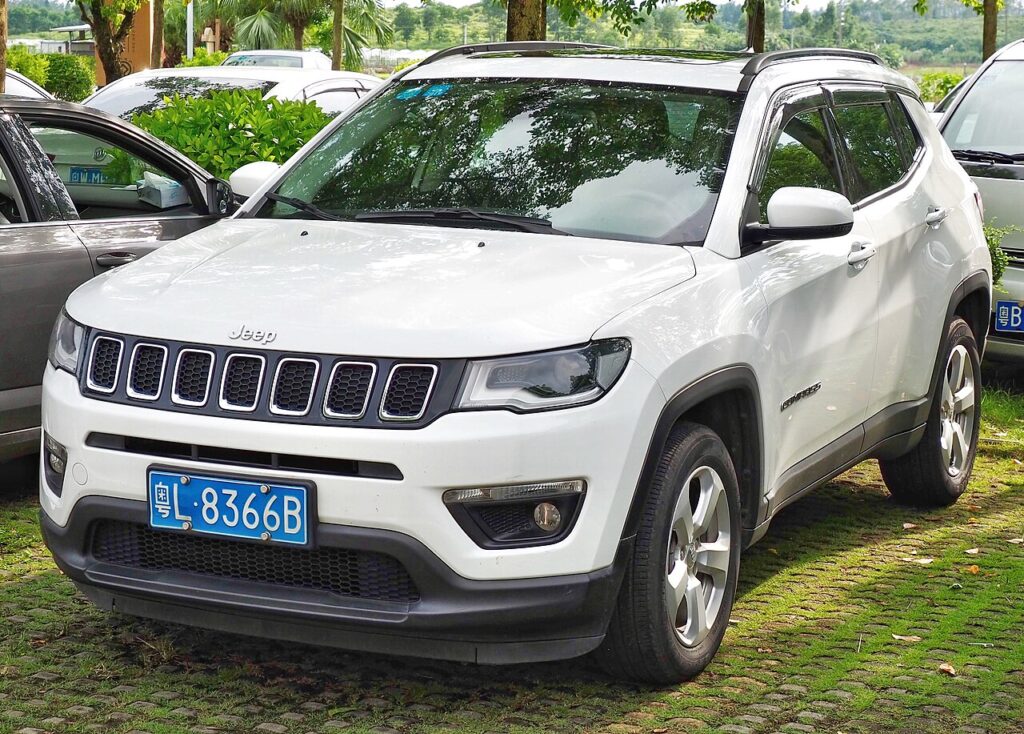
These instructions apply to the Jeep Compass Mk2 (MP) 2017-Present.
For other models, please choose your vehicle here.
If the touchscreen in your Jeep Compass (MP, 2017–Present) has frozen on the Jeep logo, gone black, or stopped responding to taps, you can force the Uconnect head unit to reboot from the driver’s seat in under a minute. The standard soft reboot keeps every paired phone, preset and setting — nothing is erased.
Which Uconnect is in your Compass MP
The second-generation Compass (MP/552 platform) shipped with two different systems depending on build year:
- Uconnect 4 / 4C (2017 to roughly 2021, 7.0in or 8.4in) — has a real volume knob on the left and a tuner knob on the right. This is the version that reboots with the two-knob hold.
- Uconnect 5 (2022 facelift onward, 8.4in or 10.1in glass panel) — capacitive screen, no tuner knob. Reboot uses the volume buttons held together.
Look at your faceplate: two rotary knobs means Uconnect 4; a slim glass display means Uconnect 5.
Soft reset — Uconnect 4 (knobs)
- Put the Compass in Park and turn the ignition to RUN (press Start without pressing the brake to reach RUN on keyless cars).
- Press and hold the volume knob and the tuner knob simultaneously.
- Hold for 10 to 20 seconds — do not release early.
- The display flashes the Jeep logo and goes dark. Let go of the knobs.
- Wait roughly 30–60 seconds for the full reboot before touching the screen.
Soft reset — Uconnect 5 (glass screen)
- With the car in Park and ignition in RUN, press and hold Volume Up and Volume Down together for about 12–15 seconds.
- Release when the screen shows “Restarting…” or blanks, then let it boot back up.
This is safe — no data loss
The two-knob (or two-button) reboot is the factory soft reset. It restarts only the infotainment software. Bluetooth pairings, your phone book, radio presets, Apple CarPlay / Android Auto settings and display preferences all survive. The procedure does not touch any saved data.
If it stays frozen
- Repeat the hold and count a full 20 seconds — the single most common reason it “doesn’t work” is releasing too soon.
- Switch the Compass fully off, open the driver’s door, wait 2–3 minutes so the module powers down, then restart.
- On Uconnect 4 you can also try holding the Phone and Voice Recognition buttons together for ~30 seconds in RUN/ACC mode.
- Check for a pending Uconnect software update — an interrupted OTA update is a known cause of repeated MP freezes.
- Last resort: pull the radio fuse for 30 seconds, or disconnect the negative battery terminal for 15 minutes.
Factory reset (erases your data)
Use only if a soft reboot will not hold. This wipes pairings, presets and personalised settings.
- Uconnect 5: tap More / Settings → Reset → Restore Factory Defaults on the touchscreen and confirm.
- Uconnect 4: press and hold the temperature Up and Down buttons together for about 5 seconds until a service menu opens, then select Reset to Factory Settings and wait ~30 seconds.
Frequently Asked Questions
Does the knob reset erase my settings on the Compass MP?
No. The two-knob soft reboot keeps Bluetooth pairings, presets and preferences. Only a factory reset clears them.
My 2022 Compass has no tuner knob — how do I reboot it?
That is the facelift Uconnect 5. Hold Volume Up and Volume Down together for about 12–15 seconds. The tuner-knob method only works on the earlier Uconnect 4 cars.
Why does my Compass screen go black then come back by itself?
Self-rebooting usually means a software fault or a low 12V battery. Check for a Uconnect update and have the battery load-tested if the car is a few years old.
Can I reboot Uconnect while driving the Compass?
Do it parked. The screen and reversing camera blank during the restart, so you do not want it happening on the move.
The Phone + Voice Recognition button trick — when do I use that?
It is an alternative soft reset for Uconnect 4 when the knob method is ignored, for example if a knob is faulty. Hold both for about 30 seconds in RUN or ACC mode.
If a dashboard warning light appeared at the same time as the screen glitch, identify the trouble code at autodtcs.com before assuming the fault lies with the infotainment unit.
Independent guide — not affiliated with Jeep. Always follow your official service manual and safety precautions. Read our full disclaimer.