These instructions apply to the Maserati Levante (M161) 2016-2024.
For other models, please choose your vehicle here.
When the central touchscreen on your Maserati Levante (M161, 2016–present) freezes — the map locked, the Maserati Touch Control unresponsive, or the picture stuck on the logo — you can reboot it yourself in well under a minute. The Levante’s MTC+ system is built on the FCA Uconnect platform, so the reset combinations are the familiar Fiat-Chrysler ones. There is one Levante-specific wrinkle worth knowing: the 8.4-inch Uconnect units fitted to 2017–2019 cars are known for screen delamination, which can look like a freeze but is not fixable by a reset.
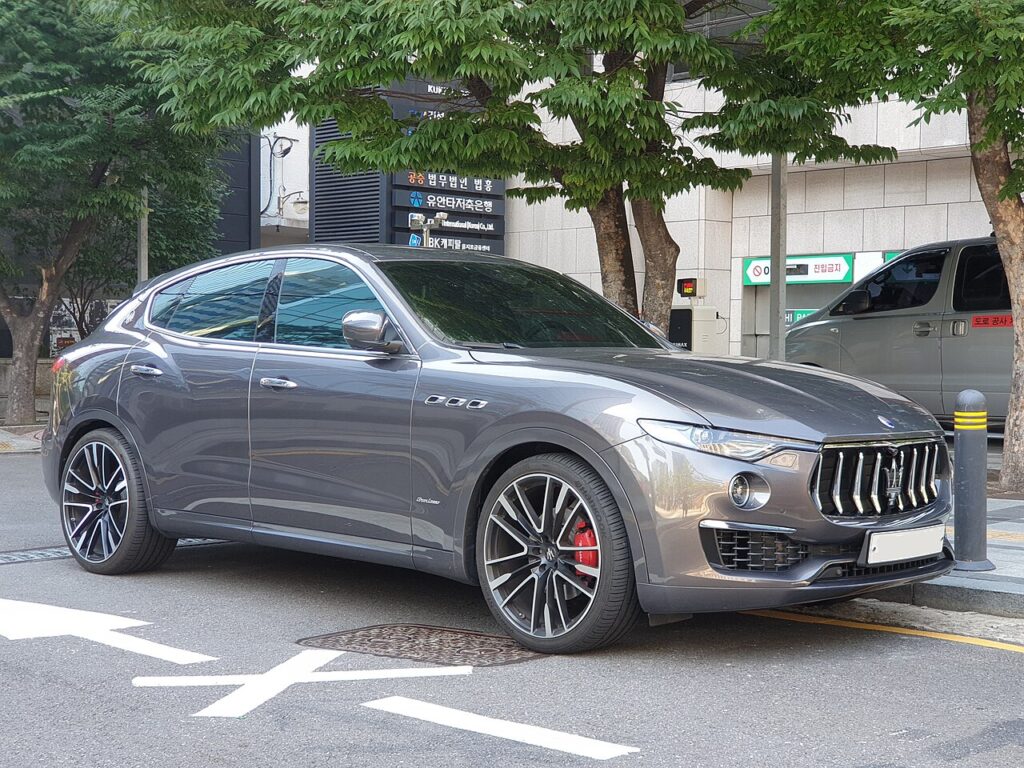
What system you are dealing with
The Levante launched with the 8.4-inch Maserati Touch Control Plus (MTC+), an FCA Uconnect-based head unit under a Maserati skin, and later cars moved to larger, faster Uconnect-derived screens. All of them respond to the standard Uconnect reset combinations. A frozen image is usually a software hang in the head unit and a reboot clears it — but on early cars it pays to rule out the hardware delamination issue first (see below).
Soft reset: reboot the touchscreen
Start here — it loses no data.
- Turn the ignition to Run (engine running is best, so battery voltage stays steady) and leave the car in Park.
- Press and hold the volume knob and the tuner/menu knob at the same time.
- Hold both for 10–20 seconds.
- The screen flashes the Maserati logo, then goes dark.
- Wait for the logo to reappear — the system has rebooted and reloads your settings automatically.
If your Levante has a single volume control rather than two knobs, press and hold the volume knob alone for more than 20 seconds until the screen blacks out and restarts.
Is this safe? Will I lose anything?
Yes, it is safe and erases nothing. Paired phones, navigation favourites, presets, and your audio and comfort settings all survive a reboot — the reset restarts only the infotainment software and leaves stored data untouched. It has no effect on the engine, transmission, all-wheel-drive, or any safety system, and you can do it parked with the engine running.
If it stays frozen
- Use the engineering-menu route: with the car in Run, press and hold the red (temperature up) and blue (temperature down) climate buttons together for about 8 seconds until a service/engineering menu appears, then select Reset Radio or the equivalent reset entry.
- Switch the ignition fully off, open the driver’s door, and let the car sleep for 10–15 minutes so the head unit powers down, then restart.
- Check the 12 V battery — a weak battery dipping voltage at start-up is a frequent cause of repeated freezes and reboot loops on the Levante.
- Rule out screen delamination on 2017–2019 cars: if the touch layer is lifting, separating, or the touch response is dead in patches rather than the whole image being frozen, that is a physical fault that no reset will cure — it needs a screen or unit replacement.
Factory reset (erases data)
If the unit is corrupted rather than simply hung, a full power-down clears its volatile memory: disconnect the 12 V battery (the Levante’s battery is in the boot, on the right-hand side), wait 10–15 minutes, then reconnect to force a cold rebuild of the Uconnect software. Expect the clock and some presets to reset afterwards, and the windows may need a one-touch re-initialisation. A menu-driven restore that wipes paired phones and personal data — returning the head unit to factory state — is done from the Settings menu where the option exists, or by a Maserati dealer using the FCA diagnostic system if the menu is unreachable.
Frequently Asked Questions
Is my Levante screen frozen or delaminated? A frozen screen shows a stuck image that a reboot recovers. Delamination — common on 2017–2019 8.4-inch units — shows as a lifting or bubbling touch layer or dead patches, and a reset will not fix it; the unit needs repair or replacement.
Will the reset disconnect my paired phone? No. The volume-and-tuner reboot keeps all Bluetooth pairings and presets. Only a full factory restore removes them.
Why does the Levante freeze after sitting for a few days? A long standstill lets the 12 V battery drift low, and the Uconnect unit is sensitive to voltage at wake-up. Test the battery if it keeps happening.
Can I reset it while driving? No. Always stop, leave the car in Park with the ignition in Run, then reset.
It reboots but freezes again right away — what now? Repeated freezing usually means low battery voltage or a unit that needs a software update or repair. Have the battery tested, and on early cars check for delamination before assuming a software fault.
If a dashboard warning light appeared alongside the screen freeze, look the code up first on autodtcs.com to find out whether the two are related before booking work.
Independent guide — not affiliated with Maserati. Always follow your official service manual and safety precautions. Read our full disclaimer.