These instructions apply to the Chevrolet Spark Mk2 (M300) 2010-2016.
For other models, please choose your vehicle here.
If the screen in your Chevrolet Spark (M300, 2010–2016) has frozen, blanked, or stopped answering taps, you can force the radio to reboot yourself in under a minute — without tools and without losing your presets. Which method you use depends on which head unit your Spark came with, because the early cars had no touchscreen at all.
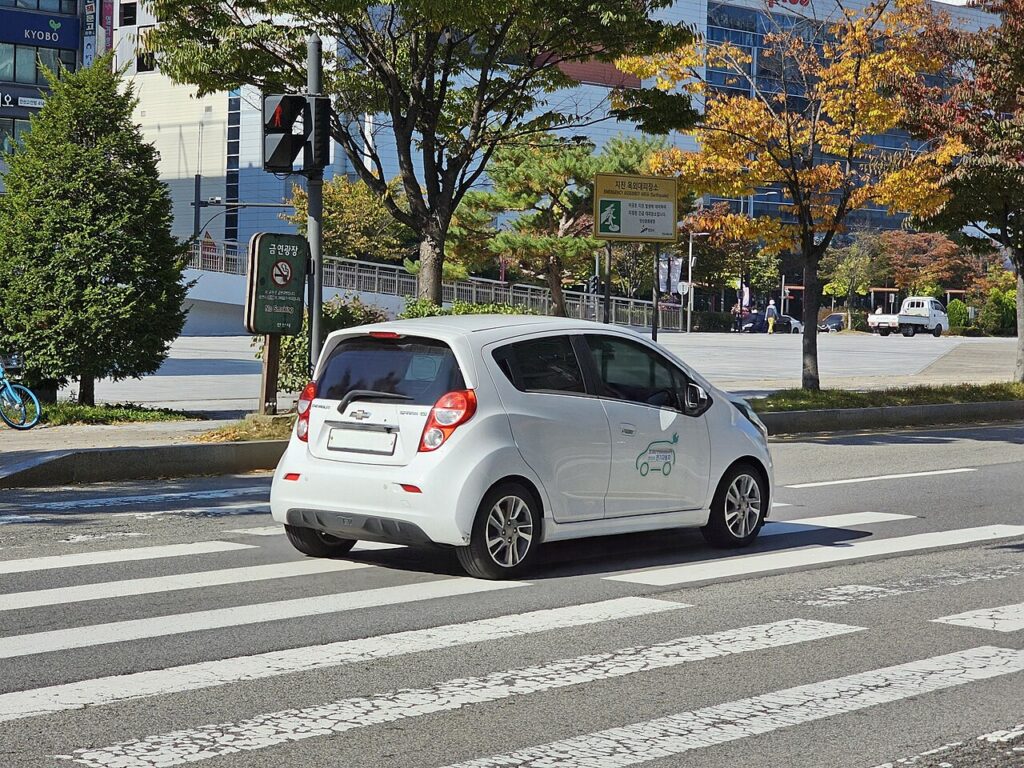
Which screen is in your Spark
- 2010–2012 (early M300): a basic radio with a small mono display and physical buttons. No touchscreen here — a locked-up radio is fixed with the fuse-pull below.
- 2013–2016: the Spark was one of the first small Chevrolets to get the 7-inch MyLink colour touchscreen (offered on LT trims), with smartphone app integration and Bluetooth. This is the unit that actually freezes and that the button reboot is for.
A frozen MyLink is almost always a software lock-up inside the radio module — the car drives normally while the display sticks. You reboot it with the hard buttons on the unit, since the touchscreen won’t respond while it’s frozen.
Soft reset (reboot) the MyLink screen
Park the Spark and keep the ignition in the ON/accessory position so the radio stays powered.
- Find the Power/Volume knob on the MyLink unit (its centre is the on/off press).
- Press and hold that knob for about 10–15 seconds. On some 7-inch MyLink units the reboot is instead Home + Seek-forward (>>) held together for ~10 seconds.
- Keep holding until the screen goes black and the Chevrolet logo reappears.
- Release and allow up to a minute for the software to reload before touch and audio respond.
Safe — it loses no data
This reboot does not erase your presets, paired phones or MyLink settings — it simply reloads the software. Repeat it as often as you need; nothing saved is at risk.
If it stays frozen
- Hold longer. If a 10-second hold did nothing, retry for a full 20–30 seconds.
- Cycle the ignition fully. Switch off, open the door, lock the car and walk away for a few minutes so the radio powers right down, then restart.
- Pull the radio fuse (reliable last resort). With everything off, remove the radio/infotainment fuse — the fuse-box lid (engine bay or dash end) lists it as “RADIO” or “INFO”. Wait 30–60 seconds and refit it to force a hard power-down.
- Disconnect the battery briefly. If you cannot find the fuse, disconnecting the negative terminal for a minute does the same thing.
Factory reset (erases data)
Only do this if a recurring glitch survives a normal reboot, or you are selling the car. On the MyLink touchscreen open Settings and choose Restore / Return to factory settings. This wipes paired phones, presets, favourites and personal settings back to factory defaults — jot down what you want to keep first.
Frequently Asked Questions
Does my Spark have MyLink?
Only the 2013–2016 LT cars with the 7-inch colour touchscreen do. If your Spark has a small mono radio with physical buttons, there is no touchscreen to reboot — use the fuse method instead.
Will the reboot delete my presets or paired phone?
No. Only the factory reset in Settings clears them. The button reboot keeps everything saved.
The MyLink screen is black and the knob hold does nothing — what now?
Pull and refit the radio fuse, or briefly disconnect the negative battery terminal, to force a full power-down. If it still won’t light up, the unit may have a backlight or hardware fault — a known weak point on early Spark MyLink units.
Is it safe to drive with the screen frozen?
Yes. The radio is separate from the engine and brakes, so you only lose audio and phone functions. Reboot when safely parked.
A dash warning light is on after the reboot — connected?
No, they’re unrelated. A light that stays on may point to a stored fault code — look it up on autodtcs.com.
If a warning light or fault message stays on the dash after the reset, the car may have logged a diagnostic trouble code — you can decode it on autodtcs.com.
Independent guide — not affiliated with Chevrolet. Always follow your official service manual and safety precautions. Read our full disclaimer.